Description
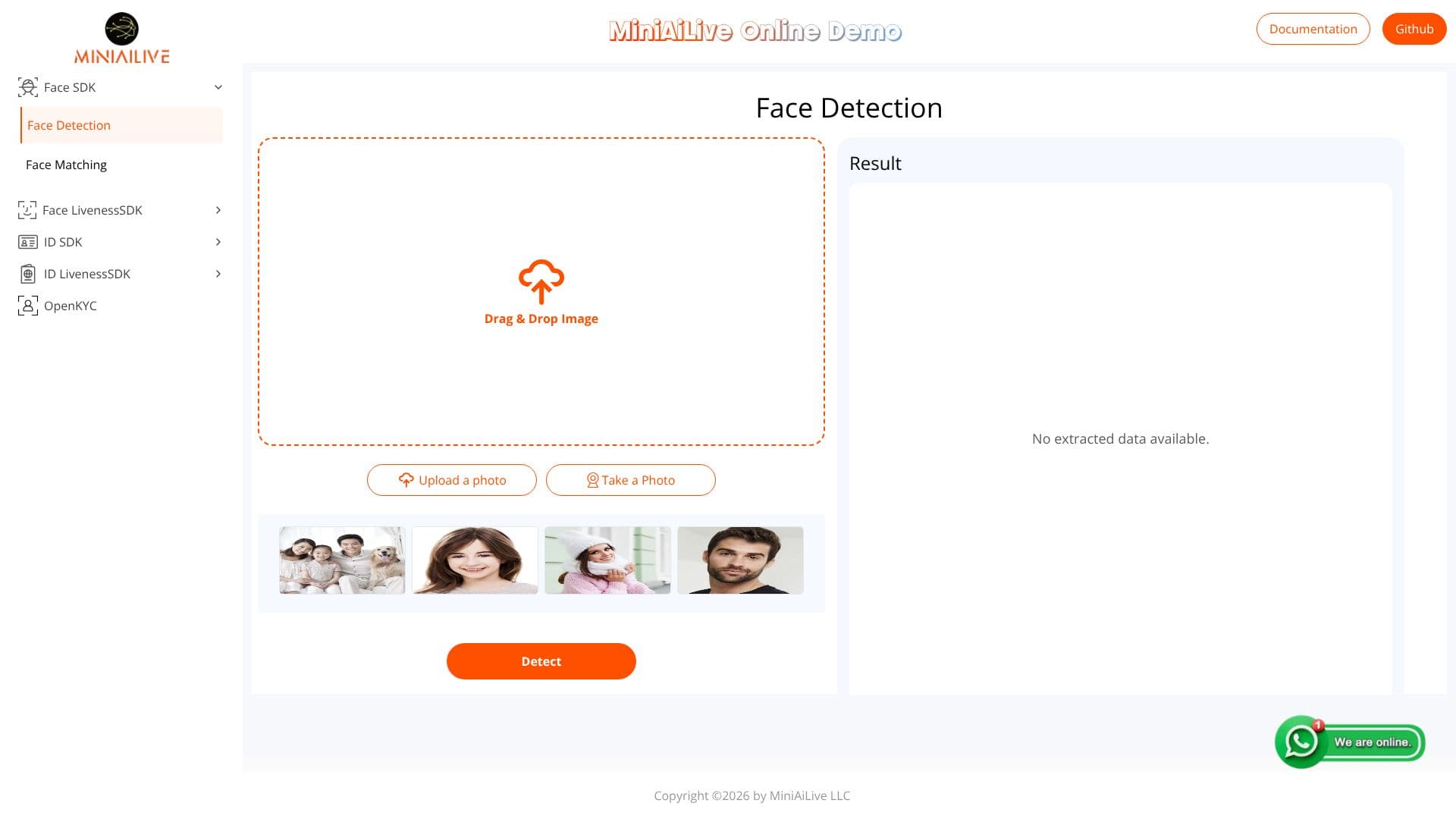
The Face Detection tool by MINIAILIVE is a powerful online demo showcasing the capabilities of their advanced Face SDK. This application is designed to perform precise facial detection on uploaded or captured images. Users can interact with the tool by simply uploading a photo or taking a new one using their device's camera.
Read More
Once an image is processed, the tool identifies and extracts relevant facial data. This includes the ability to detect faces within the image, providing a clear result of the detection process. The underlying technology is part of MINIAILIVE's comprehensive SDK suite, which also includes Face Matching, Face Liveness, SDK ID, and OpenKYC functionalities, suggesting a broader platform for identity verification and biometric solutions.
The demo serves as a practical demonstration of the accuracy and speed of MINIAILIVE's face detection algorithms. It is particularly useful for developers and businesses looking to integrate facial recognition into their applications or workflows. The intuitive drag-and-drop interface for image uploads further simplifies the user experience, making it accessible even for those without extensive technical expertise.
MINIAILIVE aims to provide reliable and efficient AI-driven solutions for identity management and security. This Face Detection demo is a testament to their commitment to delivering cutting-edge technology that can be easily tested and evaluated. The availability of documentation and a GitHub repository indicates a focus on transparency and developer support, encouraging adoption and integration of their SDKs.
- CategoryComputer Vision Tools
- Pricing ModelFree
- DeploymentCloud
- PlatformsWeb
Face Detection's Core Features
Face Detection from uploaded images
Face Detection from captured photos
Drag & Drop image upload functionality
Real-time detection results display
Part of a comprehensive Face SDK
Includes Face Matching capabilities
Supports Face Liveness detection
Offers SDK ID functionality
Integrates with OpenKYC solutions
Online demo for practical testing
User-friendly interface
How to use Face Detection?
Upload Image: Drag and drop an image file or use the upload button.
Take Photo: Use the 'Take a Photo' option to capture an image with your camera.
Detect Face: The tool automatically processes the image to detect faces.
View Result: Examine the 'Detect Result' to see the outcome of the face detection.
Face Detection's Use Cases
- Image Analysis
- Identity Verification
- Application Integration
- Biometric Testing
- Data Extraction