
Description
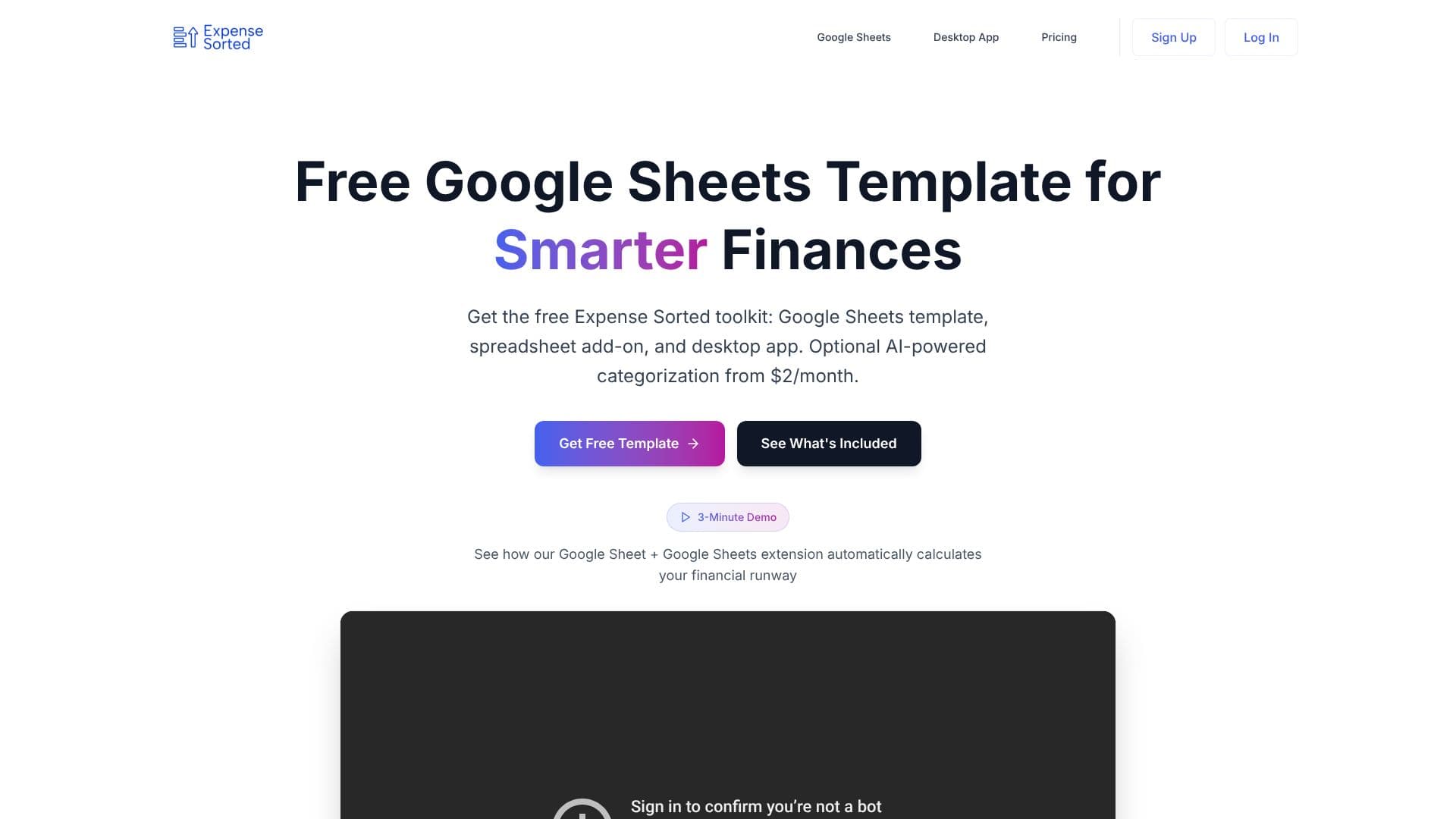
ExpenseSorted's current product is Expense Sorted Local, a desktop expense tracker for Mac and Windows built around AI agents rather than a standalone app interface. Instead of a dashboard you log into, you export a CSV from your bank, drop it into Expense Sorted Local, and then talk to an AI agent, such as Claude, ChatGPT or Cursor, to categorize spending, build dashboards and ask questions about your money. Anyone who previously paid for the company's Google Sheets Pro template or its Chrome extension already gets Pro access on the new app.
Read More
The company argues that AI chat tools alone aren't reliable for this job: a year of bank transactions doesn't fit in a chat's context window, so a chatbot will carefully categorize the first few dozen rows of a CSV and then start guessing at the rest. Expense Sorted Local runs a small machine-learning model directly on the user's computer that learns their merchants and categorizes every transaction the same way, every time, and exposes that categorized data to the AI agent through MCP (Model Context Protocol) tools, so the agent has a complete, correctly labeled database to answer from.
Setup involves three steps: export and import a bank CSV, with no bank login or third-party account aggregator involved; store the transactions in a local database on the user's own machine; and connect an AI agent once to start asking questions like 'categorize my spending' or 'where did my money go?'. The company says no bank credentials or transaction data leave the user's computer.
Local Pro costs $49 as a one-time lifetime license after a 14-day free trial with no credit card required, and includes local AI categorization, semantic search across transactions, the MCP tools for AI agents, and licenses for macOS and Windows. Expense Sorted also still offers a free Google Sheets expense-tracking template and a Sheets-based investment tracker for people who want a lighter, browser-only alternative. The product is aimed at individuals who want their financial data to stay on their own device while still using an AI agent to handle the bookkeeping.
- CategoryPersonal Finance Assistants
- Pricing ModelFreemium
- DeploymentCloud, Desktop
- PlatformsGoogle Sheets, Mac, Windows
ExpenseSorted's Core Features
Bank CSV import with no bank login or third-party account aggregator
Local machine-learning model that learns your merchants and categorizes transactions consistently
MCP tools that expose your categorized transaction data to Claude, ChatGPT or Cursor
Semantic search across transactions by meaning, not just keyword
All transaction data stored in a local database on your own machine
macOS and Windows desktop app
One-time lifetime license after a 14-day free trial
Free Google Sheets expense-tracking template as a lighter alternative
Google Sheets investment tracker for importing broker statements
How to use ExpenseSorted?
Export a bank CSV: Download a transaction export from your bank.
Import it into Expense Sorted Local: Drop the CSV into the desktop app.
Let the local model categorize: The on-device model sorts transactions by merchant.
Connect your AI agent: Link Claude, ChatGPT or Cursor once via MCP.
Ask questions: Query your agent for things like 'where did my money go this month?'
ExpenseSorted's Use Cases
- Private expense categorization
- AI-agent bookkeeping
- Investment tracking
- Budget planning with Sheets