
Description
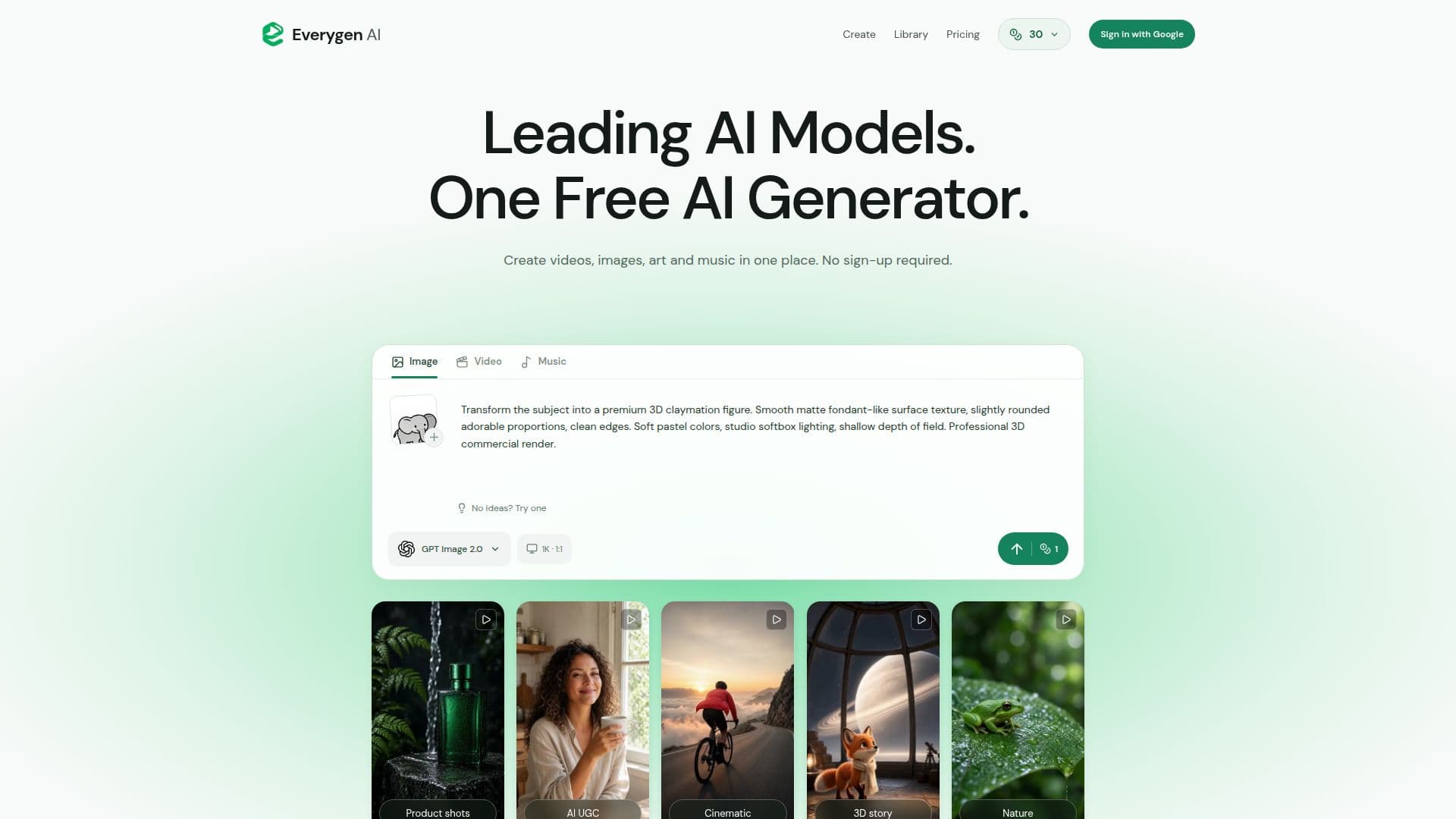
Everygen AI Studio is an independent creation platform that allows users to generate AI videos, images, and music directly from their browser. The studio offers a straightforward workspace where users can start with a prompt, choose from available AI models, and create their own media. It supports video, images, and music generation, providing editable prompt templates and compatible reference media.
Read More
New users receive welcome credits without needing to sign in, and additional daily credits are available for signed-in accounts. The platform operates on a freemium model, with optional memberships offering benefits like priority access, more simultaneous creations, and extended storage periods. Memberships are billed annually or monthly, with different tiers providing varying levels of access and features.
Everygen AI Studio is not affiliated with the Everygen product at everygen.ai, which was formerly known as Viewmax. This studio operates independently, with its own accounts, generation limits, and model access. Users can explore product scenes and advertising concepts, but commercial use requires reviewing model terms and rights to reference images and other media.
The platform supports uploading PNG, JPEG, and WebP images, as well as MP4, MOV, MP3, and WAV files, when the selected model supports them. Users are encouraged to upload only media they have permission to use. Failed generations return reserved credits, and purchased credits do not expire, while daily and promotional rewards have a 24-hour validity.
Everygen AI Studio aims to grow its community by offering free access early on, with plans to support the service through ads, partnerships, and premium services. It provides a creative workspace for users to experiment with AI-generated content, making it suitable for various creative and commercial projects.
- CategoryAI Video Generators
- Pricing ModelFreemium
- DeploymentBrowser
- PlatformsWeb
Everygen AI Studio's Core Features
AI video generation
AI image creation
AI music composition
Free daily credits
Editable prompt templates
Reference media support
Commercial use options
Independent operation from Everygen.ai
How to use Everygen AI Studio?
Choose a model: Select from available AI models
Describe your scene: Use prompts to define your project
Generate content: Create videos, images, or music
Download and edit: Save and refine your creations
Everygen AI Studio's Use Cases
- YouTube Shorts
- Product Ads
- Music Composition
- Image Generation
- Video Storytelling