


Description
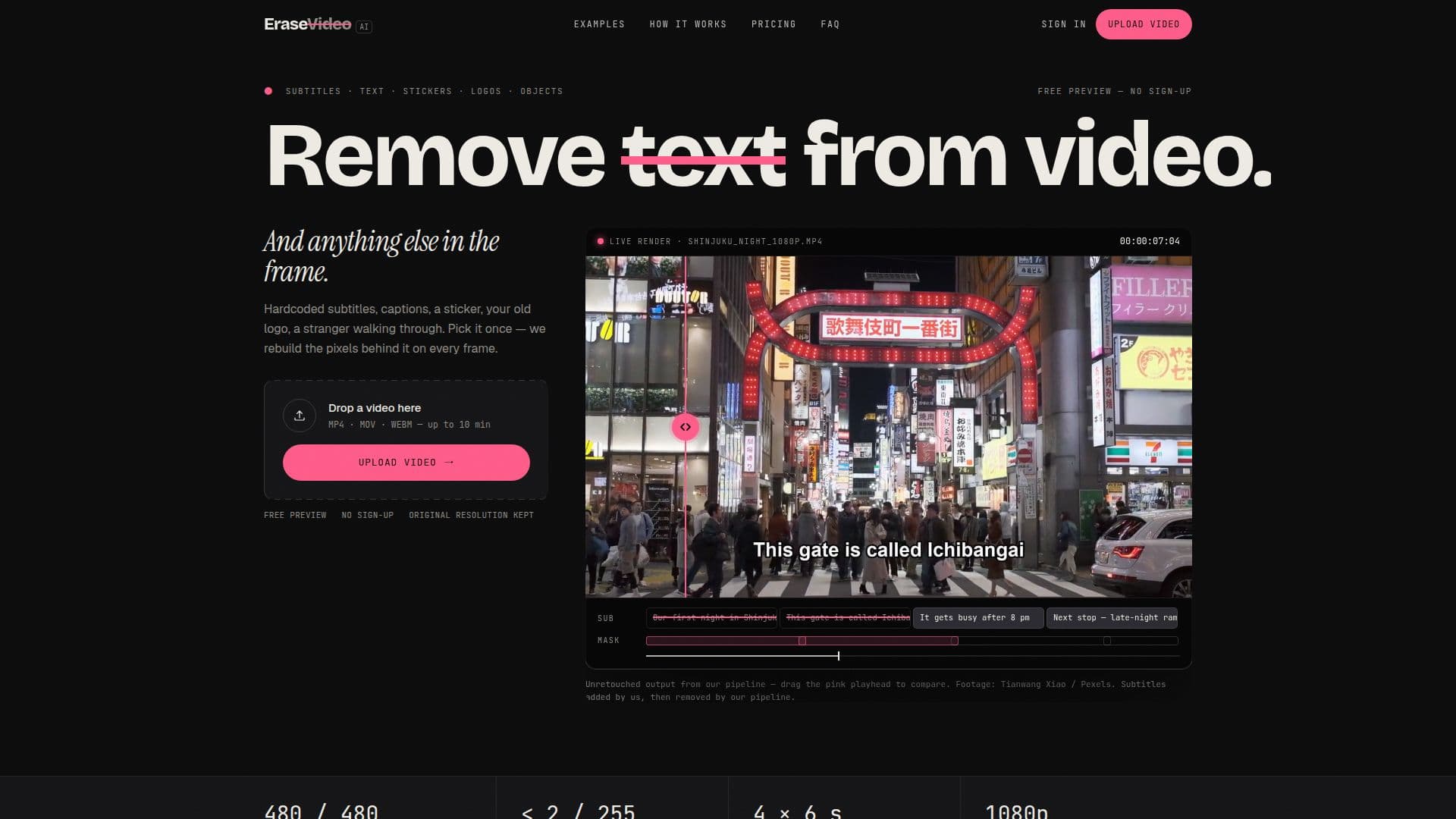
EraseVideo AI is an online tool designed to remove hardcoded elements such as subtitles, captions, stickers, logos, and other unwanted objects from videos. It operates by rebuilding the pixels behind the masked areas on every frame, ensuring that the rest of the video maintains its original quality and resolution, and the audio track remains untouched.
Read More
The process is straightforward: users upload their video clip (MP4, MOV, WEBM, up to 10 minutes), and the tool automatically detects lines of text, proposing boxes for removal. Users can then untick elements they wish to keep or draw custom boxes over objects. A free preview is available without requiring an account, allowing users to see one cleaned frame before committing to a full render.
EraseVideo AI is particularly useful for creators who need to re-edit old videos, remove old captions, or update branding by eliminating previous logos or handles. It also supports re-subbing translations by clearing old subtitles before new ones are added. The tool handles complex cases like text over faces or moving objects, though results are generally better on plain or slow backgrounds.
Pricing is credit-based, charged per second of video. Standard definition costs 1 credit per second, while HD costs 3 credits per second. Credits are valid for 12 months, and new accounts receive 20 free credits. Failed renders are automatically refunded. The tool processes videos by splitting them into six-second segments that render in parallel, significantly reducing processing time. Users can close their browser tab while the rendering is in progress.
EraseVideo AI emphasizes ethical use, stating that it is intended for footage owned or licensed by the user. It explicitly refuses to assist in removing other creators' watermarks or logos, or marks indicating AI-generated content, aligning with its terms of service.
- CategoryAI Video Generators
- Pricing ModelCredit-based
- DeploymentCloud
- PlatformsWeb
EraseVideo AI's Core Features
Remove hardcoded subtitles and captions
Remove stickers, logos, and objects from video
Reconstructs masked pixels frame by frame
Preserves original video resolution and audio
Free preview available without sign-up
Automatic text detection for easy selection
Customizable bounding boxes for object removal
Supports MP4, MOV, WEBM video formats
Processes videos up to 10 minutes in length
Parallel rendering of video segments for speed
Pay-per-second credit-based pricing model
Credits valid for 12 months
Automatic refunds for failed renders
New accounts receive 20 free credits
Ethical use policy against removing others' watermarks
How to use EraseVideo AI?
Upload Video: Drop your MP4, MOV, or WEBM clip (up to 10 minutes) onto the platform.
Select Elements: Let the tool detect text lines, then tick the ones you want to remove or draw boxes over objects.
Preview Results: Get a free preview of one cleaned frame without needing to sign up for an account.
Render Video: Initiate the rendering process to rebuild the pixels behind the selected elements frame by frame.
Download Clean Video: Receive your video back at its original resolution with the unwanted elements removed and audio preserved.
EraseVideo AI's Use Cases
- Re-editing Old Videos
- Re-subbing Translations
- Brand Updates
- Removing Accidental Additions
- Object Removal