


Description
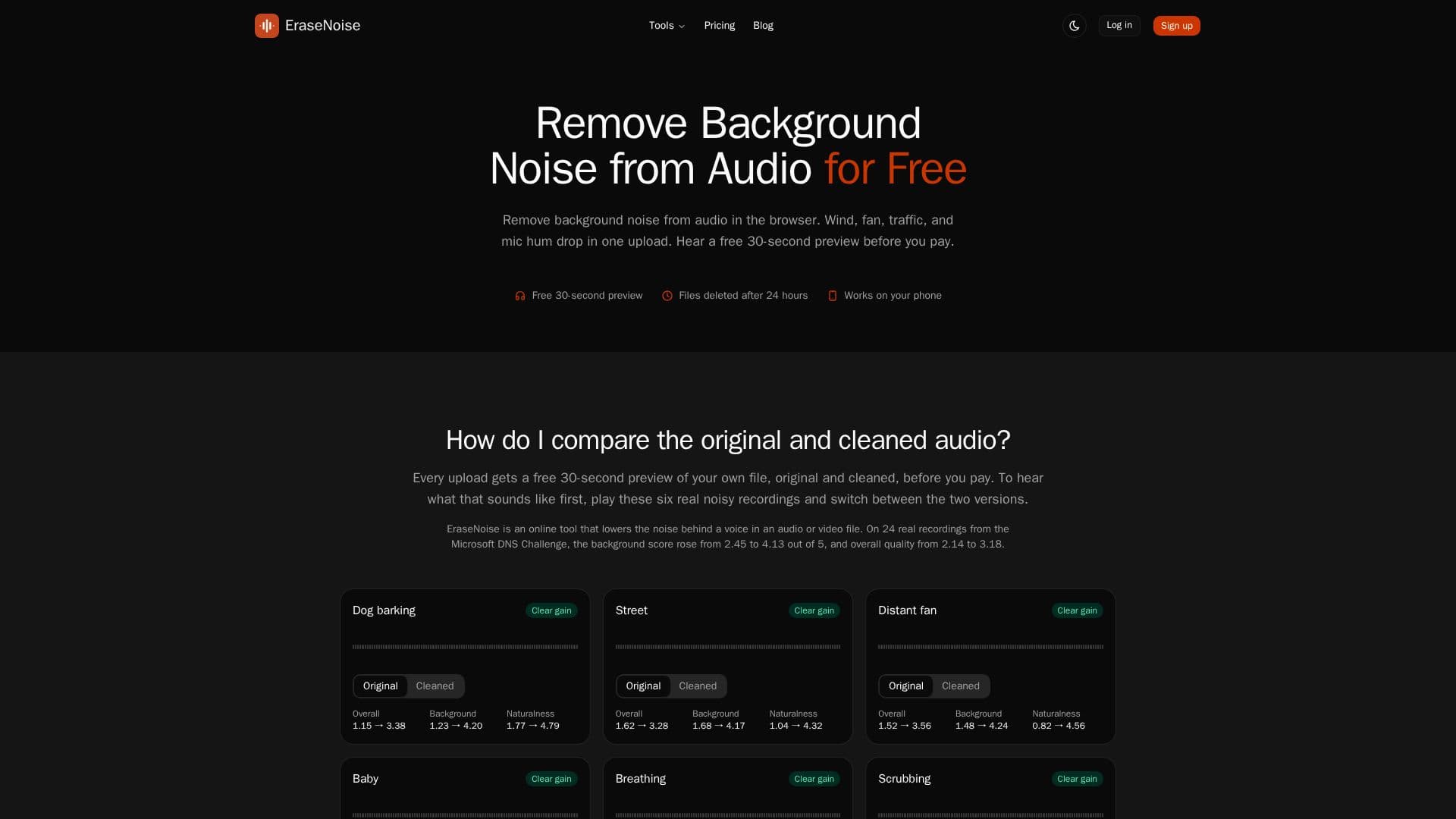
EraseNoise is an online service designed to remove background noise from audio and video files directly in your browser. It specializes in cleaning up noise such as wind, fans, traffic, and hum from speech recordings. Users can upload their files and listen to a free 30-second preview of the cleaned audio before deciding to download the full version. The tool supports a range of audio formats including MP3, WAV, M4A, AAC, OGG, Opus, and FLAC, as well as video formats like MP4, MOV, M4V, and WebM.
Read More
The platform operates on a freemium model, offering free previews and a variety of paid plans for full-length downloads. Users can choose from a Pro monthly plan at $9.99 per month, a Pro yearly plan at $95.88 per year, or pay-as-you-go options such as a 1 Hour Pack for $2.99 or a 5 Hour Pack for $9.99. Each plan provides different levels of processing time, with the Pro plan including 20 hours of processing per month.
EraseNoise is particularly useful for podcasters, video creators, and anyone needing to clean up audio recordings. It is accessible via desktop and mobile browsers, requiring no software installation. Uploaded files are automatically deleted after 24 hours to ensure privacy and security.
The tool's effectiveness is demonstrated through its performance on real recordings from the Microsoft DNS Challenge, where it significantly improved background scores and overall audio quality. However, it may not be suitable for removing noise from live calls or for separating vocals from music tracks. EraseNoise is distinct from other noise removal tools and is not affiliated with similar-sounding services.
- CategoryAI Audio Editors
- Pricing ModelFreemium
- DeploymentCloud
- PlatformsBrowser
EraseNoise's Core Features
Free 30-second preview
Supports multiple audio and video formats
Freemium pricing model
Files deleted after 24 hours
No software installation required
Pro plan includes 20 hours of processing per month
Pay-as-you-go options available
Effective noise reduction for speech recordings
How to use EraseNoise?
Upload: Select your audio or video file
Preview: Listen to a 30-second cleaned sample
Compare: Evaluate the original and cleaned audio
Download: Purchase and download the full cleaned file
EraseNoise's Use Cases
- Podcast Cleanup
- Video Soundtrack
- Lecture Recordings
- Interview Audio
- Remote Meetings