Description
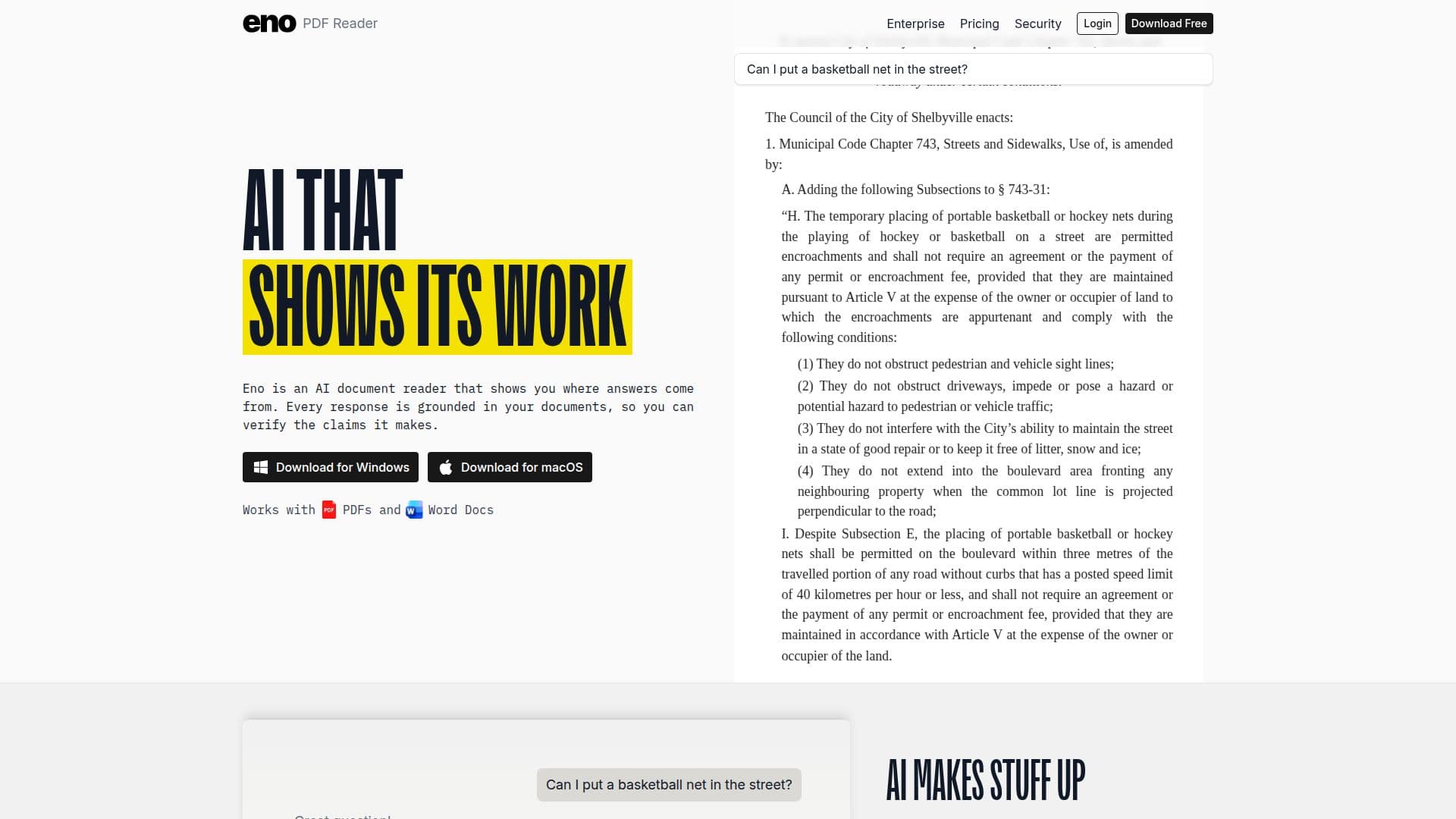
Eno PDF Reader is a desktop application that leverages AI to enhance the document reading experience. It is specifically designed for professionals such as lawyers, academics, engineers, and real estate professionals who deal with large collections of complex documents. Eno's AI technology surfaces exact passages from documents, allowing users to verify the accuracy of information directly from the source material. Unlike other AI tools that provide vague citations, Eno emphasizes an evidence-based approach by showing the exact text behind every answer.
Eno is available for both Windows and macOS platforms and can be downloaded for free. Users receive 1,000 free credits upon signing up, which can be used for AI searches. The application supports searching across multiple PDFs and large document collections, making it efficient for indexing large folders of documents in seconds. Eno also includes built-in OCR capabilities, enabling it to handle scanned PDFs with ease.
The pricing model for Eno is credit-based, with no subscription required. Users can purchase additional credits as needed, with a typical search costing between 50 to 100 credits. Credits expire one year from the purchase date, and the basic PDF viewing and text search features do not require credits.
Eno's security features are robust, with zero cloud storage and zero data retention policies. The application runs locally on the user's computer, ensuring that documents remain secure. Eno uses Google models for AI processing, and snippets of documents are sent to Eno servers for analysis. However, both Eno and Google adhere to strict zero data retention policies, ensuring that user data is not stored or used for training AI models.
Eno integrates with Clio Manage, allowing users to pull documents directly from a matter into Eno for analysis. This integration is particularly beneficial for legal professionals who need to answer complex legal questions with AI support. Eno's architecture ensures complete data control, with enterprise-grade security available to all users.
Eno PDF Reader's Core Features
AI-powered document reading
Exact passage extraction
Evidence-based AI approach
Desktop application for Windows and macOS
Built-in OCR for scanned PDFs
Credit-based pricing model
Zero cloud storage
Integration with Clio Manage
How to use Eno PDF Reader?
Download: Install Eno on your computer
Configure: Set up your document workspace
Use: Run AI searches to extract passages
Optimize: Purchase additional credits as needed
Eno PDF Reader's Use Cases
- Legal research
- Academic research
- Contract analysis
- Real estate documentation
- Engineering documentation