Description
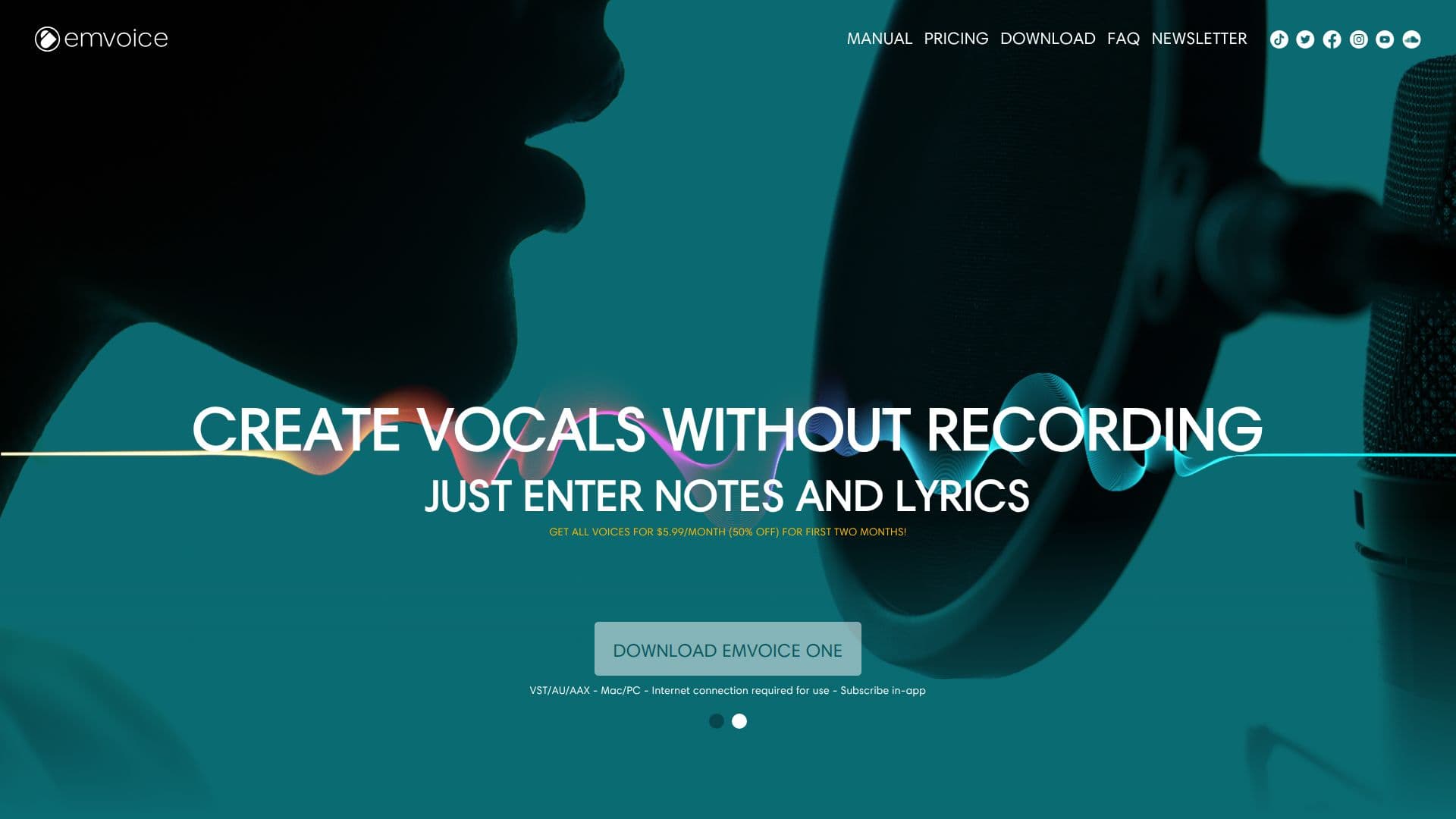
Emvoice One is a next-generation vocal synthesizer plugin designed to bring realism to vocal synthesis. It allows users to create vocals without the need for recording by simply entering notes and lyrics. This plugin supports VST, AU, and AAX formats, making it compatible with a wide range of digital audio workstations.
Read More
Emvoice One offers a variety of dynamic AI voices, each with unique characteristics. Users can choose from voices like Serena, a soulful and intense voice, Madison, a breathy and airy pop singer, Andre, a high-energy male voice for pop and hip hop, and Keela, a well-known pop and EDM powerhouse. The plugin also includes Lucy, a soft and light female vocalist, and Jay, a male voice suited for pop and rock.
The plugin is praised for its simplicity and effectiveness, allowing artists to sketch ideas and demonstrate concepts without a singing background. It has been used by artists and producers from major labels like Universal, Warner, and Sony, and has been featured in tracks by well-known musicians.
Emvoice One is available for a subscription of $5.99 per month, with a 50% discount for the first two months. This pricing model makes it accessible for both amateur and professional music creators. The plugin is particularly beneficial for those who do not have access to vocalists or recording equipment, offering a new realm of musical possibilities.
- CategoryAI Music Generators
- Pricing ModelSubscription
- DeploymentCloud
- PlatformsVST, AU, AAX
Emvoice One Vocal Synthesizer's Core Features
Realistic vocal synthesis
Multiple dynamic AI voices
VST/AU/AAX plugin formats
Note and lyric input
Subscription pricing model
Compatible with major DAWs
Expressive vocal options
Simple user interface
How to use Emvoice One Vocal Synthesizer?
Download: Get the Emvoice One plugin
Install: Add to your digital audio workstation
Configure: Select a voice and enter notes
Create: Input lyrics to generate vocals
Optimize: Adjust pitch and pronunciation
Emvoice One Vocal Synthesizer's Use Cases
- Music Production
- Demo Creation
- Songwriting
- Sound Design
- Educational Use