
Description
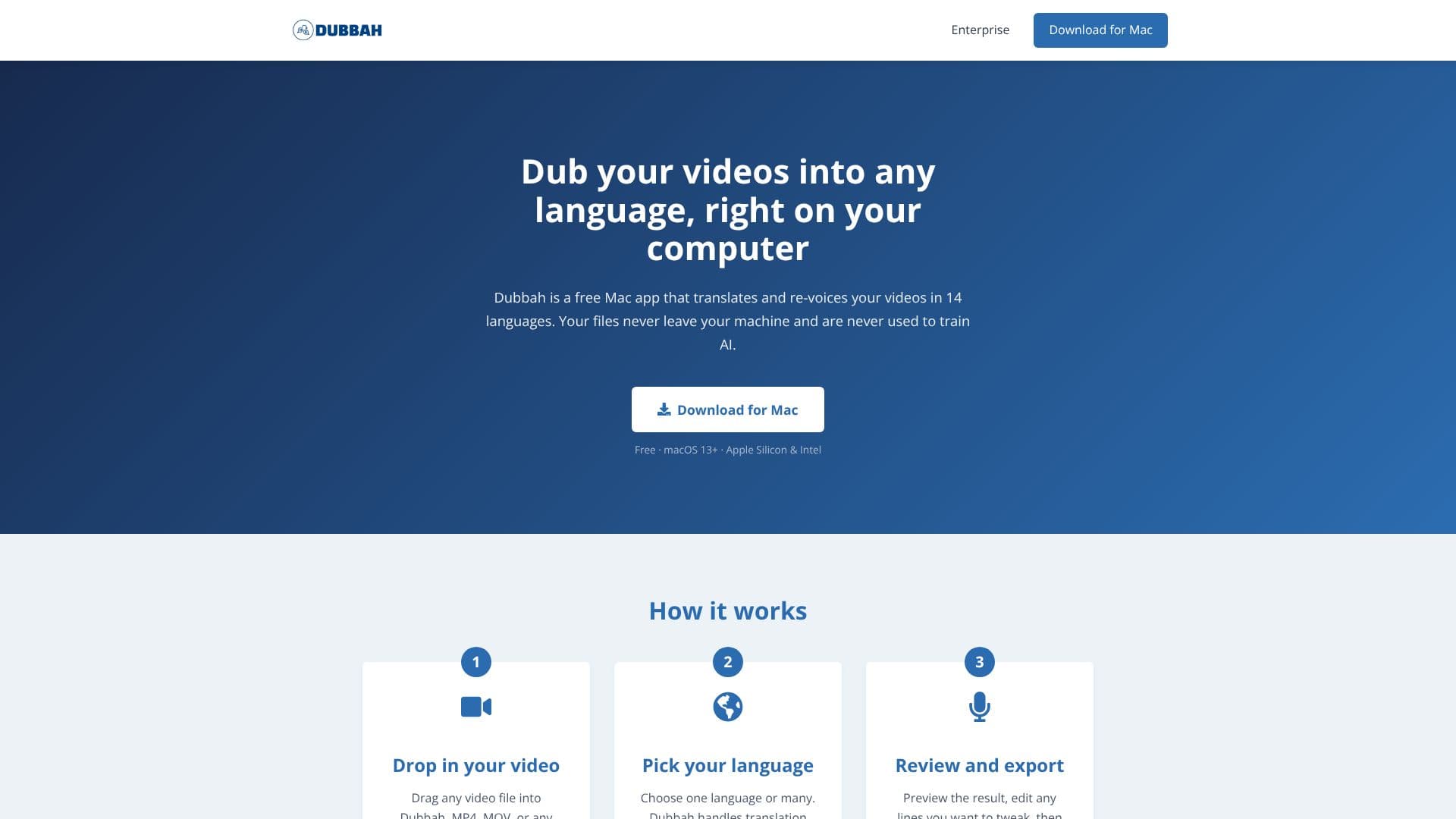
Dubbah offers a powerful yet simple solution for video creators looking to expand their reach globally. This free Mac application allows users to translate and re-voice their video content into 14 different languages, all directly on their personal computer. A key benefit of Dubbah is its commitment to user privacy; your video files never leave your machine and are never utilized to train AI models, providing a secure and private dubbing experience.
Read More
The process is designed for ease of use, broken down into three straightforward steps. First, users simply drag and drop any common video file format, such as MP4 or MOV, into the Dubbah application. Second, they select their desired target language or multiple languages from the available options. Dubbah automatically handles the translation and voice matching to ensure a natural-sounding output. Finally, users can review the dubbed video, make any necessary edits to specific lines or timing, and then export the finished product.
Dubbah supports a comprehensive list of 14 languages, including Spanish, Mandarin, Hindi, Arabic, Japanese, French, German, Korean, Portuguese, Italian, Polish, Turkish, Tamil, and English. A standout feature is its voice cloning capability, which aims to match the original speaker's voice in the target language, creating a more authentic and less robotic feel for the dubbed content. Furthermore, users have full editing control, allowing them to review each translated line, adjust wording, modify timing, or even re-generate individual segments to achieve the perfect result.
Designed for creators on the go, Dubbah operates offline after the initial setup, making it ideal for dubbing videos on planes, sets, or any location without an internet connection. It requires no account, sign-up, email, or login, allowing users to download the app and start dubbing immediately. The application is completely free, with no subscriptions, per-minute fees, or hidden costs, enabling unlimited video dubbing. Dubbah is compatible with macOS 13+ and supports both Apple Silicon and Intel processors.
- CategoryAI Subtitles & Dubbing
- Pricing ModelFree
- DeploymentDesktop
- PlatformsmacOS
Dubbah's Core Features
Translate and re-voice videos in 14 languages
Local processing ensures file privacy
Voice cloning for natural-sounding dubs
Full editing control over translated lines
Offline functionality after initial setup
No account or login required
Completely free with no hidden costs
Supports MP4, MOV, and common video formats
Preview and export finished videos
Works on macOS 13+
Supports Apple Silicon and Intel processors
How to use Dubbah?
Drop in your video: Drag any video file into Dubbah.
Pick your language: Choose one or multiple target languages.
Review and edit: Preview the result and tweak any lines.
Export your video: Save your newly dubbed video.
Dubbah's Use Cases
- Global Content Distribution
- Educational Video Localization
- Marketing and Advertising
- Personal Video Sharing
- Independent Filmmaking
- Corporate Communications