
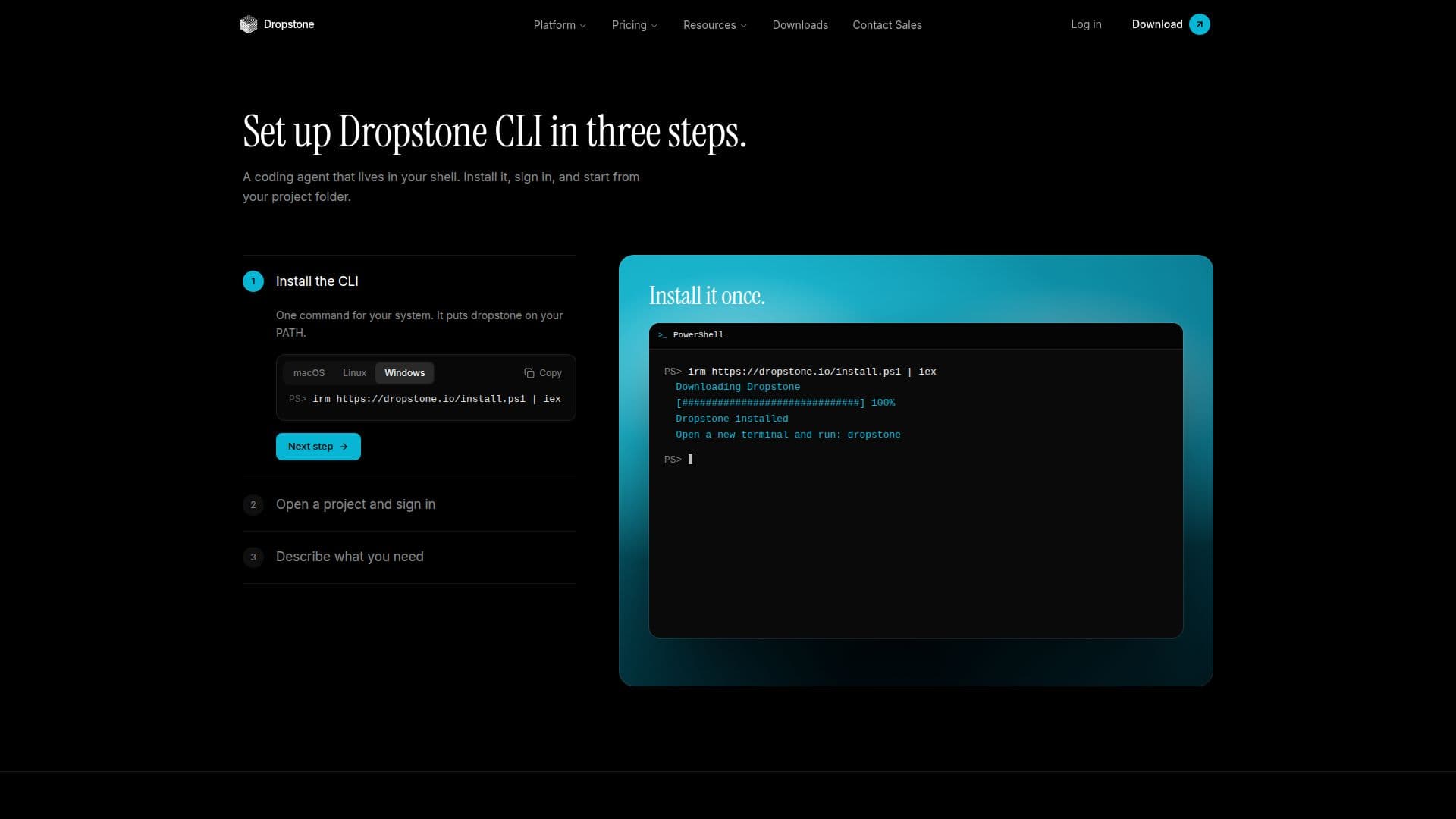
Description
Dropstone CLI is a powerful coding tool designed to operate within your terminal, offering developers a seamless way to refactor, debug, and execute code. It integrates an AI agent with memory capabilities that follow your account across various platforms, including chat, the CLI, and IDEs. This tool is particularly beneficial for developers who prefer working in a command-line environment, as it allows for long-context refactors and multi-file edits.
Read More
One of the standout features of Dropstone CLI is its approval-first execution model, which ensures that every action proposed by the AI agent requires user approval before execution. This approach enhances security by treating model outputs as untrusted text until explicitly approved by the user. The CLI supports various operating systems, including Windows, macOS, and Linux, and can be used over SSH or on servers without a browser.
Dropstone CLI is available across different pricing tiers, including a free plan that provides essential features for starting coding projects. Higher usage plans, such as Pro and Max, offer additional capabilities like advanced contextual understanding and larger working context windows. The tool is designed to integrate seamlessly with popular platforms like GitHub and GitLab, allowing users to automate tasks and manage projects efficiently.
The tool's memory feature ensures that user preferences are remembered across sessions, providing a personalized coding experience. Additionally, Dropstone CLI offers organization controls such as roles, policies, and audit logs, making it suitable for enterprise environments. With its robust security architecture, Dropstone CLI guarantees zero data retention on managed inference, ensuring user data privacy.
- CategoryAI Coding Assistants
- Pricing ModelFreemium
- DeploymentCloud
- PlatformsWindows, macOS, Linux
Dropstone CLI's Core Features
Terminal-based coding tool
Long-context refactors
Multi-file edits
Approval-first execution
AI agent with memory
Supports Windows, macOS, Linux
Integrates with GitHub and GitLab
Zero data retention
How to use Dropstone CLI?
Install: Download and install Dropstone CLI
Sign in: Authenticate using your Dropstone account
Configure: Set up your project and preferences
Use: Start coding and executing commands in the terminal
Dropstone CLI's Use Cases
- Code Refactoring
- Multi-file Editing
- Secure Execution
- Project Automation
- Cross-platform Development