


Description
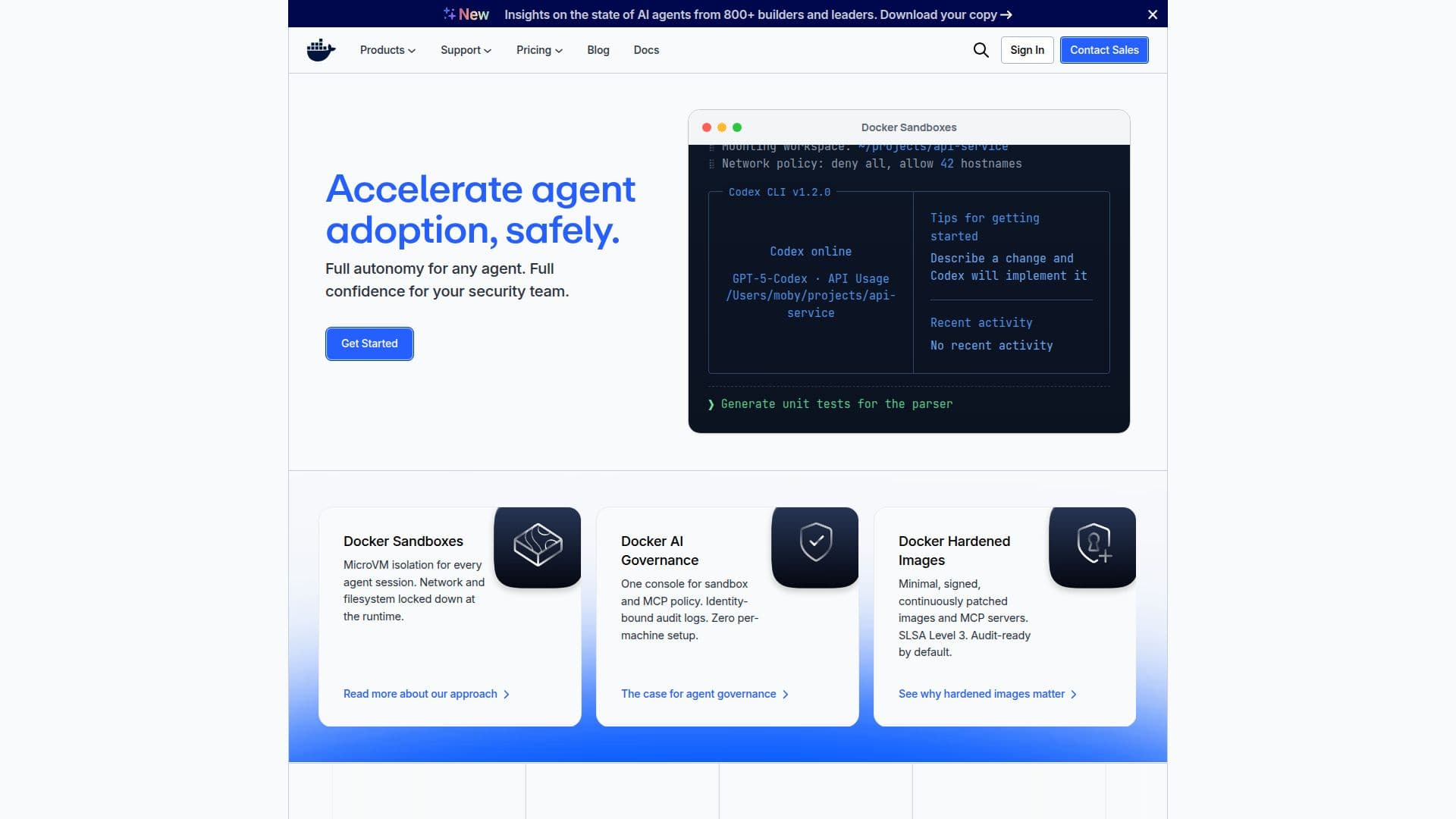
Docker is a comprehensive platform designed to streamline the development, sharing, and execution of container applications. It alleviates the complexities of setup, enabling developers to concentrate on coding. Docker Hub, the world's largest public container registry, provides a centralized location for storing and distributing container images. It supports both public and private repositories, offering a free plan called Docker Personal, with options to upgrade for more features.
Docker's security and governance are enhanced through tools for image management and version control, ensuring compliance with industry standards. The platform also offers Docker Hardened Images, free and open-source, to improve security.
Docker Sandboxes provide isolated environments for AI coding agents, supporting various agents like Claude Code and Codex. These sandboxes offer microVM-based isolation, ensuring safe execution of agents without compromising the host system.
Docker's pricing includes premium support and TAM services for enterprises, providing strategic guidance and faster response times. The platform is ideal for developers, open-source contributors, and enterprises seeking efficient container management and secure software supply chains.
Docker's Core Features
Container application development
Docker Hardened Images
Public and private container registry
Free Docker Personal plan
Image management and version control
MicroVM-based sandbox isolation
Premium support and TAM services
Docker Verified Publisher Program
AI agent integration
Secure software supply chains
Docker Hub API and CLI tools
Enterprise-grade infrastructure
Vulnerability analysis with Docker Scout
Enhanced search ranking
Custom repository logos
How to use Docker?
Configure: Set up Docker environment
Use: Deploy container applications
Optimise: Enhance security and governance
Integrate: Connect with AI agents
Docker's Use Cases
- Container Deployment
- Image Management
- AI Integration
- Security Enhancement
- Enterprise Support