
Description
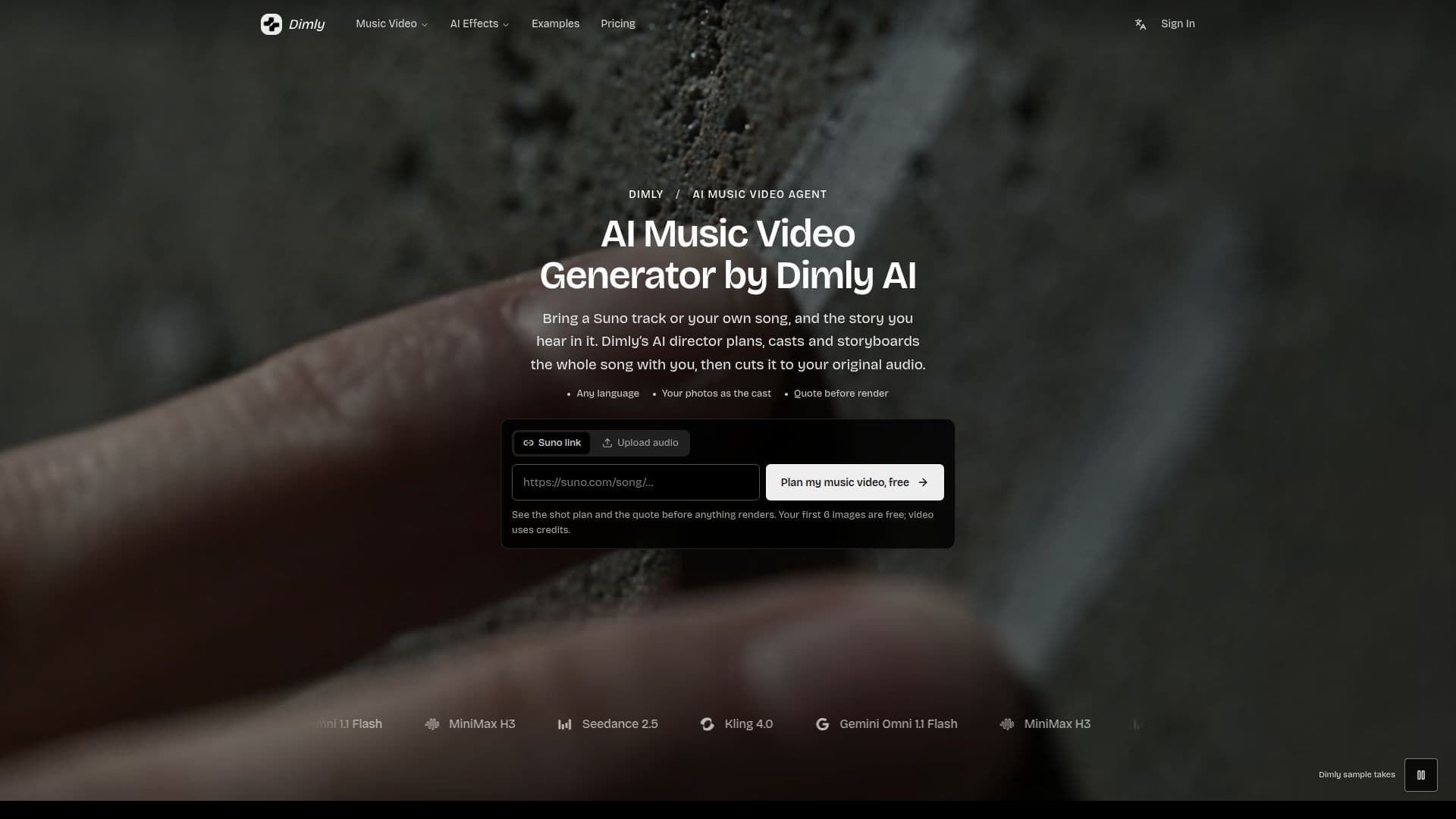
Dimly AI functions as an AI music video agent, enabling creators to turn any song into a visually compelling music video. The platform acts as a virtual cinematographer, taking a Suno track or a user's own song (MP3, WAV, M4A) and planning a connected visual sequence. This includes aligning available lyrics, maintaining character and lighting consistency across shots, and delivering a finished music video synchronized with the source audio.
Read More
The process begins with song analysis, where Dimly maps sections, beats, and lyric timing. Users can then collaborate with the AI director to plan the video, or allow the director to make all creative choices regarding look, cast, and storyboard. The platform supports various formats, including full-length music videos, 15-second Chorus Cuts for social media, lyric videos, and visualizers. A unique feature is the AI Rap Duo Generator, which creates a 12-second rap video with an original song from two user-provided photos.
Users can incorporate their own photos to create character sheets, ensuring consistent faces throughout the video. Lyrics can be integrated directly into the visuals or added as captions. Dimly AI distinguishes itself from generic video makers by planning connected sequences and maintaining continuity, rather than generating disconnected clips from text prompts. It routes each shot through vetted video models chosen for lighting, texture, and continuity.
Planning is free, and new accounts receive 6 free images (reference sheets, look previews, keyframes). Video rendering requires credits, with a quote provided before any rendering begins. Pricing includes monthly subscription plans (Starter, Pro, Creator) and one-time credit packs (Single, Song, Studio), catering to different usage needs. Yearly plans offer a 20% discount. Watermark-free exports are available with any paid plan or the Song and Studio packs. Users retain ownership of generated music videos, provided they have rights to the source audio and inputs, with commercial use subject to plan terms.
- CategoryAI Video Generators
- Pricing ModelFreemium
- DeploymentCloud
- PlatformsWeb
Dimly AI's Core Features
AI Music Video Generation
Suno Music Video Import
Directed Full-Song Music Video Generation
AI MV Maker with Lyric Sync
Multi-Shot Cinematic Continuity
AI Rap Duo Generator
Use Own Photos for Characters
On-Screen Lyrics or Captions
Free Planning & First 6 Images
Quote Before Rendering
Multiple Video Formats (Full Song, Chorus Cut, Lyric Video, Visualizer)
Supports MP3, WAV, M4A Audio Uploads
Consistent Faces, Light, and Camera Across Shots
Collaborative or Autonomous AI Director
Watermark-Free Exports (Paid Plans)
How to use Dimly AI?
Create Account: Sign up for a free account on Dimly AI (no card required).
Upload Song: Upload your own MP3, WAV, or M4A song, or paste a public Suno track link.
Plan Video: The AI director analyzes your song and plans the video; you can guide choices or let it decide.
Review Quote: Approve the credit quote for rendering before any video clips are generated.
Render Clips: Dimly renders the video clips in the background.
Review & Export: Review the finished takes as they complete and export your music video.
Dimly AI's Use Cases
- Creating Music Videos
- Social Media Content
- Lyric Videos
- AI Music Visualizers
- Personalized Rap Videos
- Artist Promotion
- Visual Storytelling
- Commercial Music Videos