
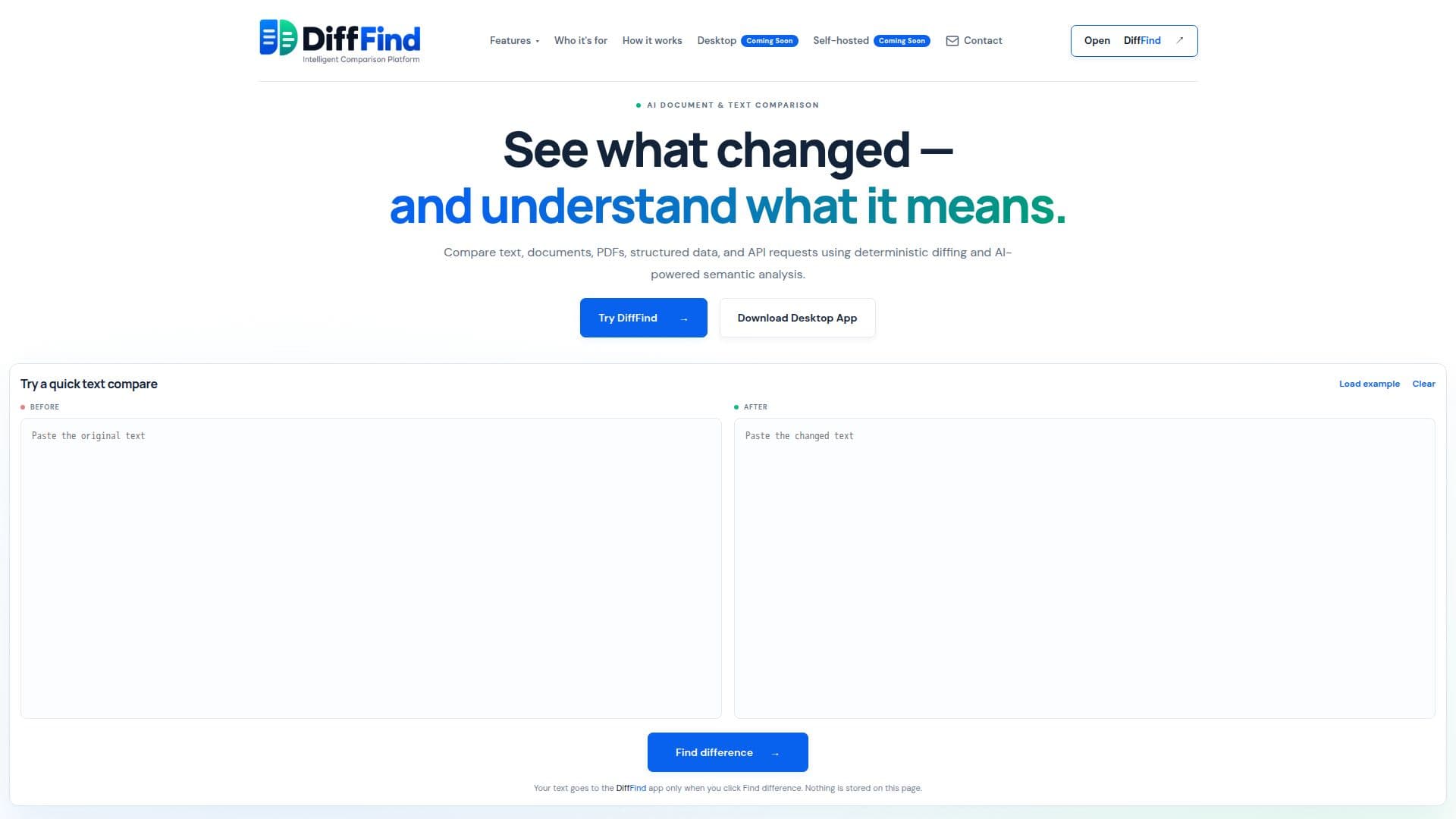
Description
DiffFind is a comprehensive tool designed to compare text, documents, PDFs, APIs, and structured data. It employs deterministic lexical diffing to identify precise changes and offers optional AI-powered semantic analysis to help users understand the implications of these changes. The tool supports a wide range of file formats, including plain text, JSON, YAML, XML, CSV, PDF, Excel spreadsheets, and Word documents. Users can also compare API requests and responses by loading URLs or cURL commands. DiffFind's Semantic Find feature allows users to search documents by meaning, not just exact words, making it easier to locate relevant content even when different terminology is used.
Read More
DiffFind does not store files by default, ensuring user privacy. The tool is available as a web app and a desktop application for macOS and Windows, with a 90-day free Pro trial. The desktop version allows local comparisons, ensuring data never leaves the user's computer. Users can integrate AI by using their own provider API key, adding an extra layer of semantic analysis when needed.
The tool is suitable for various users, including business professionals who need to compare contracts and policy documents, everyday users checking changes in drafts, and developers who can automate comparisons using the DiffFind REST API. DiffFind's deterministic comparison ensures consistent and repeatable results, while the optional AI analysis highlights material changes and explains their likely impact. This makes DiffFind a valuable tool for anyone needing to understand not only what changed in a document but also what those changes mean.
- CategoryAI Document & PDF Tools
- Pricing ModelFreemium
- DeploymentCloud, Desktop
- PlatformsmacOS, Windows
DiffFind's Core Features
Deterministic lexical diffing
AI-powered semantic analysis
Supports multiple file formats
API request and response comparison
Semantic Find for meaning-based search
Local comparison on desktop
REST API for automation
Privacy-focused with no default file storage
How to use DiffFind?
Load: paste text, choose a file, or load from a URL
Compare: select format and comparison options
Analyze: add semantic analysis for deeper insights
Review: explore differences side by side
DiffFind's Use Cases
- Contract Comparison
- Resume Review
- API Change Detection
- Policy Document Analysis
- Semantic Document Search