Description
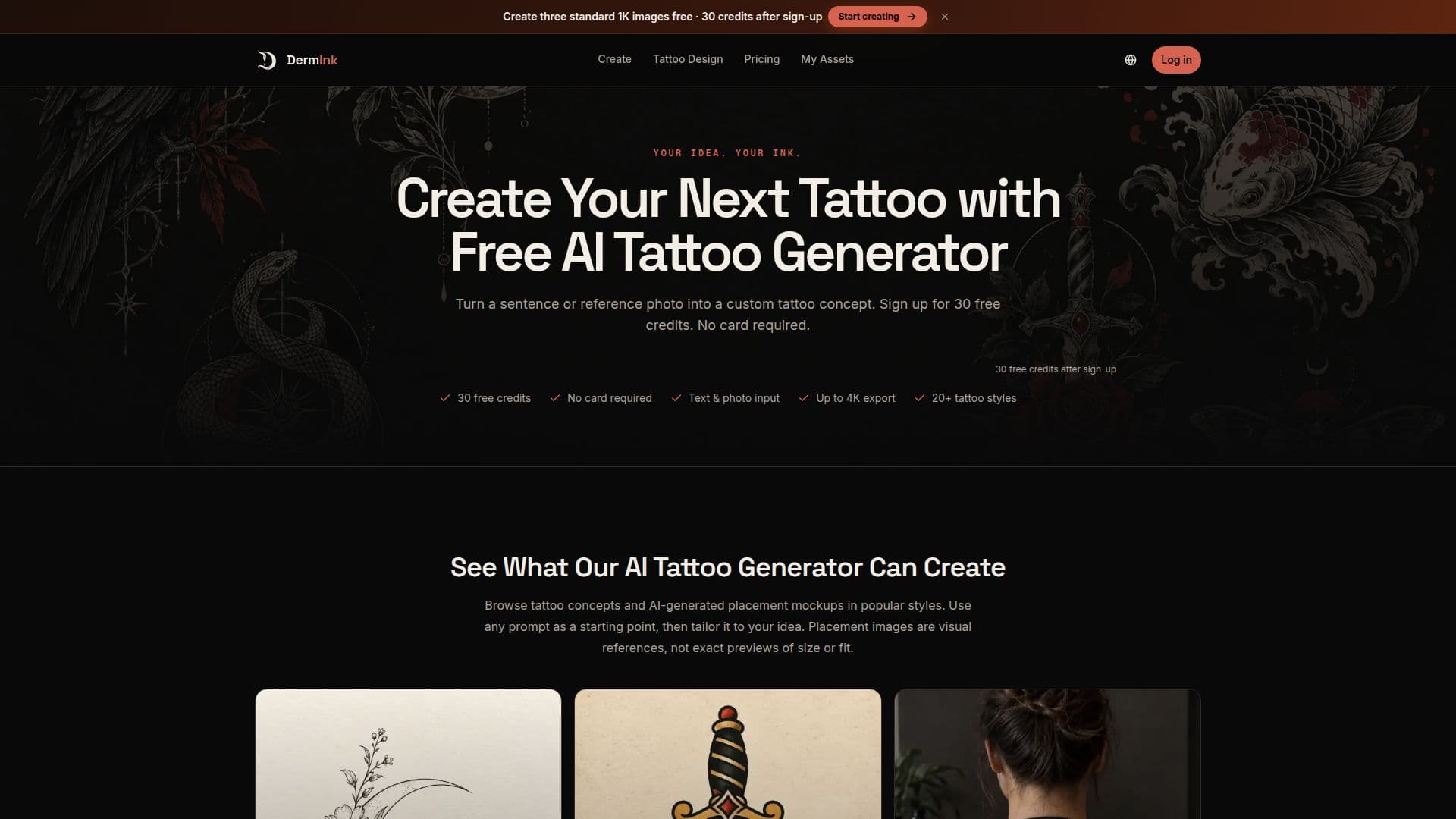
DermInk is an innovative AI tattoo generator designed to help users create custom tattoo designs from either text prompts or reference images. With over 20 preset styles, including Fine Line, Blackwork, Japanese, and Realism, users can explore a wide range of artistic expressions. The platform allows for the generation of tattoo concepts in various resolutions, including 1K, 2K, and 4K, and supports multiple aspect ratios to suit different body placements.
Read More
New users receive 30 free credits upon signing up, which are sufficient to generate three standard 1K tattoo concepts. This freemium model allows users to experiment with designs without any initial financial commitment. For those who require more, DermInk offers subscription plans and one-time credit packs, with options for commercial use under certain conditions.
DermInk's process is straightforward: users describe their tattoo idea or upload a reference image, select their desired settings, and generate up to four design variations. This flexibility enables users to compare different compositions and refine their ideas before finalizing a concept. The platform emphasizes the importance of consulting a professional tattoo artist to adapt the AI-generated designs for actual tattooing, ensuring proper placement, scale, and linework.
While DermInk provides a robust tool for conceptualizing tattoos, it does not offer a calibrated try-on feature or transfer-ready stencils. Users are advised to use the generated designs as visual briefs for discussions with their tattoo artists. Privacy is a key consideration, with user-generated designs and reference images stored securely in private workspaces, accessible only to the user.
- CategoryAI Image Generators
- Pricing ModelFreemium
- DeploymentCloud
- PlatformsWeb
DermInk's Core Features
AI tattoo design generation
Reference image editing
20+ tattoo styles
1K, 2K, and 4K output
Multiple aspect ratios
Freemium model with 30 free credits
Subscription and one-time credit options
Private workspace for designs
How to use DermInk?
Describe Your Idea: Enter a prompt or upload an image.
Choose Your Settings: Select style, resolution, and outputs.
Generate & Compare: Create and review multiple designs.
Refine & Save: Adjust and save the best concept.
DermInk's Use Cases
- First Tattoo Planning
- Tattoo Artist Collaboration
- Design Comparison
- Commercial Design Use
- Custom Tattoo Concepts