
Description
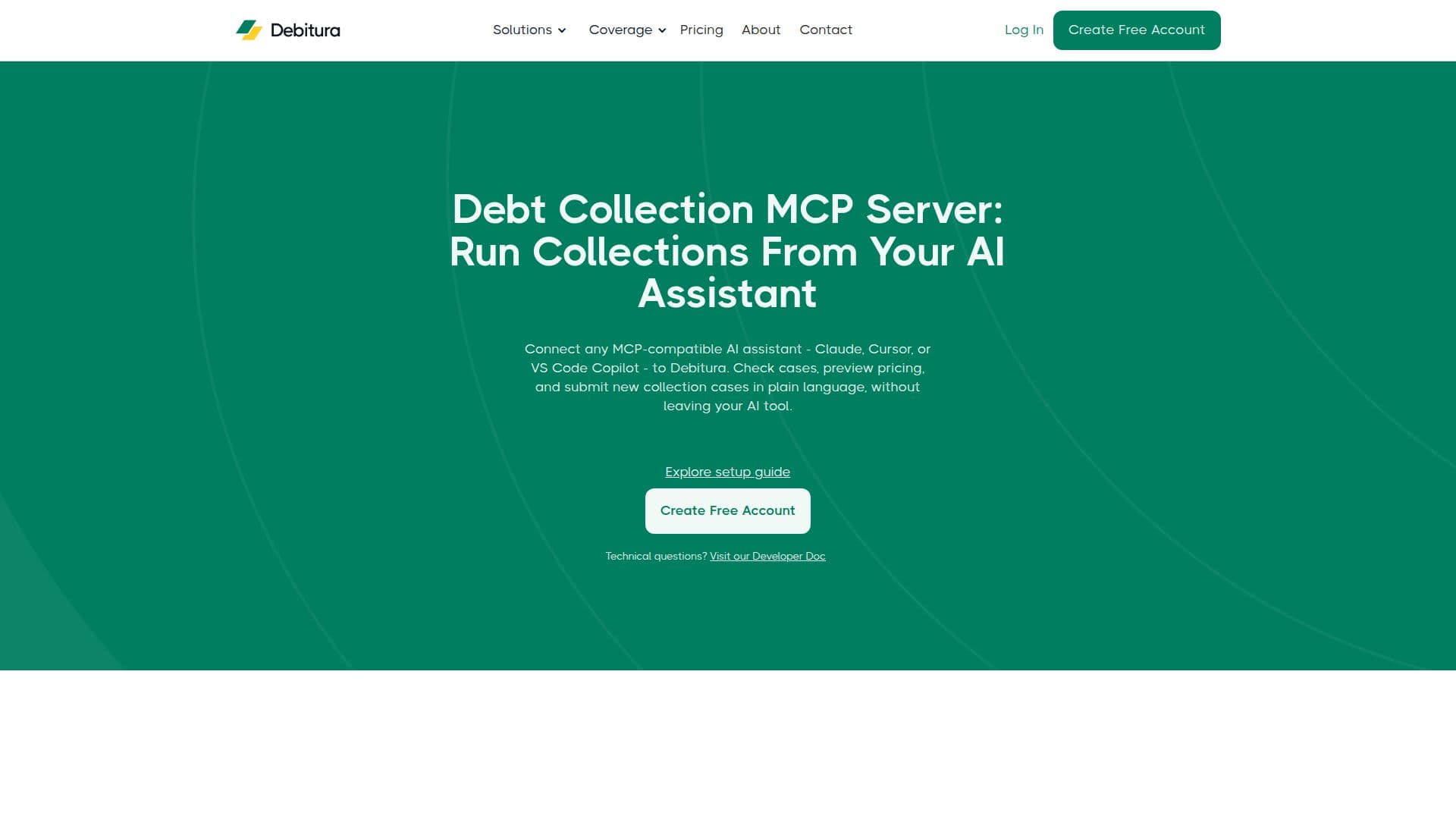
The Debitura MCP Server is a hosted Model Context Protocol connector that brings Debitura's cross-border debt collection into your AI assistant. Once connected, any MCP-compatible client — Claude (web, desktop and Code), Cursor, or VS Code Copilot — can manage your collection portfolio in plain language: checking case status, reading partner conversations, pulling payments, previewing pricing and submitting new collection cases, without opening the web app or writing code.
Read More
The server is a thin, stateless layer on top of Debitura's Customer API. Your API key is passed on every request and scopes everything the assistant can see or do to the single account that owns the key; the server stores nothing. It exposes 14 tools — eleven read-only (cases, timeline, messages, payments, contracts, files, account summary, pricing preview) and three write tools (create case, upload file, send message).
Case submission is confirmed and idempotent: the assistant previews pricing and the assigned partner and requires explicit confirmation before creating a case, so retries never create duplicates. Messages to collection partners are attributed to a named team member. Separate test and production endpoints are provided, and setup takes only a few minutes by generating an API key and adding Debitura as a custom MCP connector. It is built for creditors managing collections from an AI assistant and for teams building agentic collection workflows.
- CategoryOther AI Tools
- Pricing ModelFreemium
- DeploymentCloud
- PlatformsWeb
Debitura MCP Server's Core Features
Hosted MCP server for AI-assistant access to Debitura
Works with Claude, Cursor and VS Code Copilot
Manage collection cases in plain language
14 tools: 11 read-only plus 3 write (create case, upload file, send message)
Confirmed, idempotent case submission with pricing preview
API-key authentication scoped to a single account
Attributed messages to collection partners
Separate test and production endpoints
How to use Debitura MCP Server?
Generate an API key: Create a Debitura API key in your account.
Add the connector: Add Debitura as a custom MCP connector using the endpoint and your key.
Verify the link: Ask your assistant to 'Ping Debitura' to confirm it replies with your company name.
Manage cases: Check status, read messages, pull payments and preview pricing in plain language.
Submit a case: Confirm the previewed pricing and partner to create a new collection case.
Debitura MCP Server's Use Cases
- AI-driven collections
- Plain-language case management
- Agentic workflows
- Pricing checks