
Description
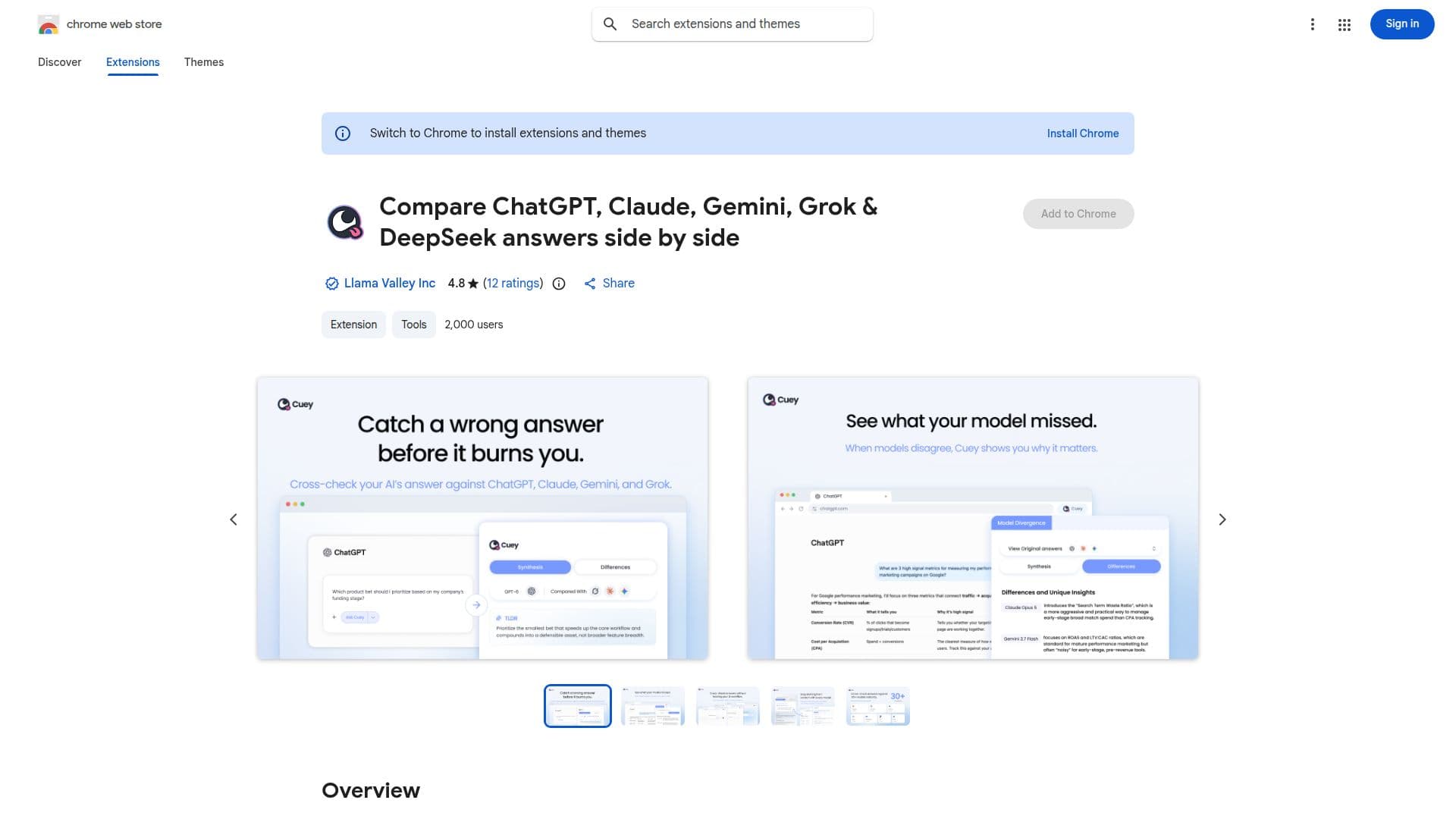
Cuey is a tool designed for AI users who need to compare answers from different AI models such as ChatGPT, Claude, Gemini, and Grok. It offers a unique feature of side-by-side comparison, allowing users to see where models agree or diverge. This capability is crucial for catching potentially misleading AI-generated answers before acting on them. Cuey operates directly within existing AI tools, eliminating the need for separate applications or additional subscriptions. Users can send a single prompt to multiple models and view their responses in a clean sidebar interface. This functionality is particularly beneficial for tasks requiring cross-checking of advice, research, or judgment-heavy decisions.
Read More
Cuey also supports memory portability across AI services, enabling users to carry their chat history and preferences from one model to another without starting over. This feature ensures that users' context and history are preserved, enhancing the continuity of AI interactions. The tool is free to use, with no account or API keys required, and supports multiple languages. Privacy is a priority, with Cuey ensuring that user data is not sold or misused.
Developed by Llama Valley Inc., Cuey aims to make AI more accessible and useful for everyday tasks. It is available as a Chrome extension, making it easy to install and use. The tool is designed to work seamlessly with major AI model providers, offering a comprehensive solution for users looking to enhance their AI experience by comparing and analyzing model outputs effectively.
- CategoryAI Chatbots
- Pricing ModelFreemium
- DeploymentBrowser extension
- PlatformsChrome
Cuey's Core Features
Side-by-side model comparison
Works within existing AI tools
Supports ChatGPT, Claude, Gemini, Grok
Memory portability across models
No account or API keys required
Free tier available
Multi-language support
Privacy-focused data handling
How to use Cuey?
Add to Chrome: Click 'Add to Chrome' to install.
Open AI Tool: Launch your preferred AI tool.
Enter Prompt: Input a prompt to send to models.
View Comparison: Open Cuey sidebar to compare responses.
Cuey's Use Cases
- AI Answer Comparison
- Cross-Model Analysis
- Memory Portability
- Research Validation
- Language Support