
Description
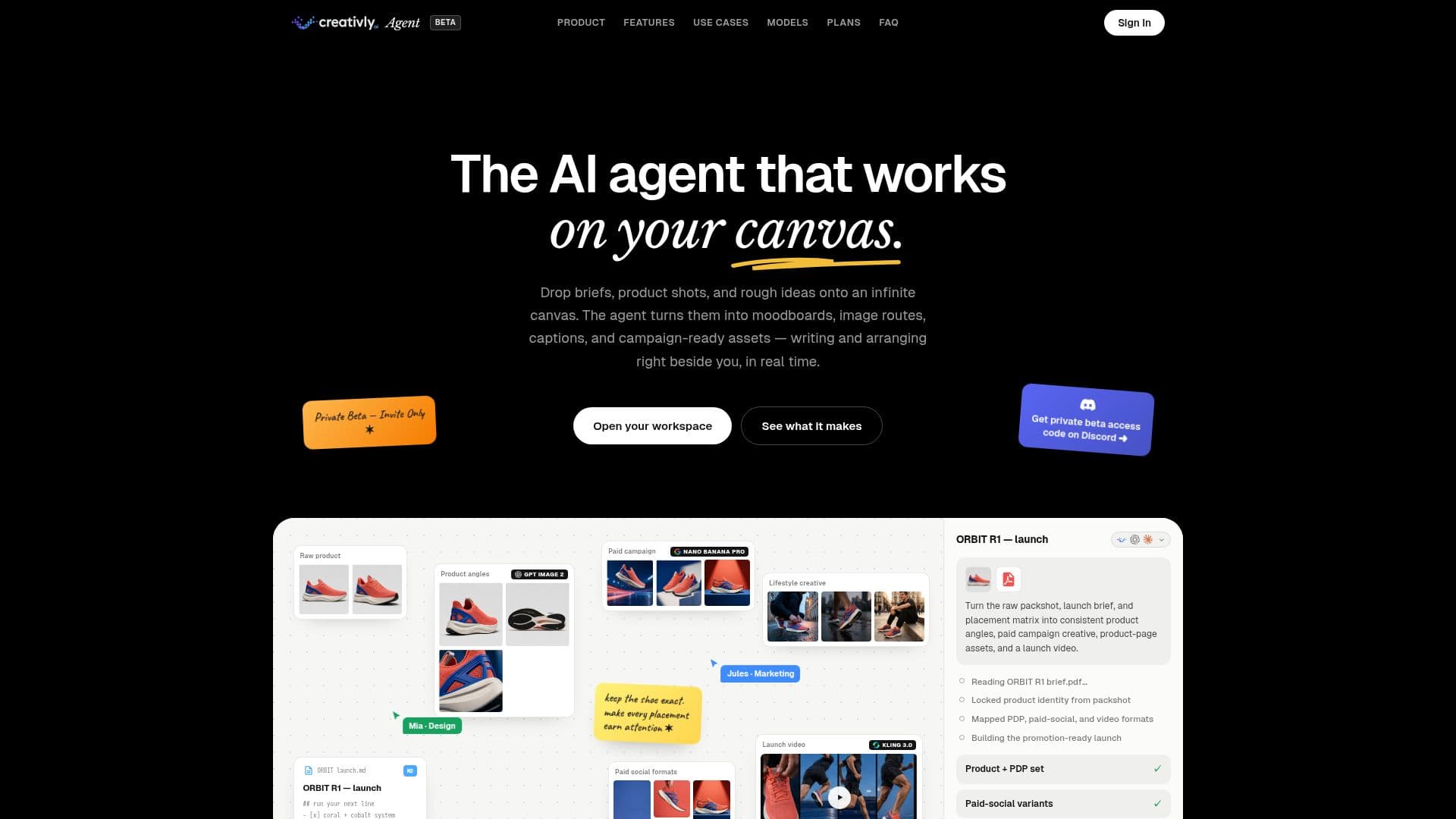
Creativly Agent is an AI-driven creative workspace designed to streamline the process of transforming briefs into campaign-ready assets. It operates on an infinite canvas, allowing users to drop briefs, product shots, and ideas, which the agent then turns into moodboards, image routes, captions, and more. The platform is integrated with tools such as Google Drive, Google Docs, Notion, Slack, Gmail, Instagram, TikTok, and YouTube, enabling seamless collaboration and workflow management.
The agent carries brand voice, references, and briefs throughout the creative process, ensuring consistency and coherence in the final assets. It supports shared workspaces where teams can collaborate in real-time, with live cursors and public document sharing capabilities. Creativly Agent offers features like saved workflows, team spaces, and connected actions, making it a powerful tool for creative teams looking to optimize their processes.
Pricing is flexible, with a free tier available and options to upgrade as usage grows. Users can start with platform credits for instant access or use their own API keys for direct provider billing. The platform supports various AI models, including Creativly Agent, OpenAI, and Claude, allowing users to choose the best model for their needs.
Creativly Agent is ideal for creative teams looking to enhance their workflow efficiency and asset production capabilities. It offers a unique approach by keeping all brand context, references, and finished assets spatially organized on a single canvas, rather than scattered across chat threads. This ensures that the creative process remains coherent and focused, with the agent working alongside users to achieve their goals.
Creativly Agent's Core Features
Infinite canvas for creative work
Integration with popular tools like Google Drive and Slack
Real-time collaboration with team spaces
Saved workflows for reusable skills
Brand voice and context carried throughout
Flexible pricing with free tier
Supports multiple AI models
Public document sharing with edit/view access
Voice input and transcription capabilities
Structured A/B testing routes
How to use Creativly Agent?
Configure: Set up integrations with your tools
Use: Drop briefs and assets onto the canvas
Collaborate: Invite teammates and share documents
Optimize: Save workflows and refine processes
Creativly Agent's Use Cases
- Campaign Asset Creation
- Moodboard Development
- Collaborative Workspaces
- Brand Consistency
- A/B Testing