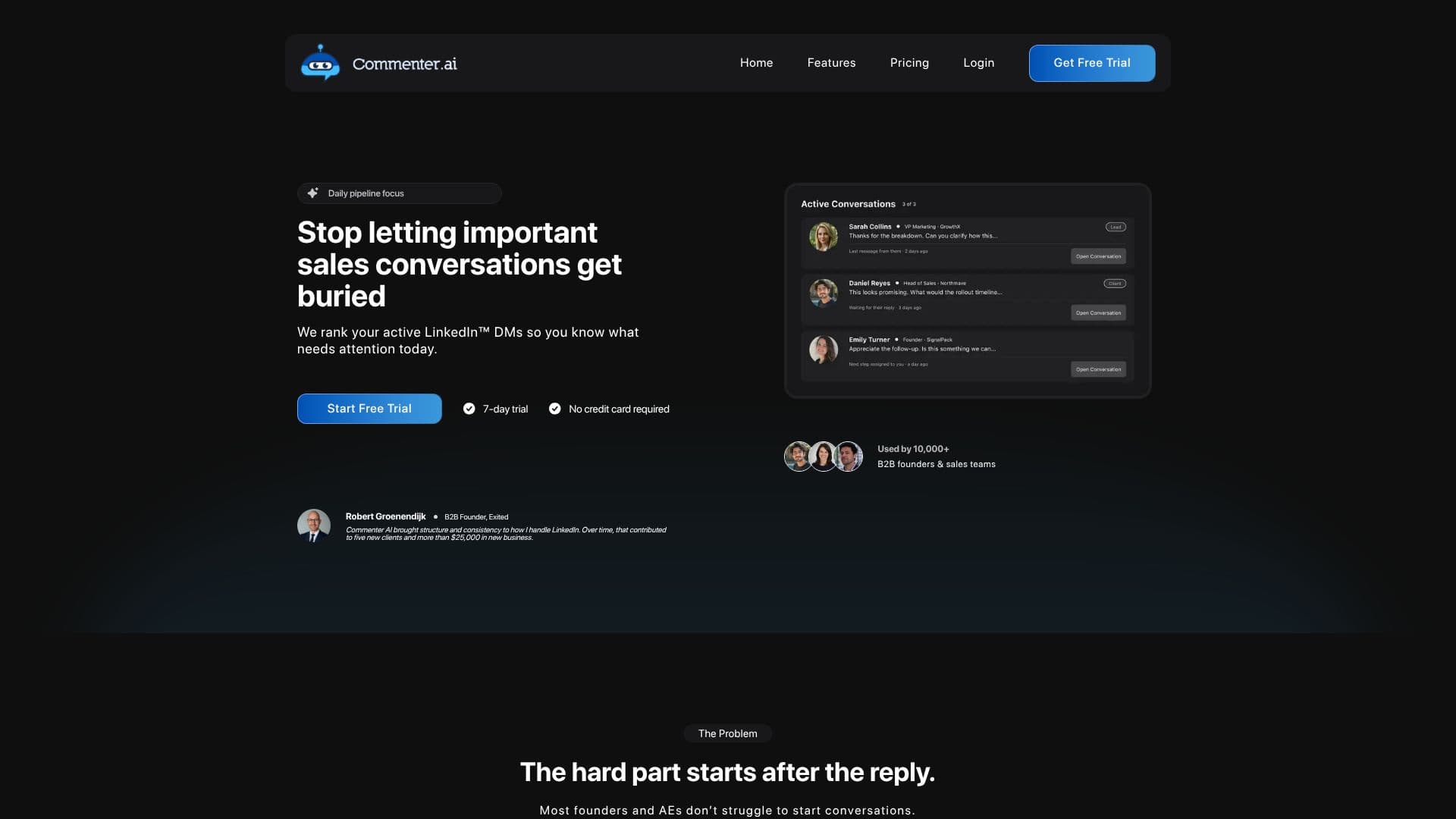
Description
Commenter AI is built around a specific habit: commenting on LinkedIn posts regularly to build visibility, rather than managing sales conversations or a general content calendar. The product's own positioning is direct: write daily LinkedIn comments in minutes and stop staring at a blank reply box.
Read More
After connecting a LinkedIn account, users set how they want their comments to sound, and the AI generates comment drafts intended to match that tone of voice rather than sounding generic. Users can adjust comment length and pick from different comment styles so replies fit a given post rather than reading like the same template every time. Comments can be generated from the main web app or from a Chrome extension, letting users get a comment idea while they're already scrolling LinkedIn rather than switching tabs. Generated comments pass through a grammar check, and Commenter AI supports writing comments in multiple languages, not just English.
The product also includes a lightweight analytics view of LinkedIn activity over time, tracking metrics like comments posted per week and incoming connection requests, framed as a way to see whether more consistent commenting is translating into more networking activity. A community feature lets users see how others approach their commenting strategy and exchange ideas, and the product runs an affiliate program for users who want to refer others.
New accounts can try Commenter AI with a batch of free comments before subscribing, and no credit card is required to start. Paid plans begin at $19 a month on the Pro plan, with a 5-day free trial, and higher tiers add features aimed at creators and a done-for-you option for users who want less hands-on involvement.
Commenter AI is aimed at individual professionals, founders, and creators who want to grow their LinkedIn presence through regular, thoughtful commenting but don't want to spend the time drafting each comment from scratch. Commenter AI is not affiliated with or endorsed by LinkedIn.
- CategorySocial Media Content Generators
- Pricing ModelSubscription
- DeploymentCloud
- PlatformsWeb, Chrome
Commenter AI's Core Features
AI-drafted LinkedIn comments matched to a chosen tone of voice
Chrome extension for generating comments while browsing LinkedIn
Web app for drafting comments outside the browsing flow
Built-in grammar check on generated comments
Multi-language comment generation
Activity dashboard tracking comments posted and connection requests over time
Community feature to see how others approach their commenting strategy
Free comments to try before subscribing, no credit card required
How to use Commenter AI?
Connect your account: Link your LinkedIn profile to Commenter AI.
Set your tone: Tell the AI how you want your comments to sound.
Generate a comment: Use the web app or Chrome extension on a post you want to engage with.
Check and edit: Review the grammar-checked draft and adjust the wording if needed.
Post it: Publish the comment on LinkedIn.
Track your activity: Check your dashboard for comment and connection trends over time.
Commenter AI's Use Cases
- Building LinkedIn visibility
- Personal branding for founders
- Networking momentum
- Multilingual engagement