
Description
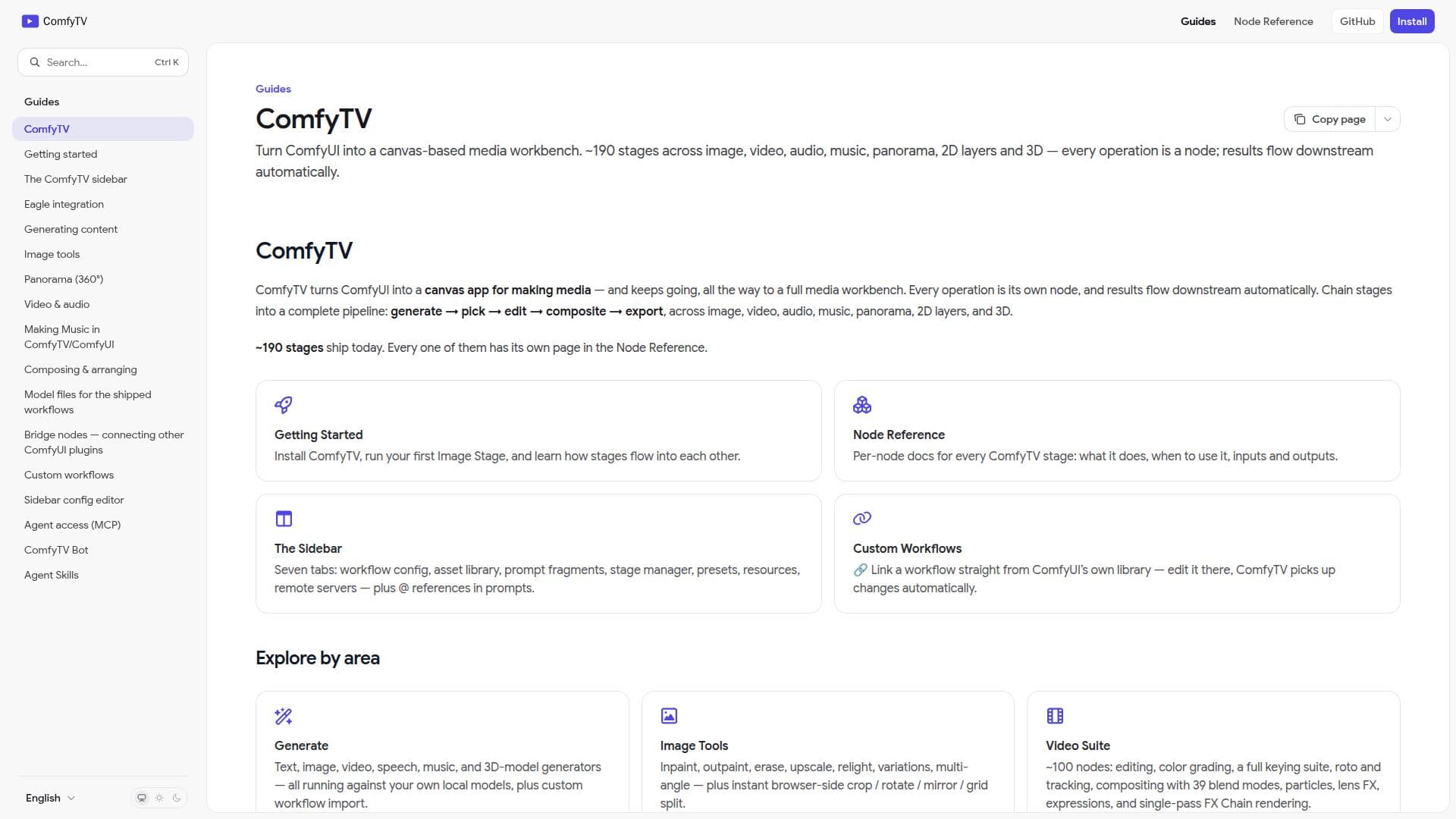
ComfyTV extends the capabilities of ComfyUI, turning it into a comprehensive canvas-based media workbench. This powerful tool provides approximately 190 distinct stages that span across various media types, including image, video, audio, music, panorama, 2D layers, and 3D content. The core principle of ComfyTV is that every operation is represented as a node, allowing for a highly modular and visual workflow where results automatically propagate downstream.
Read More
One of ComfyTV's notable features is its ability to facilitate music creation entirely within its canvas. Users can start from a musical score or even a prompt given to an LLM to generate one, and then proceed through composition, performance, synthesis, and mixing stages to produce a finished, reverb-polished audio track. This eliminates the need for external software, streamlining the entire music production process.
Beyond media creation, ComfyTV integrates an innovative chat agent, known as the ComfyTV Bot, directly into its sidebar. This agent allows users to describe their desired outcomes, and it will intelligently build nodes, execute workflows, manage rendering processes, analyze results, and iterate as needed. The ComfyTV Bot is powered by a locally installed agent CLI, ensuring that no API keys are stored externally, enhancing user privacy and security.
ComfyTV is designed for creators and developers who seek a unified environment for complex media projects. Its node-based architecture provides granular control over every aspect of media production, from visual effects to sound design. The automatic flow of results ensures efficiency, while the embedded AI agent simplifies interaction and accelerates workflow development, making it a versatile tool for a wide range of creative and technical applications.
- CategoryDesign & Creative
- DeploymentRuns locally
- PlatformsComfyUI Extension
ComfyTV's Core Features
Canvas-based media workbench
Approximately 190 stages for media operations
Supports image processing
Supports video processing
Supports audio processing
Supports music composition and production
Supports panorama creation
Supports 2D layers
Supports 3D content manipulation
Node-based operations for every stage
Automatic downstream flow of results
Integrated music creation workflow (composition, performance, synthesis, mixing)
Embedded chat agent (ComfyTV Bot)
AI agent for canvas control and workflow automation
Local agent CLI for enhanced privacy
How to use ComfyTV?
Install ComfyTV: Set up ComfyTV to integrate with your ComfyUI environment.
Access the Canvas: Open the ComfyTV canvas to begin your media project.
Add Nodes: Drag and drop nodes onto the canvas for specific operations like image manipulation, video editing, or audio synthesis.
Connect Workflows: Link nodes to define the flow of your media processing, with results automatically propagating downstream.
Utilize ComfyTV Bot: Describe desired outcomes to the embedded chat agent to automate node building, workflow execution, and iteration.
Create Music: Follow the composition, performance, synthesis, and mixing stages to produce audio tracks directly on the canvas.
Iterate and Refine: Review results and adjust node parameters or bot instructions to achieve your desired media output.
ComfyTV's Use Cases
- Visual Media Production
- Music Composition
- Audio Track Polishing
- Automated Workflow Generation
- Interactive Media Development
- Creative Content Generation