
Description
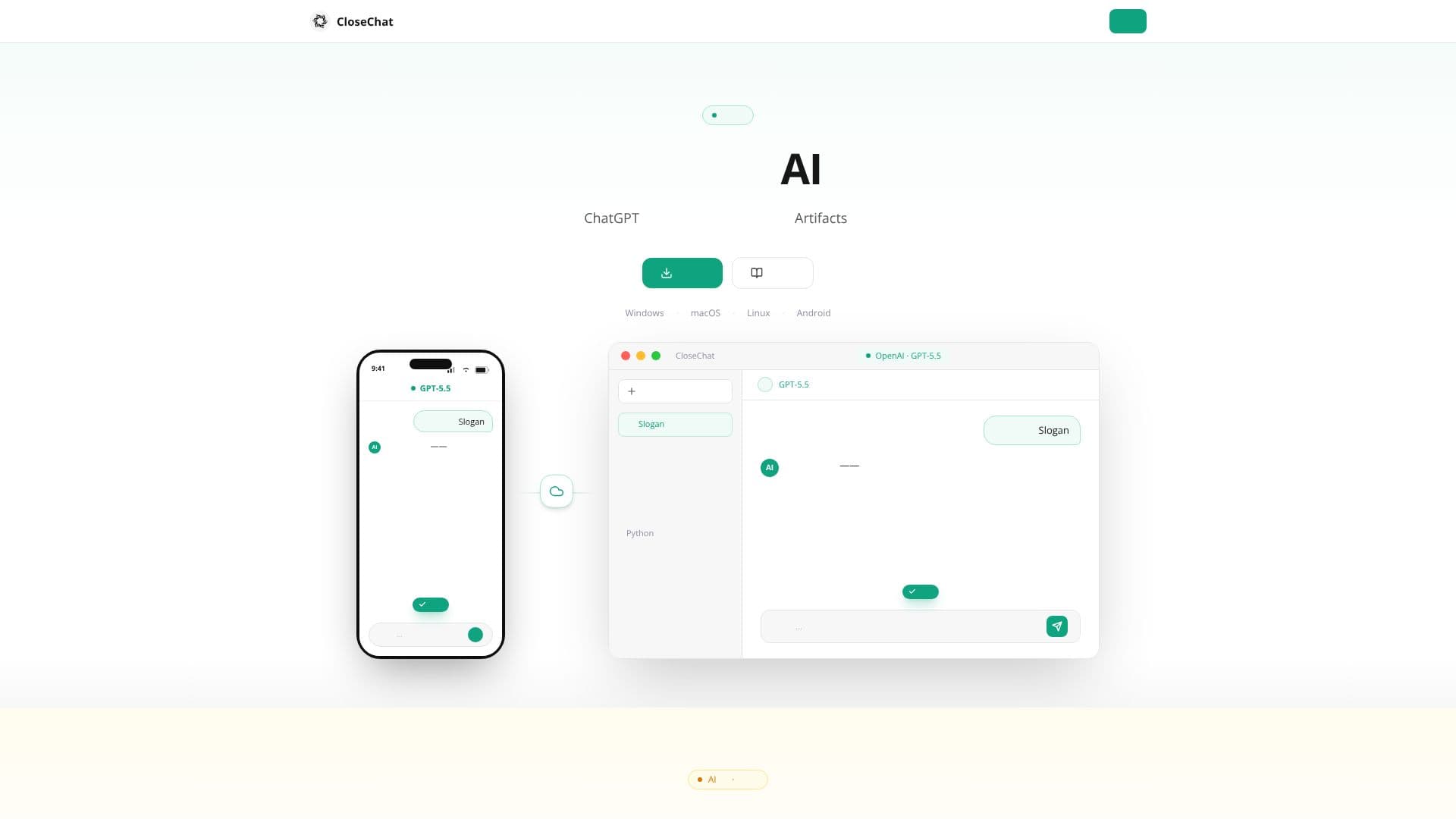
CloseChat is a powerful, multi-platform AI chat client designed for flexibility and user privacy. It allows users to freely configure and connect with any AI model, offering a unified interface for all their AI interactions. Whether you're on your phone or computer, CloseChat ensures a seamless experience with cloud synchronization, meaning your conversations and progress are always up-to-date across all your devices.
Read More
The client boasts a refined interface that rivals popular AI chat applications, providing a smooth and responsive user experience. Advanced functionalities such as AI image generation, comprehensive document reading capabilities, and real-time artifact creation are available to all users at no cost. This makes CloseChat an accessible yet feature-rich tool for both casual users and professionals.
One of CloseChat's standout features is its AI image generation with multi-turn editing. Users can iteratively refine images within a conversation, with the AI automatically referencing previous images and modifications. This allows for precise control and consistent character representation throughout the editing process. Furthermore, the document understanding feature supports a wide array of file formats, including PDF, Word, Excel, and PPT. Users can simply drag and drop files into the chat, and the AI can summarize, extract, or analyze the content, eliminating the need for manual copying and pasting.
CloseChat also excels in real-time artifact generation. Users can describe desired outputs like web pages, SVG images, or Mermaid flowcharts, and the AI will render them instantly. This 'what you see is what you get' approach, combined with the ability to generate complex diagrams from simple text prompts, significantly enhances productivity and creative workflows.
The application is available for Windows, macOS, Linux, Android, and iOS, with a commitment to providing a fast and lag-free experience. CloseChat prioritizes user privacy, with options for local processing to ensure data security. The free download and comprehensive documentation make it easy for anyone to get started and explore the full potential of AI-powered communication and creation.
- CategoryAI Chatbots
- Pricing ModelFree
- DeploymentDesktop, Mobile
- PlatformsWindows, macOS, Linux, Android, iOS
CloseChat's Core Features
Supports arbitrary AI model configuration
Cross-platform cloud synchronization (desktop & mobile)
High-speed, lag-free performance
Free AI image generation with multi-turn editing
Document understanding for various file formats (PDF, Word, Excel, PPT)
Real-time artifact generation (web pages, SVG, Mermaid diagrams)
Private and secure local processing options
User-friendly interface comparable to ChatGPT
Available for Windows, macOS, Linux, Android, and iOS
How to use CloseChat?
Download: Select and download the version suitable for your operating system.
Install: Follow the on-screen instructions for a quick, one-click installation.
Configure: Connect your preferred AI models or use the default options.
Chat: Start a conversation, ask questions, or give commands.
Generate: Use AI for image creation, document analysis, or artifact generation.
Sync: Enjoy seamless conversation continuity across all your devices.
CloseChat's Use Cases
- AI Chatting
- Image Generation
- Document Analysis
- Code Generation
- Content Creation
- Diagramming
- Cross-Device Sync
- Private AI Use