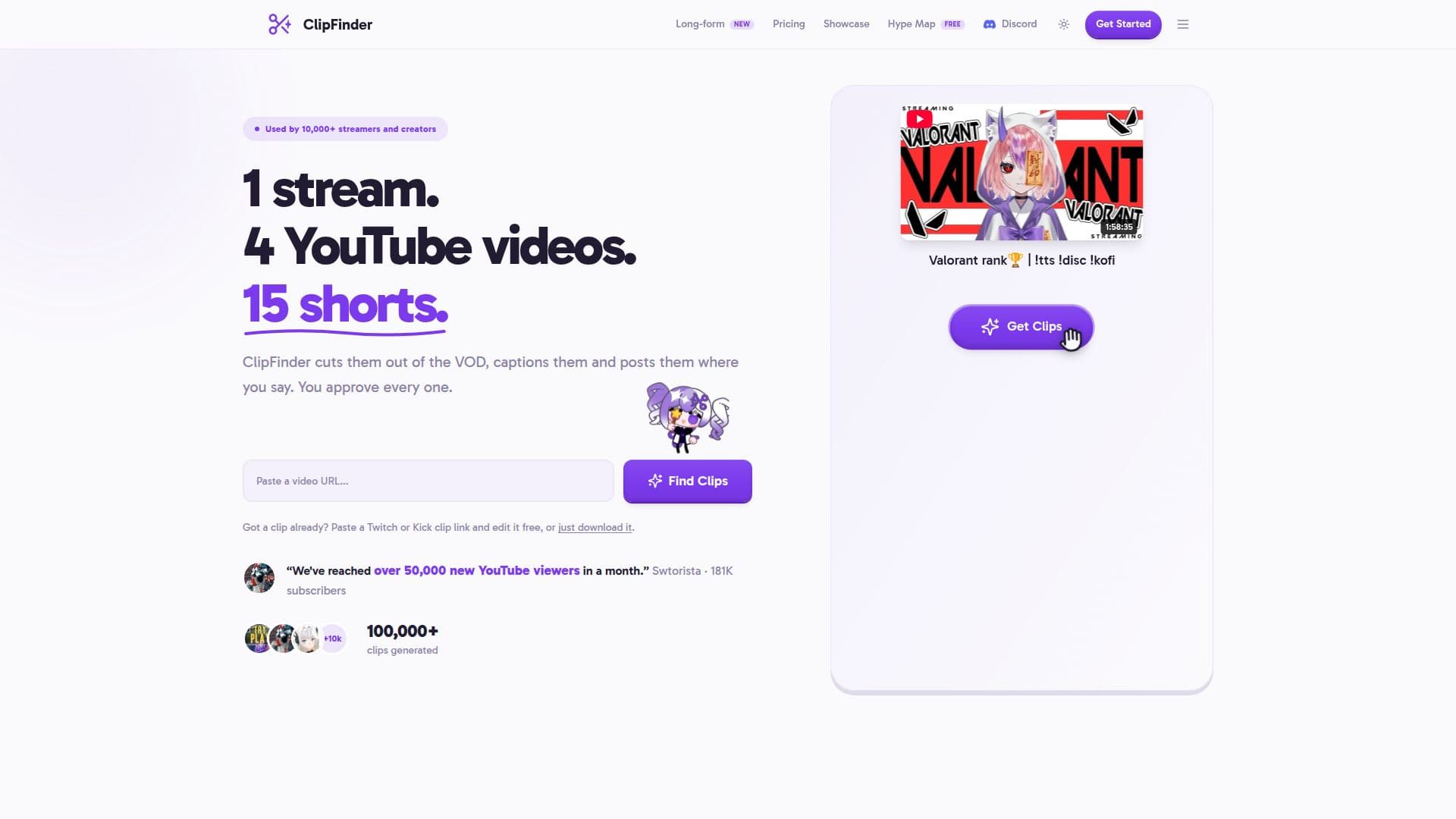
Description
ClipFinder is a tool designed to streamline the process of creating engaging video content from live streams and uploaded files. It allows users to convert Twitch or Kick VODs, as well as uploaded files, into finished YouTube videos and vertical clips suitable for platforms such as Shorts, TikTok, and Reels. The platform leverages AI to identify and extract engaging moments from videos, such as reactions, funny moments, and quotable lines, ranking them to help users quickly find the best content.
Read More
The service is optimized for videos ranging from 1 to 5 hours, with analysis times varying based on video length and queue status. Users are notified via email once the analysis is complete. ClipFinder supports video quality up to 1080p, depending on the source, and includes features like captions and subtitles, which can be styled and downloaded in various formats.
A notable feature is AI voice enhancement, which reduces background noise and clarifies voices, particularly useful for phone recordings and streams with background noise. Users can publish clips directly to YouTube Shorts and TikTok, with built-in tools for captions and reframing, eliminating the need for additional editing software.
ClipFinder offers a tiered pricing model, starting at $15 per month for 10 hours of video processing, with higher tiers providing additional features such as unlimited shorts and long-form video creation. The platform is designed for streamers and content creators looking to efficiently produce and publish video content without the hassle of manual editing.
- CategoryAI Video Editors
- Pricing ModelFreemium
- DeploymentCloud
- PlatformsWeb
ClipFinder's Core Features
AI-powered video clip extraction
Direct publishing to YouTube and TikTok
Built-in captioning and subtitling
AI voice enhancement
Supports video quality up to 1080p
Background analysis with email notifications
Tiered pricing model with free trial
Long-form video creation from streams
How to use ClipFinder?
Upload: Add your Twitch, Kick VOD, or file
Analyze: Let AI find engaging moments
Edit: Approve and tweak clips
Publish: Directly post to YouTube and TikTok
ClipFinder's Use Cases
- Stream Highlighting
- Social Media Clips
- YouTube Content Creation
- Voice Enhancement
- Captioning and Subtitling