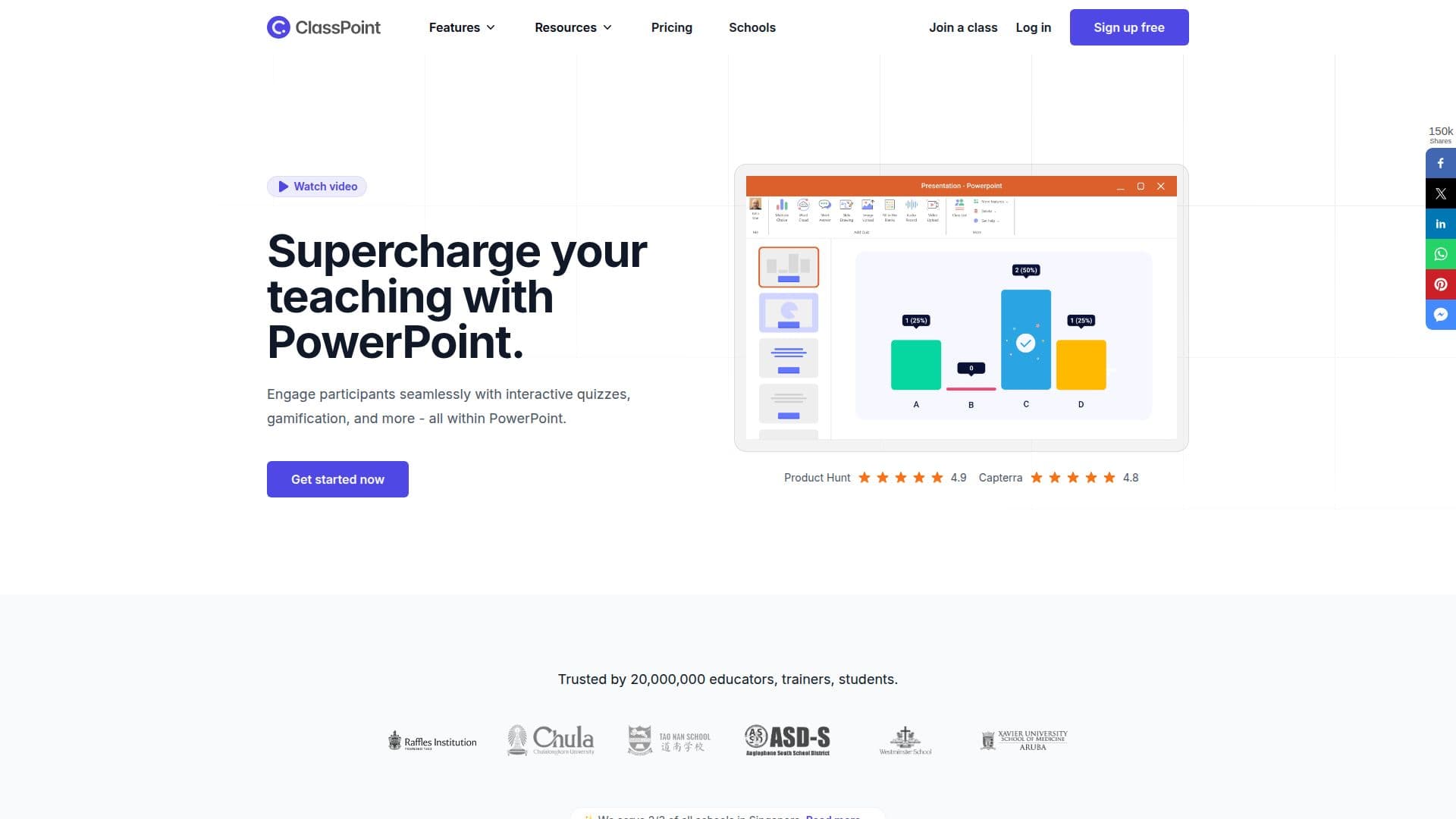
Description
ClassPoint is a comprehensive teaching and student engagement tool that integrates seamlessly with Microsoft PowerPoint. Designed to enhance the teaching experience, it allows educators to create interactive quizzes, gamify learning, and manage classes without leaving PowerPoint. With features like AI-powered quiz generation, gamification elements such as stars and leaderboards, and real-time feedback, ClassPoint transforms traditional presentations into dynamic learning experiences.
Read More
The tool supports various interactive question types, including multiple choice, word cloud, short answer, and more, catering to diverse learning styles. Educators can also utilize features like slide drawing, image and video uploads, and audio recording to enrich their presentations. ClassPoint's AI capabilities enable the automatic generation of quiz questions based on Bloom's taxonomy levels, supporting multiple languages.
ClassPoint offers a freemium pricing model with a Basic plan available for free, a Pro plan at USD 8 per month, and a customizable Premium plan. The Basic plan includes limited features, while the Pro and Premium plans offer expanded capabilities, such as larger class sizes, unlimited AI quiz credits, and advanced gamification features.
Targeted at educators and trainers, ClassPoint is trusted by millions worldwide, including two-thirds of schools in Singapore. It is particularly beneficial for those seeking to enhance student engagement and streamline classroom management. The tool's seamless integration with PowerPoint ensures a minimal learning curve, allowing educators to focus on teaching rather than technology.
- CategoryEducation & Research
- Pricing ModelFreemium
- DeploymentCloud
- PlatformsPowerPoint
ClassPoint's Core Features
Seamless PowerPoint integration
AI-powered quiz generation
Gamification with stars and leaderboards
Real-time feedback and analytics
Multiple interactive question types
Multi-language support
Customizable quizzes based on Bloom's taxonomy
Secure and compliant with SOC 2, GDPR, FERPA, COPPA
Dedicated support for Premium users
Custom branding for schools
How to use ClassPoint?
Install: Add ClassPoint to PowerPoint
Create: Design interactive quizzes within slides
Engage: Use gamification features during presentations
Analyze: Review student responses and feedback
ClassPoint's Use Cases
- Interactive Lectures
- Gamified Learning
- Real-time Feedback
- Classroom Management
- Multilingual Quizzes