
Description
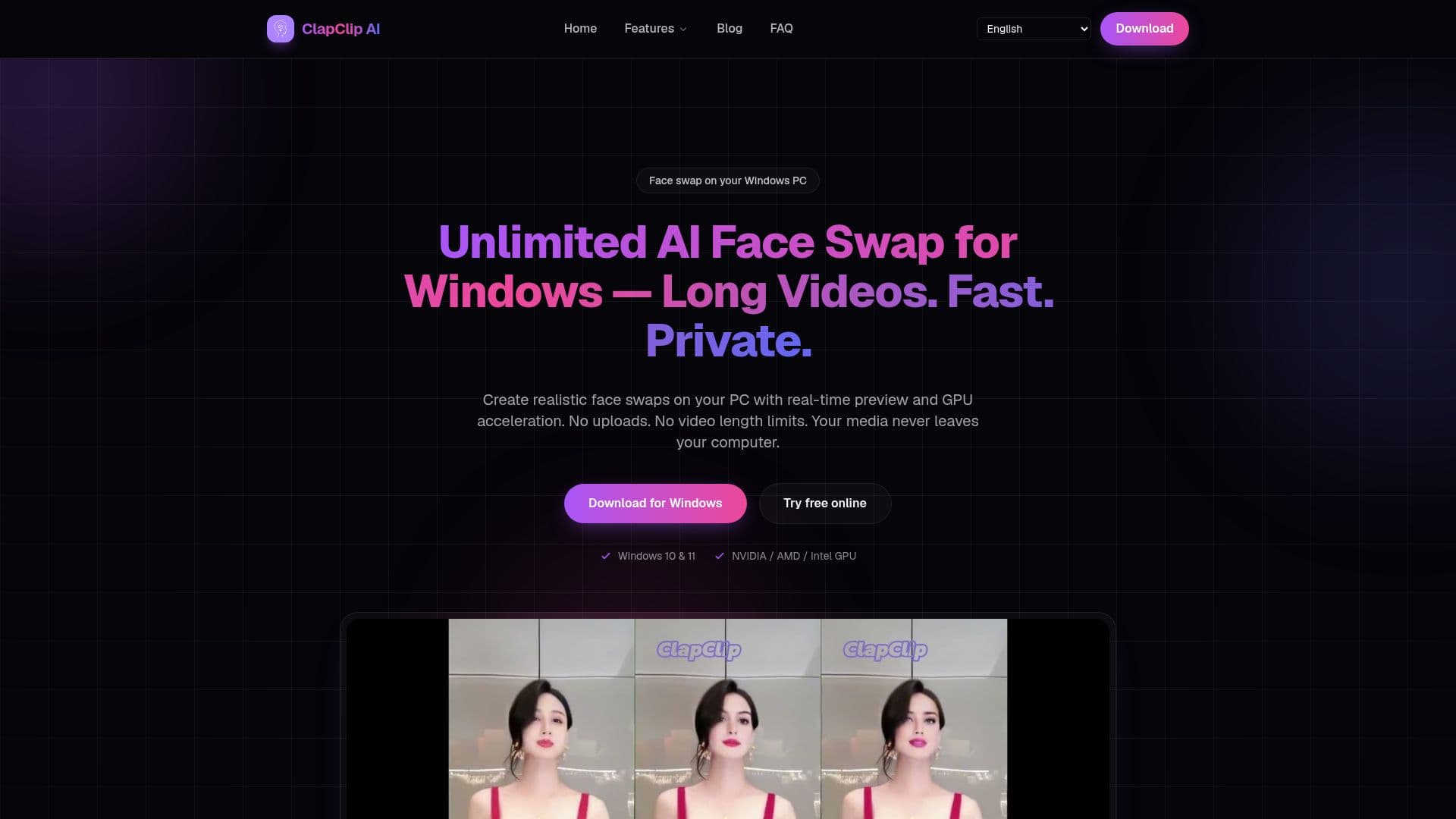
ClapClip AI is a powerful offline face swap application designed for Windows 10 and 11. It enables users to swap faces in both videos and photos directly on their personal computers. The application offers real-time previews and utilizes GPU acceleration to ensure fast processing. One of the key features of ClapClip AI is its commitment to privacy; all media is processed locally on the user's PC, eliminating the need for uploads and ensuring that the media never leaves the computer. This makes it an ideal tool for creators who prioritize privacy and efficiency.
Read More
The application supports a wide range of GPUs, including NVIDIA, AMD, and Intel, through DirectML, allowing for high-quality output that preserves lighting, expression, and detail. Users can work with single images or full video clips using a simple workflow that involves importing the media, selecting a face or template, previewing the swap in real-time, and exporting the final product in high quality.
ClapClip AI is particularly beneficial for filmmakers, advertisers, photographers, and social media content creators. It allows filmmakers to replace stand-in actors, fix continuity issues, or create visual effects without expensive reshoots. Advertisers can quickly and affordably localize campaigns and create personalized ad variations. Photographers can perfect group photos by swapping in the best expression for each subject.
The application supports multiple faces in scenes and imposes no fixed cloud clip-length cap for desktop face swaps. The length of videos that can be processed depends on the user's GPU, available disk space, resolution, and export settings. ClapClip AI is a versatile tool built for every creative workflow, ensuring high-quality, natural-looking swaps with smart face recognition that automatically detects and tracks faces across every frame.
- CategoryAI Photo Editors
- DeploymentDesktop
- PlatformsWindows 10, Windows 11
ClapClip AI's Core Features
Offline face swap for Windows
Real-time preview
GPU acceleration
Local processing for privacy
Supports NVIDIA, AMD, Intel GPUs
Multi-face scene support
High-quality output
Photo and video support
How to use ClapClip AI?
Import: Open a video or photo from your PC
Select: Choose a face or template
Preview: Watch the swap update live
Export: Render locally with GPU acceleration
ClapClip AI's Use Cases
- Film Production
- Advertising
- Photography
- Social Media
- Visual Effects