
Description
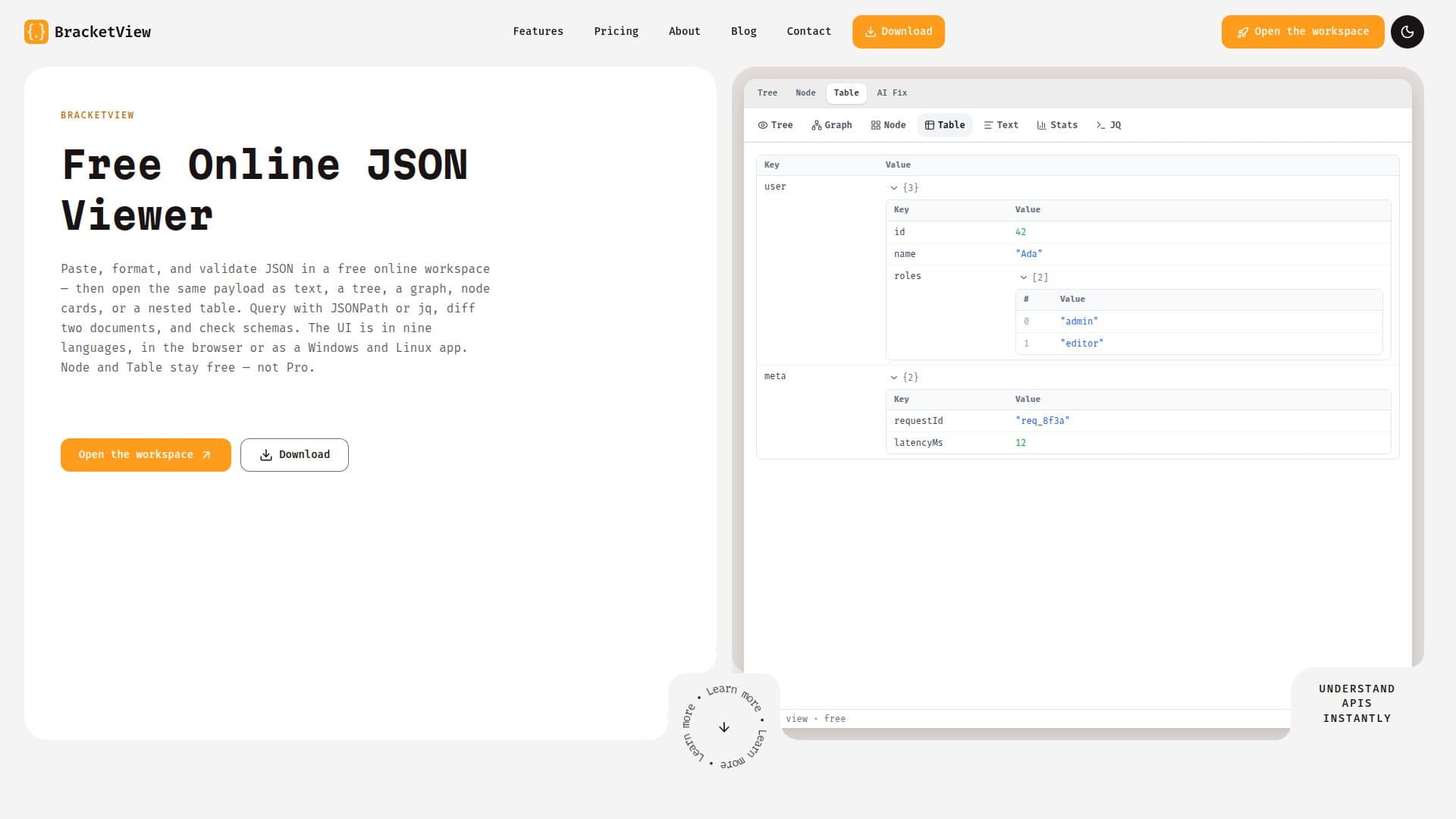
BracketView is a comprehensive JSON workspace designed for developers and data analysts who need to work with JSON data efficiently. It offers a range of features including viewing JSON as text, tree, graph, node cards, or a nested table. The platform supports nine UI languages and runs in the browser or as a Windows and Linux app.
Read More
Core tools such as viewing, formatting, validation, JSONPath, and jq run locally in the browser, ensuring privacy and security. Optional features like AI-powered JSON syntax repair and mock data generation are available for users who need advanced capabilities. The platform also includes a Webhook Tester for capturing and inspecting HTTP requests.
BracketView operates on a freemium model, with core tools available for free. The free tier allows for 5 MB uploads, 5 snapshot links per month, and 20 AI actions per month. The Pro version, priced at $3/month or $27/year, offers enhanced features such as 50 MB uploads, unlimited AI actions, and extended snapshot link durations.
The platform is ideal for developers working on API debugging, config management, and log cleanup. Its privacy-first approach ensures that core JSON processing remains local, with optional cloud features clearly marked for user discretion.
- CategoryAI Coding Assistants
- Pricing ModelFreemium
- DeploymentBrowser, Desktop
- PlatformsWeb, Windows, Linux
BracketView's Core Features
JSON Viewer: Text, Tree, Graph, Node, Table
JSON Formatter & Beautifier
JSON Minifier
JSON Validator
JSONPath Query
AI-Powered JSON Syntax Repair
AI Mock Data Generator
Webhook Tester
Encrypted Snapshot Links
Performance Mode for Large Files
WebRTC Nearby Share
Nine UI Languages
Windows and Linux Desktop App
JSON Diff & Compare
JSON Schema Validator & Generator
How to use BracketView?
Open BracketView: Access the platform via your browser or desktop app.
Paste JSON: Insert your JSON data into the editor.
Format & Validate: Use the tools to beautify, minify, and validate your JSON.
Explore & Export: View JSON in different formats and export as needed.
BracketView's Use Cases
- API Debugging
- Webhook Review
- Config Management
- Log Cleanup
- Release Reviews