Description
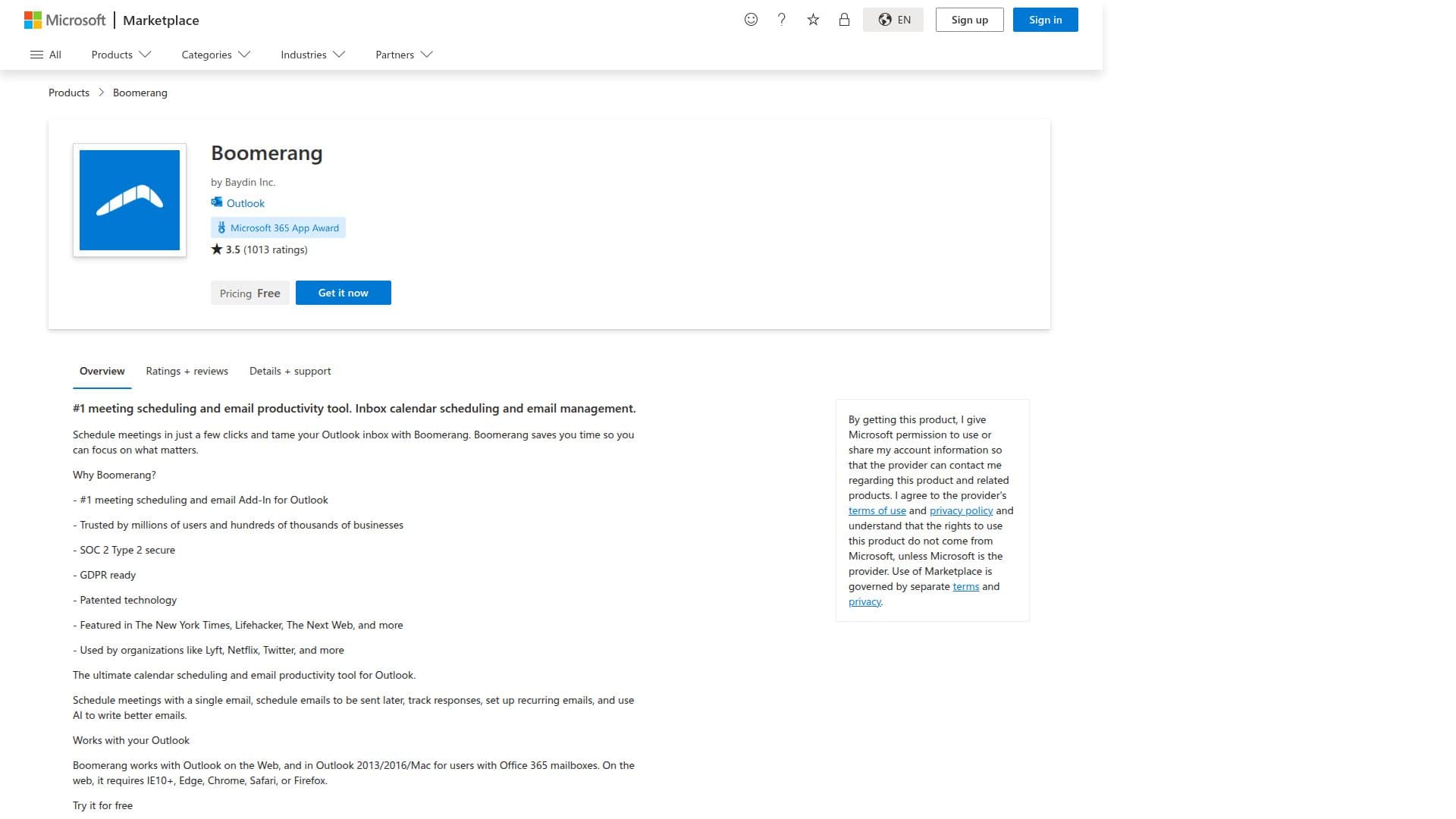
Boomerang is a powerful tool designed to enhance productivity for Outlook users by simplifying meeting scheduling and email management. Developed by Baydin Inc., Boomerang is trusted by millions of users and numerous businesses worldwide. It integrates seamlessly with Outlook, allowing users to schedule meetings with just a few clicks, manage their inboxes effectively, and focus on what truly matters.
Read More
One of Boomerang's standout features is its ability to schedule meetings with a single email, eliminating the need for back-and-forth communication. Users can set up a schedule of availability once and share it with others, making it easy to book meetings. The tool supports multiple calendars, Microsoft Teams, and Zoom integration, ensuring flexibility and convenience.
Boomerang also offers advanced email management capabilities. Users can schedule emails to be sent later, set up recurring emails, and track responses. The tool provides cross-platform read receipts, open tracking, and click tracking, enabling users to know if their emails are being read. Additionally, Boomerang's AI-powered assistant, Respondable, helps users write emails that are more likely to get a response.
Security is a priority for Boomerang, as it is SOC 2 Type 2 secure and GDPR ready. The tool is featured in reputable publications like The New York Times and Lifehacker, and is used by organizations such as Lyft, Netflix, and Twitter.
Boomerang offers a freemium pricing model, with a 14-day free trial of Boomerang Pro available for new users. After the trial, users can continue with the free Basic plan if they choose not to subscribe to a paid plan. Boomerang works with Outlook on the Web and in Outlook 2013/2016/Mac for Office 365 mailboxes, requiring browsers like IE10+, Edge, Chrome, Safari, or Firefox.
- CategoryAI Email Assistants
- Pricing ModelFreemium
- DeploymentCloud
- PlatformsOutlook
Boomerang for Outlook's Core Features
One-click meeting scheduling
Email scheduling and recurring emails
Cross-platform read receipts
Open and click tracking
AI-powered email writing assistant
Multiple calendar support
Microsoft Teams and Zoom integration
SOC 2 Type 2 security
How to use Boomerang for Outlook?
Configure: Set up your availability schedule
Use: Schedule meetings with a single email
Use: Track email opens and clicks
Optimise: Use AI to improve email responses
Boomerang for Outlook's Use Cases
- Meeting Scheduling
- Email Management
- Email Tracking
- AI Email Assistance
- Recurring Emails