Description
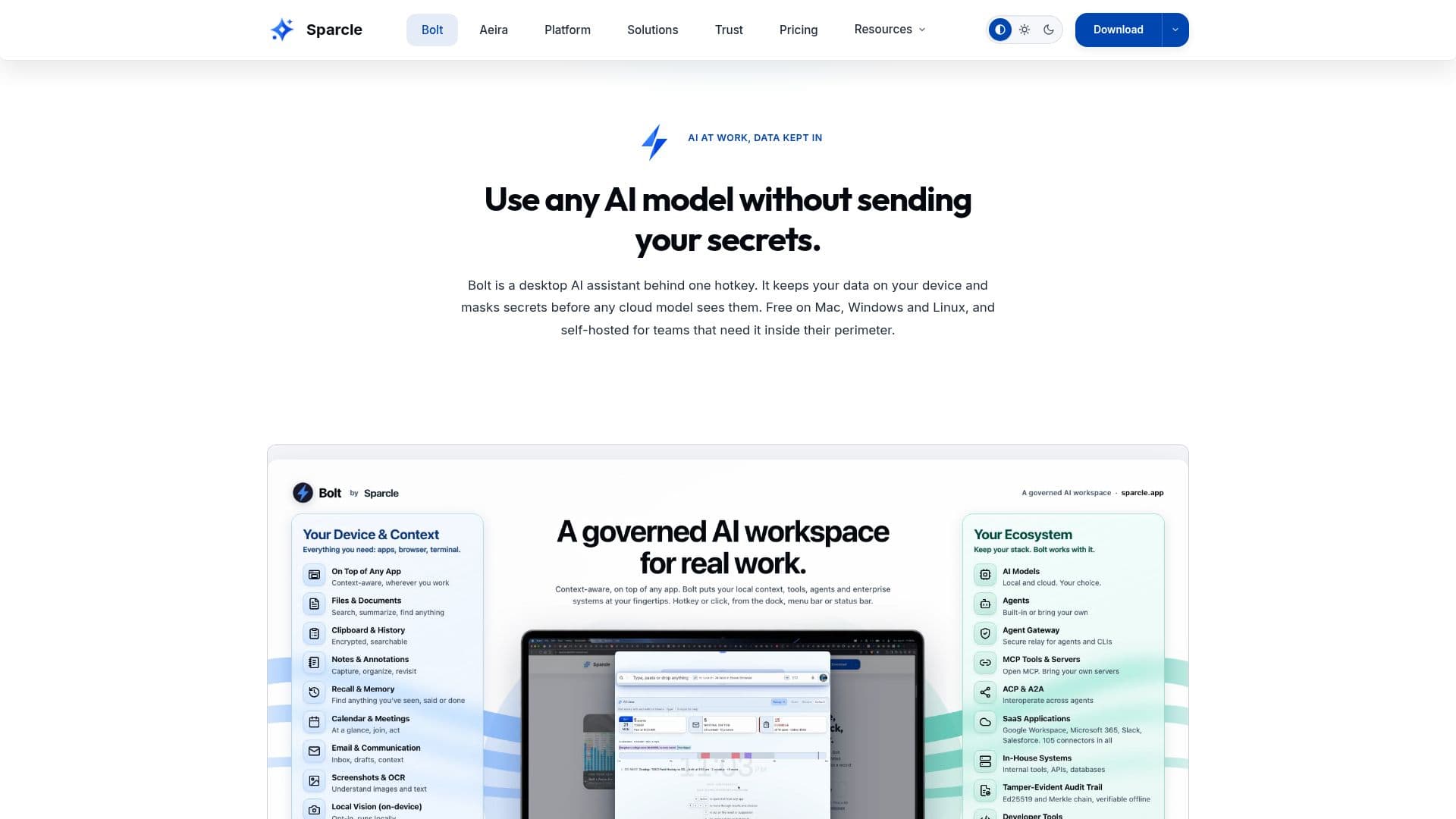
Bolt is a desktop AI assistant developed by Sparcle, designed to prioritize data privacy and sovereignty. It operates locally on your device, ensuring that your data remains secure and private. Bolt masks secrets and personally identifiable information (PII) before any interaction with cloud models, making it an ideal solution for regulated industries and organizations concerned with data privacy.
Read More
The platform is available for free for individual users on Mac, Windows, and Linux, with no account or time limit required. For teams, Bolt offers self-hosted options that can be deployed on-premises or in a virtual private cloud (VPC), allowing organizations to maintain full control over their data.
Bolt supports a wide range of AI models, allowing users to bring their own large language models (LLMs) such as OpenAI, Anthropic, and NVIDIA NIM. It integrates seamlessly with over 100 enterprise systems, including Microsoft 365, Google Workspace, Slack, and Salesforce, through the open Model Context Protocol (MCP).
The platform offers various pricing tiers for organizations, starting at $30 per seat per month for the Authorize tier, which includes self-hosting and BYO-LLM capabilities. The Backbone tier, priced at $60 per seat per month, adds AI orchestration features, while the Certify tier, at $90 per seat per month, includes a full compliance pack and dedicated delivery engineer support.
Bolt's key features include governed agentic actions, multi-surface data loss prevention (DLP), and a tamper-evident audit chain. It also offers a private recall feature, which provides on-device working memory that is encrypted and never uploaded. With its robust security measures and flexible deployment options, Bolt is well-suited for enterprises looking to leverage AI while maintaining strict data privacy standards.
- CategoryAI Personal Assistants
- Pricing ModelFreemium
- DeploymentSelf-hosted
- PlatformsMac, Windows, Linux
Bolt's Core Features
Local-first AI assistant
Data privacy and sovereignty
Self-hosted deployment options
Bring Your Own LLM support
Integration with 100+ enterprise systems
Governed agentic actions
Multi-surface data loss prevention
Tamper-evident audit chain
Private recall feature
Free for individual users
How to use Bolt?
Download: Get the Bolt desktop app for your OS
Install: Follow the installation instructions
Configure: Set up your preferred AI model and integrations
Use: Access Bolt's features via a hotkey
Optimize: Customize settings for your workflow
Bolt's Use Cases
- Data Privacy
- Enterprise Integration
- AI Model Flexibility
- Governed Actions
- Compliance