Description
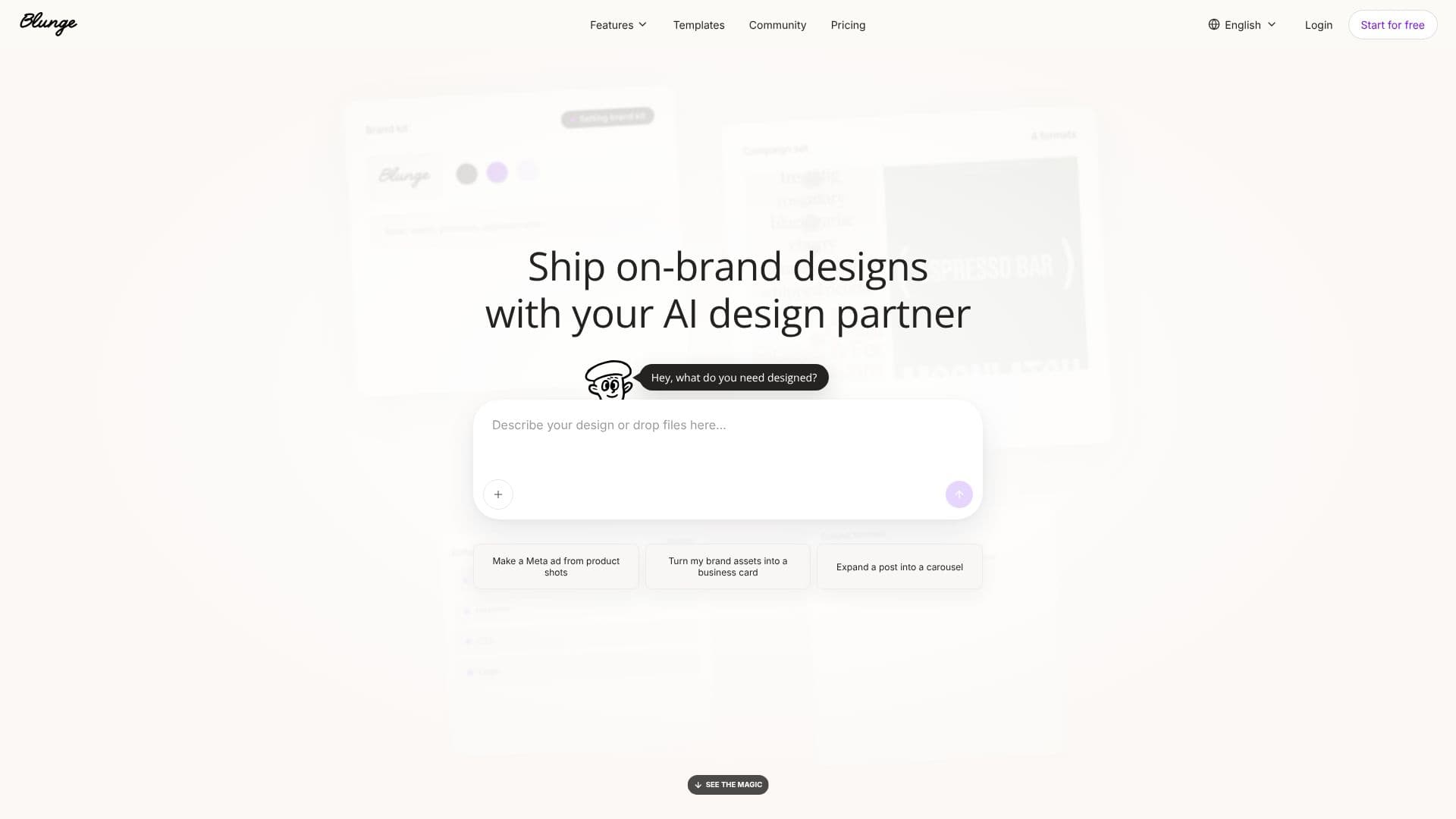
Blunge acts as an AI design partner, enabling users to create on-brand graphics with ease. By setting up a brand kit that includes tone, color palettes, and logos, users can generate an unlimited supply of marketing assets. The platform supports multiple formats, including posts, stories, posters, and menus, ensuring brand consistency across all channels.
Read More
Users can describe their design needs through text prompts or by uploading files. Blunge then transforms these inputs into finished, editable designs. The AI is capable of tasks such as creating Meta ads from product shots, turning brand assets into business cards, and expanding single posts into carousel formats. This significantly reduces the time and effort required for graphic design.
Key features include editable layers, allowing for direct tweaking of design elements without starting over. Blunge also offers auto-sizing for different formats, making it ready to post across various platforms. The AI is designed to understand and maintain brand identity, producing designs that look professionally made. This is particularly beneficial for marketers, founders, and designers who need to scale their creative output efficiently.
The platform is praised by users for its ability to double output, eliminate the need for extensive design skills, and achieve significant improvements in marketing metrics like Return on Ad Spend (ROAS). It empowers teams to move faster, turning creative ideas into shippable assets on the same day they are conceived.
Blunge is ideal for businesses and individuals looking to maintain a consistent brand image across all their marketing efforts without the high cost or time commitment of traditional design processes. It simplifies the ideation and execution phases of graphic design, making it accessible and efficient.
- CategoryAI Graphic Design Tools
- Pricing ModelFreemium
- DeploymentCloud
- PlatformsWeb
Blunge's Core Features
AI-powered graphic design generation
Brand kit customization for consistent branding
Editable layers for design refinement
Multi-format output (posts, stories, posters, menus)
Text prompt-based design creation
File upload for design input
Auto-sizing for various channels
Tone and style setting for brand voice
Campaign set creation for cohesive assets
On-brand design generation
Faster creative output
Editable designs without starting over
How to use Blunge?
Configure: Set up your brand kit, including tone, colors, and logo.
Describe: Input your design needs via text prompts or by uploading files.
Generate: Let Blunge's AI create initial design concepts.
Refine: Tweak editable layers and elements to perfect the design.
Ship: Export your finalized, auto-sized designs ready for any channel.
Blunge's Use Cases
- Social Media Graphics
- Marketing Campaigns
- Brand Identity
- Promotional Materials
- Content Creation
- Ad Creatives