Description
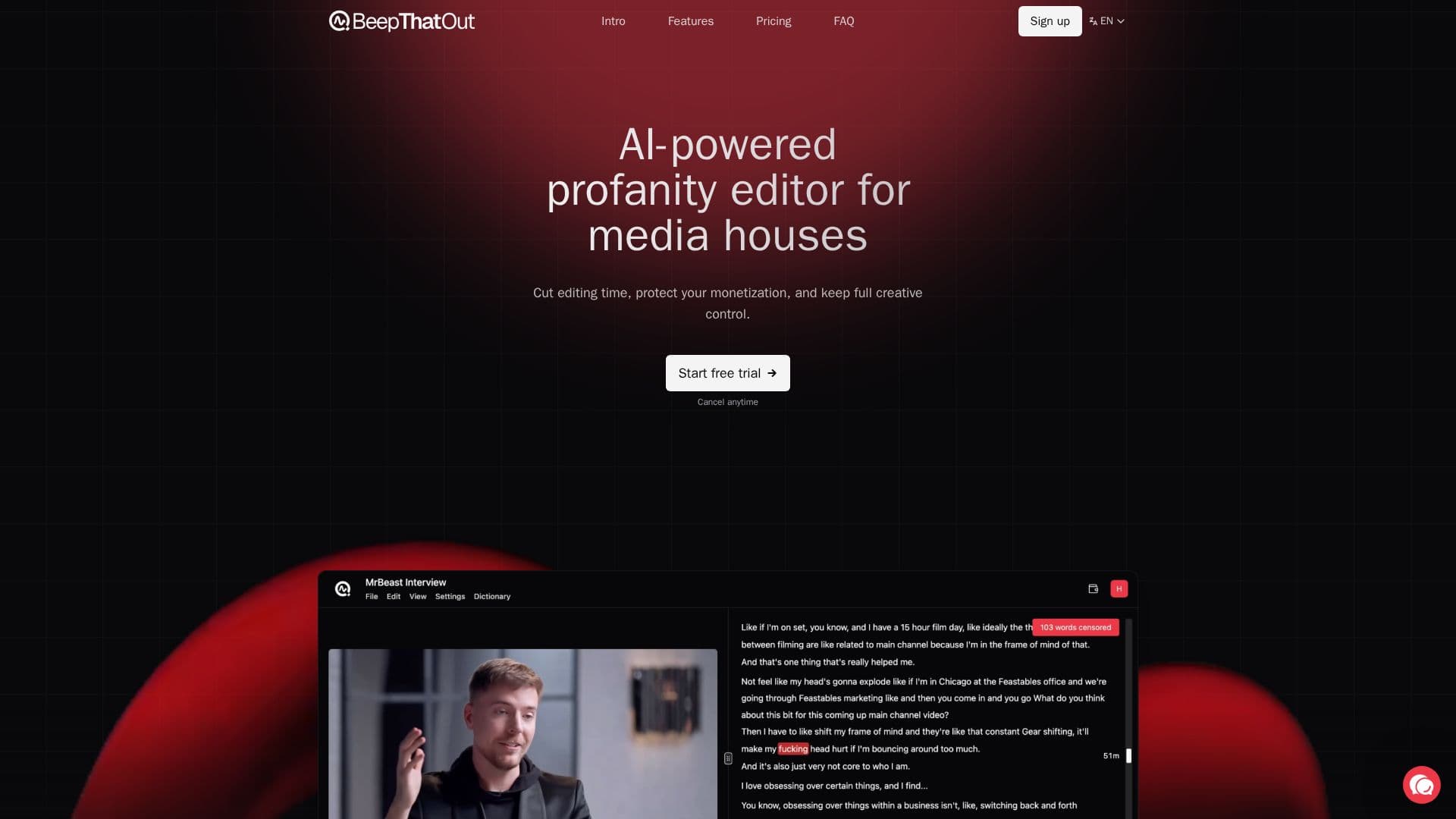
BeepThatOut is a web-based, AI-powered profanity editor built for content creators. You upload any audio or video file, edited or raw, and the AI automatically scans it for profanities so you can filter them and keep your content brand-safe and monetizable.
Read More
You choose which categories and intensity level to filter, build a custom word blacklist, and pick how censored words sound using a classic beep, silence, preset effects like a car horn or dog bark, or your own uploaded sound. The AI provides accurate alignment out of the box, and you can fine-tune timing by moving, trimming, or stretching any word on the timeline, and apply an edit to every occurrence at once.
BeepThatOut fits into professional production with exports to Adobe Premiere Pro, Final Cut Pro, and DaVinci Resolve as XML projects, plus rendered video or audio downloads. It auto-generates .srt subtitles, supports transcription and filtering in over 50 languages, and processes files up to 10 hours long, making it suited to podcasts, interviews, streams, and long-form video.
- CategoryAI Audio Editors
- Pricing ModelFreemium
- DeploymentCloud
- PlatformsWeb
BeepThatOut's Core Features
AI scanning of audio and video for profanities
Choose filter categories and intensity level
Custom word blacklist
Censor with beep, silence, preset effects, or your own sound
Timeline fine-tuning of word alignment and timing
Apply edits to every occurrence at once
Export to Adobe Premiere Pro, Final Cut Pro, and DaVinci Resolve
Auto-generated .srt subtitles and 50+ language support
How to use BeepThatOut?
Upload your file: Choose any audio or video file, edited or raw, and the AI scans it for profanities.
Customize and fine-tune: Pick what to filter, adjust censor effects, check the transcript, and refine alignment.
Review and export: Preview the results, then export to your video editor as a project or download a rendered file.
BeepThatOut's Use Cases
- Protect monetization
- Podcast and long-form editing
- Brand-safe content
- Subtitles