
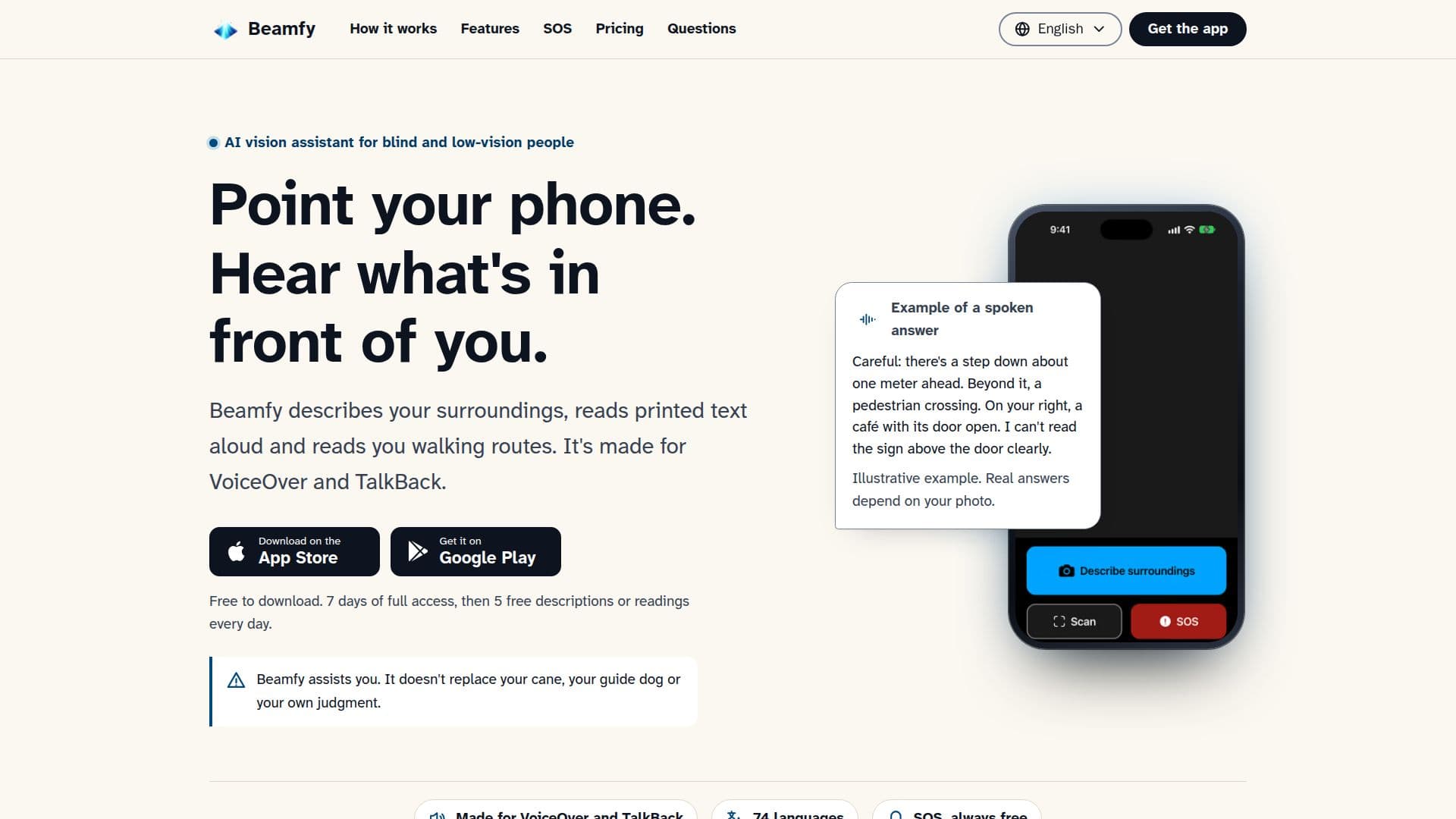
Description
Beamfy serves as an AI vision assistant, providing crucial visual information to blind and low-vision people through their smartphone. By simply pointing their phone and pressing a button, users can receive spoken descriptions of their immediate surroundings, including objects, potential hazards, and their relative positions. This functionality extends to reading printed text aloud from signs, labels, letters, and menus, with an option to translate the text into another language.
Read More
The app also offers a walking route preview feature. Users can input a destination and Beamfy will read out step-by-step directions before they start their journey. It's important to note that this is a preview and not live guidance; Beamfy does not track the user's position during a walk or detect obstacles in real-time. The app emphasizes that it is an assistive tool and not a replacement for traditional mobility aids like canes or guide dogs, advising users to always exercise their own judgment.
Beamfy is designed for accessibility, fully compatible with VoiceOver on iPhone and TalkBack on Android. It supports 74 languages, with answers read aloud by the phone's built-in voices. An internet connection is required for all description, reading, and navigation features. For privacy, photos taken by the app are sent encrypted to AI providers (OpenAI or Anthropic) for analysis and are not stored by Beamfy. Text answers and approximate locations are kept for a maximum of 30 days before deletion, and the app does not perform face recognition or process biometric data.
A key safety feature is the SOS function, which is always free. When activated, Beamfy initiates a 10-second countdown, then sends the user's location via text message to a pre-selected emergency contact. It then offers to dial the local emergency number, leaving the final call decision to the user. Beamfy does not directly contact emergency services. The app is free to download, offering a 7-day full access trial, followed by 5 free descriptions or readings daily. A Premium subscription is available for unlimited use, subject to fair-use limits of 300 descriptions or readings per day.
- CategoryAI Accessibility Tools
- Pricing ModelFreemium
- DeploymentCloud
- PlatformsiOS, Android
Beamfy's Core Features
Describe surroundings from a photo
Read printed text aloud
Provide walking route previews
SOS emergency contact notification
Compatible with VoiceOver (iPhone) and TalkBack (Android)
Supports 74 languages for app interface and answers
Encrypted photo transmission for analysis
No storage of user photos
Text answers deleted after 30 days
No face recognition or biometric data processing
Location data sent only for SOS or navigation
Voice input handled by phone's speech recognition
Free to download with 7-day full access trial
Daily free usage allowance (5 descriptions/readings)
Premium subscription for extended daily use
How to use Beamfy?
Open Beamfy: Launch the app on your iPhone or Android device.
Point and Capture: Hold up your phone and press the large button to take a photo of what's in front of you.
AI Analysis: The photo is securely sent and analyzed by AI to identify objects, text, or routes.
Listen to Answer: Hear the description, text reading, or walking route spoken aloud in your chosen language.
Activate SOS (Optional): Press the SOS button for a 10-second countdown, then Beamfy texts your location to an emergency contact and offers to dial emergency services.
Beamfy's Use Cases
- Environmental Description
- Text Reading
- Route Preview
- Emergency Alert
- Accessibility Support
- Language Assistance