


Description
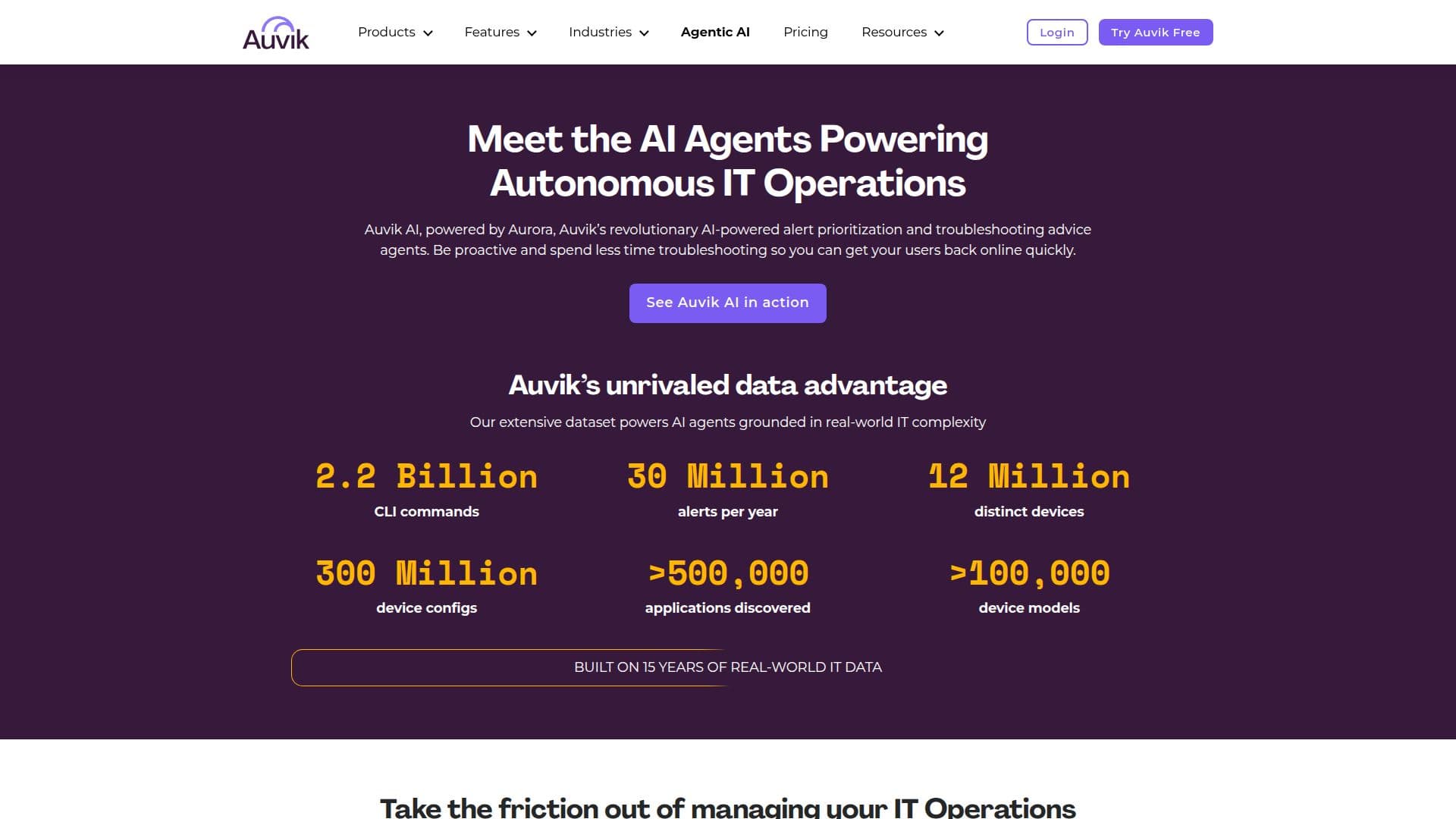
Auvik AI, integrated with Aurora, is designed to enhance IT operations by providing AI-powered network management capabilities. It analyzes network topology, device relationships, performance metrics, alerts, lifecycle data, and vulnerabilities to offer contextual troubleshooting and remediation guidance. Aurora operates as an AI agent with human oversight, offering recommendations based on machine learning analysis of your environment. Users can review and approve suggested actions before implementation, ensuring control and accuracy.
Aurora's analysis is grounded in real-time data from your network, making its recommendations specific and actionable. It does not replace IT teams but rather aids them by reducing repetitive tasks and highlighting high-impact issues, allowing teams to focus on strategic initiatives. Auvik AI features are included at no extra cost with all Auvik subscription packages.
Unlike general-purpose AI tools, Aurora's insights are based on your actual network data, providing precise guidance rather than generic solutions. It presents findings as hypotheses, explaining the reasoning behind them, which helps users evaluate and decide on actions. Aurora's transparency and contextual awareness make it a valuable tool for IT professionals seeking to optimize network management and troubleshooting.
Auvik AI is suitable for IT teams and managed service providers (MSPs) looking to enhance productivity, efficiency, and profitability. It supports scalable visibility, proactive monitoring, automated alerts, configuration backups, and remote access, making it a comprehensive solution for network management.
Auvik AI's Core Features
AI-powered network operations
Contextual troubleshooting guidance
Real-time data analysis
Human oversight with AI recommendations
No extra cost with Auvik subscription
Specific and actionable insights
Transparency in recommendations
Scalable visibility and monitoring
How to use Auvik AI?
Configure: Set up Auvik AI within your network
Use: Monitor network operations with AI insights
Troubleshoot: Utilize contextual guidance for issues
Optimize: Enhance efficiency with actionable recommendations
Auvik AI's Use Cases
- Network Management
- Troubleshooting
- Proactive Monitoring
- Configuration Backups
- Remote Access