
Description
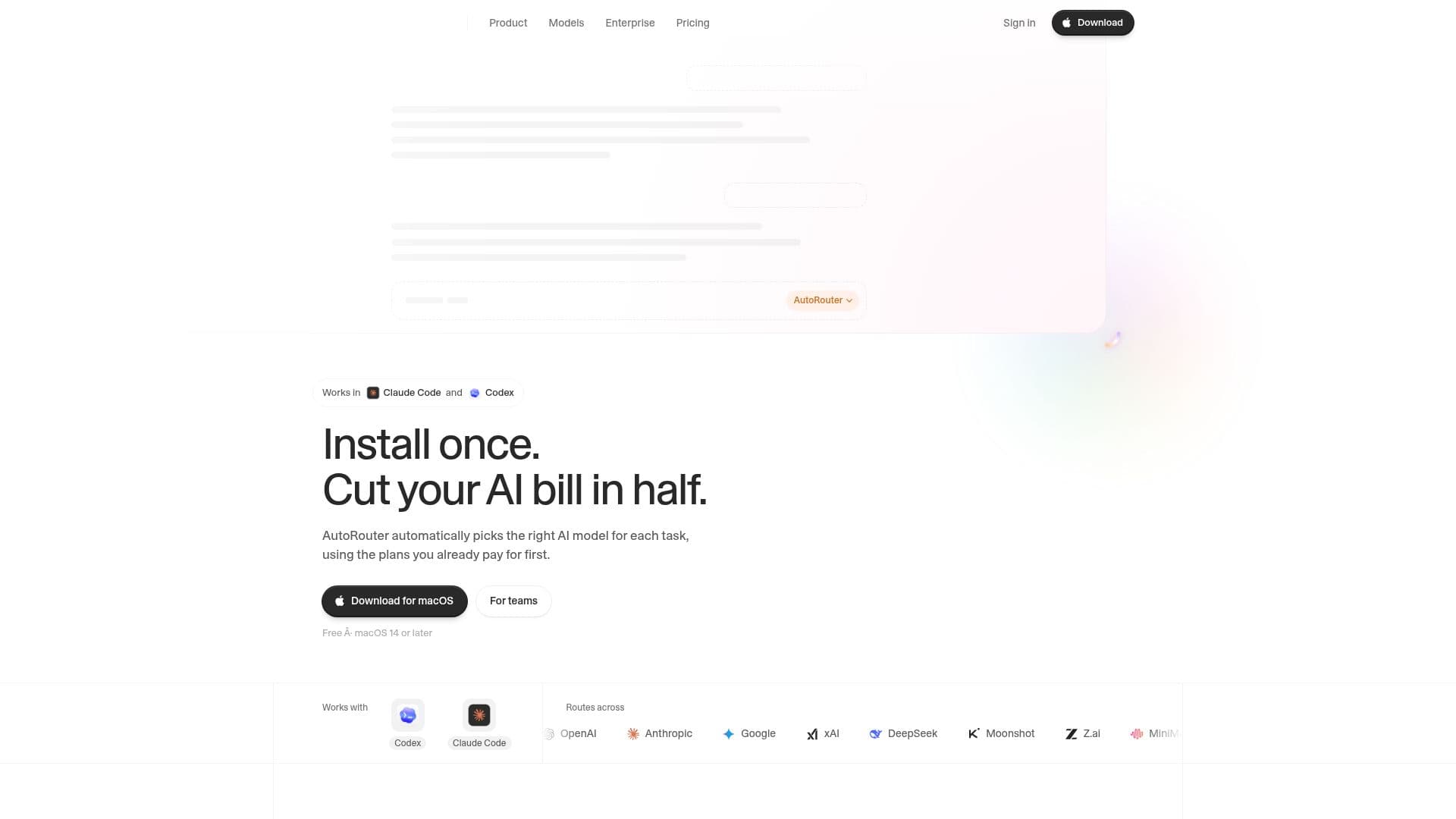
AutoRouter is a Mac application designed to intelligently manage and optimize the use of AI models within development environments like Codex and Claude Code. Its primary function is to automatically select the most appropriate AI model for any given task, significantly reducing AI usage costs by leveraging existing ChatGPT and Claude subscriptions first.
Read More
The application integrates directly into Codex and Claude Code as a selectable model. When AutoRouter is chosen, it analyzes the difficulty and type of work for each turn, then considers your active plans, custom routing rules, and balances factors like cost, quality, and speed. This ensures that tasks are routed to the most cost-effective model available, prioritizing models covered by your existing subscriptions before resorting to paid options.
AutoRouter offers a 'Free' tier that enables routing across ChatGPT and Claude subscriptions without additional cost. The 'Pro' plan, priced at $20 per month, includes $20 of usage and provides access to a broader range of models beyond those covered by personal subscriptions, such as GLM, Kimi, DeepSeek, MiniMax, MiMo, and Muse Spark. For larger organizations, an 'Enterprise' plan is available, offering features like MDM deployment, organizational rules, budgets, spend reporting, zero data retention, SSO, SCIM, and audit logs.
Users can customize routing rules using natural language, such as "Use GPT-6.1 Sol for debugging," with personal rules taking precedence over AutoRouter's recommendations. The application runs on macOS 14 or later and is compatible with Codex (both app and CLI) and Claude Code. It modifies app settings like `config.toml` for Codex and `settings.json` for Claude Code to enable its routing capabilities, always saving a backup of original settings.
Privacy is a key consideration; AutoRouter processes requests through its servers to select models but does not store full transcripts of prompts or code. It retains only the opening message of each turn (up to 4,000 characters) for routing review, along with usage and billing records. The app does not sell personal information, use it for advertising, or train AI models with user content. It aims to provide a secure and efficient way for developers and teams to manage their AI model consumption, ensuring cost savings and optimal model selection for various coding and development tasks.
- CategoryPrompt Engineering Tools
- Pricing ModelFreemium
- DeploymentMac App
- PlatformsmacOS
AutoRouter's Core Features
Automatic AI Model Selection
Cost Optimization for AI Usage
Integration with Codex and Claude Code
Prioritizes Existing ChatGPT and Claude Plans
Customizable Routing Rules
Support for Multiple AI Models and Providers
Usage and Spend Tracking
Free Tier for Subscription Routing
Pro Plan with Included Usage and Expanded Model Access
Enterprise Features for Teams (MDM, SSO, Budgets)
Local Processing of Sensitive Data on Mac
No Storage of Full Prompts or Code
Compatibility with macOS 14 or later
Seamless App Settings Integration
One-Month Pro Trial for New Accounts
How to use AutoRouter?
Download App: Obtain the AutoRouter application for your Mac.
Install and Sign In: Drag AutoRouter to Applications, then open and sign in or create a free account.
Enable for Apps: Enable AutoRouter for Codex or Claude Code in the app settings, then restart the target application.
Select AutoRouter Model: Choose "AutoRouter" as the model within Codex (from the model menu) or Claude Code (using /model).
Define Routing Rules: Add personal routing rules in natural language to guide model selection.
Continue Working: AutoRouter will automatically pick the best model for each task as you work.
AutoRouter's Use Cases
- Code Refactoring
- Debugging Code
- Writing Tests
- Small Feature Development
- Generating Commit Messages
- Code Renaming
- Answering Code Questions
- Managing AI Spend
- Enterprise AI Deployment