Description
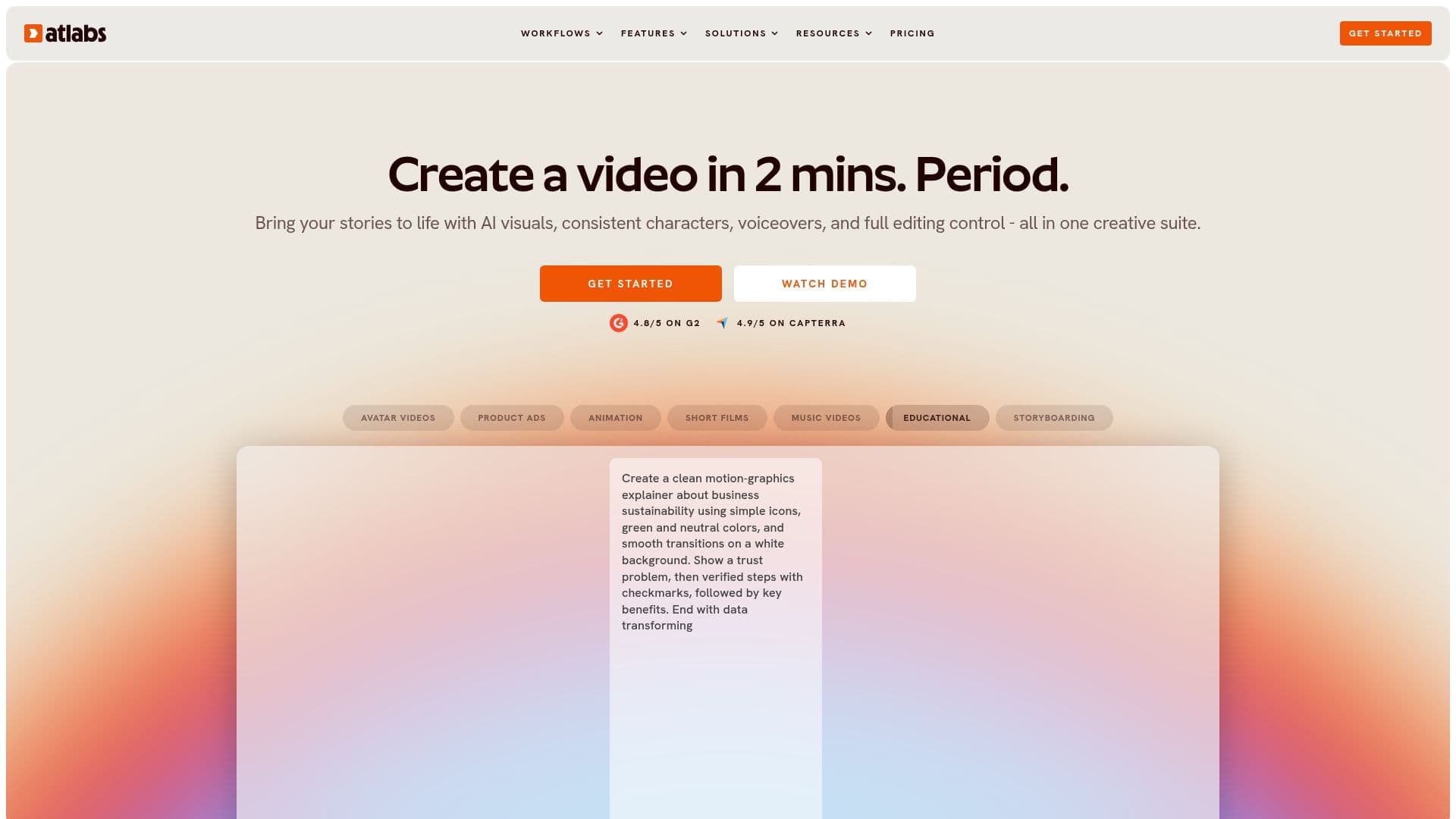
Atlabs AI is an innovative video storytelling platform designed to streamline the video creation process for various types of content creators. Whether you're producing music videos, animated cartoons, or educational content, Atlabs offers a comprehensive suite of tools to bring your vision to life. The platform supports multiple workflows, including music video creation, animated video production, and script-to-video transformations. With over 50 frontier AI models, including Veo 3.1 and ElevenLabs, Atlabs ensures high-quality output with consistent characters and voiceovers across episodes.
Read More
Creators can leverage Atlabs to produce videos in 40+ languages, making it ideal for global audiences. The platform offers a scene-level editor, allowing users full creative control over their projects. Features such as AI lip-sync, beat-synced motion, and automatic subtitles enhance the storytelling experience. Atlabs is used by brands, agencies, and ecommerce teams for creating user-generated content ads, social media clips, and training videos.
Atlabs provides a range of pricing plans to suit different needs, from a free plan to enterprise solutions. The Lite plan starts at $15/month, offering basic video creation capabilities, while the Max plan at $189/month includes advanced features like custom actors and 4K video exports. The platform is praised for its user-friendly interface and ability to produce professional-quality videos quickly, making it a valuable tool for creators looking to enhance their video production capabilities.
- CategoryAI Video Generators
- Pricing ModelFreemium
- DeploymentCloud
- PlatformsCloud
Atlabs AI Video Generator's Core Features
AI video storytelling platform
Music video workflow
Animated video workflow
Script to video workflow
UGC avatar videos
AI kids videos
Faith video generators
Consistent characters across episodes
AI lip sync and beat-synced motion
40+ language voiceovers and dubbing
Scene-level editor
Free plan available
Enterprise pricing on request
Export to Premiere Pro
Add royalty-free music
How to use Atlabs AI Video Generator?
Input: Provide your content or script
Configure: Select video style and settings
Publish: Generate and export your video
Optimize: Edit and refine using scene-level editor
Atlabs AI Video Generator's Use Cases
- Music Videos
- Animated Cartoons
- UGC Product Ads
- Educational Videos
- Faith Content