
Description
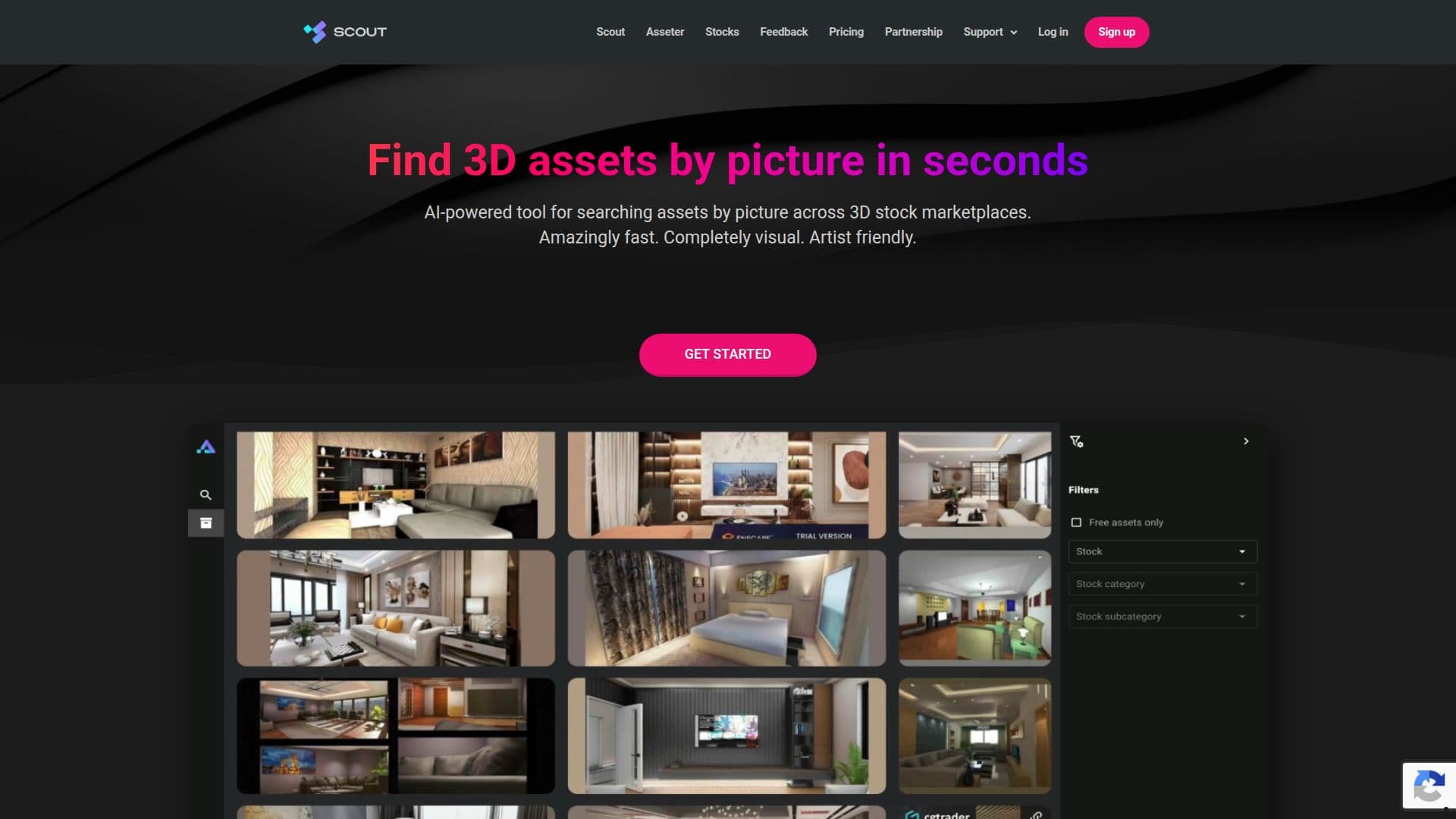
Asseter.AI is a set of tools for computer graphics artists and production teams, built around visual, artist-friendly search. Its Scout product is an AI-powered search engine that finds 3D models and assets by picture across supported 3D stock marketplaces, turning the search process into a completely visual approach rather than keyword guessing.
Read More
Using built-in computer vision and AI object detection, Scout lets users recreate a reference picture in 3D by discovering the individual assets needed to assemble it. Users can switch between free and paid assets, open an asset's web page instantly with a click, and search across multiple stock marketplaces in one place.
Beyond marketplace search, Asseter provides a next-generation digital asset management system that structures and categorizes media and 3D assets with lightning-fast search and AI tagging. It offers a desktop app and integrations inside popular DCC (digital content creation) software for one-click import and export, AI-powered batch import via a Scan & Import app, and automatic preview generation for 3D models and pro media formats.
Scout offers transparent pricing with a free plan (5 searches per month), a Daily plan at $1 per day for unlimited searches, and paid monthly tiers such as Supporter at $5 and Pro at $10. A partnership program lets marketplaces get their libraries indexed and lets other products add Scout functionality.
- Category3D Model Generators
- Pricing ModelFreemium
- DeploymentCloud
- PlatformsWeb
Asseter.AI's Core Features
AI-powered visual search for 3D models by picture
Computer vision and object detection to recreate a picture in 3D
Search across multiple 3D stock marketplaces in one place
Toggle between free and paid assets
AI-driven digital asset management with fast search and tagging
Desktop app and DCC software integrations with one-click import/export
AI-powered batch import via Scan & Import
Automatic preview generation for 3D and pro media formats
How to use Asseter.AI?
Upload a reference: Provide a picture of the 3D model or asset you need.
Search visually: Let Scout find matching assets across supported marketplaces.
Filter results: Switch between free and paid assets to narrow options.
Open the asset: Click to jump straight to the asset's marketplace page.
Manage your library: Use the DAM system and DCC integrations to import, tag, and organize assets.
Asseter.AI's Use Cases
- Visual asset sourcing
- Scene assembly
- Marketplace comparison
- Asset library management
- Production workflow speed-up