
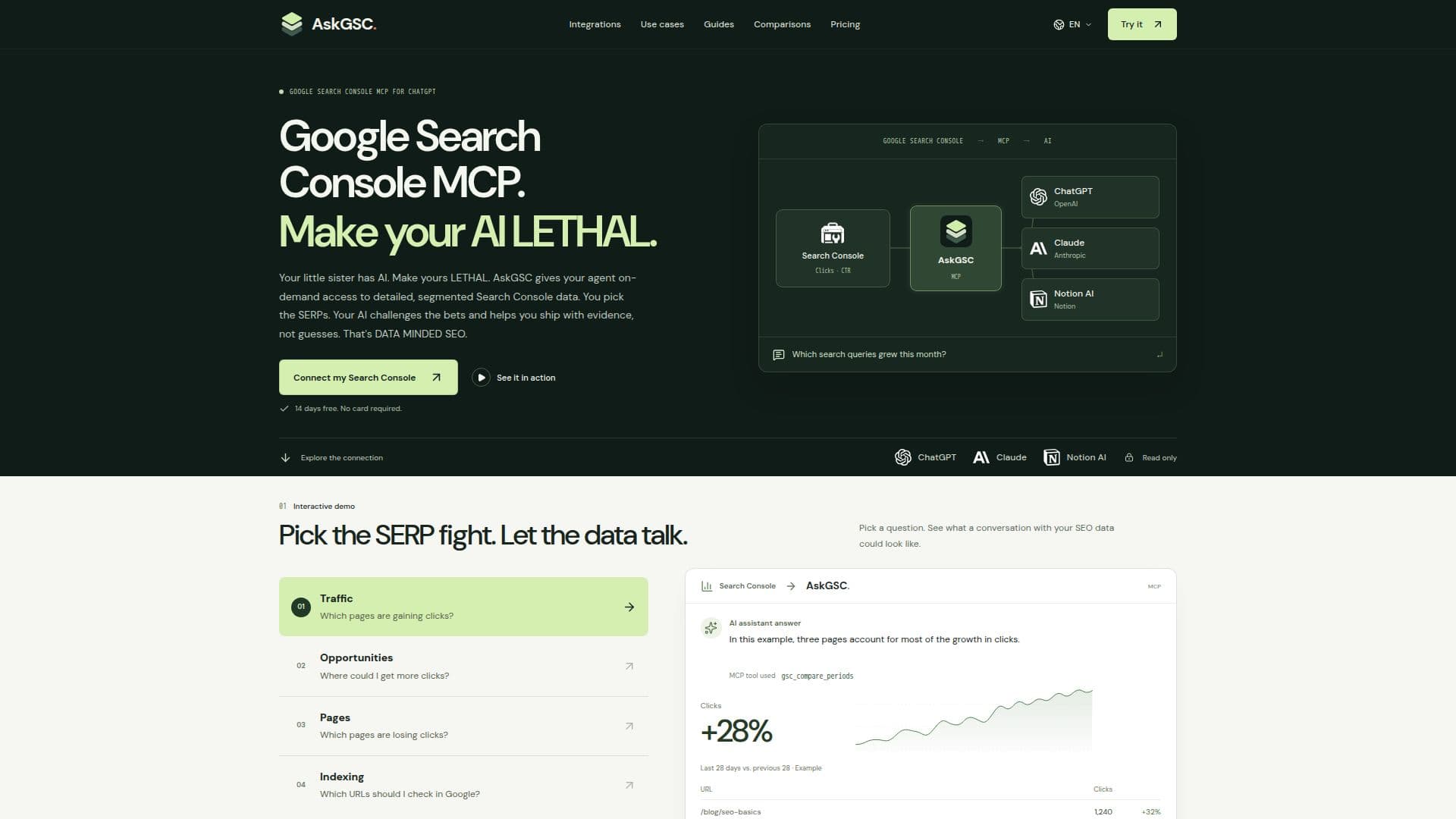
Description
AskGSC is a specialized tool designed to bridge the gap between Google Search Console (GSC) data and AI assistants. It utilizes the Model Context Protocol (MCP), an open standard, to securely provide AI tools with read-only access to your GSC data. This integration allows users to analyze SEO performance, identify trends, and make data-driven decisions directly within their preferred AI environment, such as ChatGPT, Claude, Notion AI, Cursor, and Claude Code.
Read More
The platform offers 11 distinct read-only tools that segment and analyze GSC data. These tools enable users to perform various SEO analyses, including search analytics queries, period comparisons, daily, weekly, monthly, and quarterly time-series analysis, and page content decline signals. Users can also inspect URL indexing status, diagnose submitted sitemaps, and segment performance by country and device. This comprehensive data access helps users target SERPs with evidence rather than relying on guesswork.
Connecting AskGSC is straightforward: users create an account, authorize read-only access to Google Search Console, and then add the AskGSC remote MCP server as a custom connector to their AI assistant. This eliminates the need for CSV exports, Google Cloud setup, or local software installations. AskGSC ensures data security by using Google's `webmasters.readonly` permission, meaning it cannot modify any GSC account settings or website content.
AskGSC operates on a freemium model. A 14-day full-access trial is available without requiring a credit card. After the trial, users can continue with a Free plan, which includes 20 monthly MCP credits, or upgrade to the Pro plan for €4.99/month. The Pro plan offers unlimited MCP credits, subject to Google and service limits, providing continuous access to all 11 GSC tools for regular SEO analysis. This pricing structure makes it accessible for occasional checks while offering robust support for frequent, data-intensive SEO tasks.
- CategoryAI SEO Tools
- Pricing ModelFreemium
- DeploymentCloud
- PlatformsWeb
AskGSC's Core Features
Google Search Console OAuth read-only access
Hosted remote MCP server for AI assistants
11 read-only GSC analysis tools
Search Analytics queries
Period comparison for SEO data
Daily, weekly, monthly, and quarterly SEO time-series analysis
Page content decline and keyword overlap signals
URL indexing status inspection
Submitted sitemap diagnostics
Country and device performance segmentation
Integration with ChatGPT, Claude, Notion AI, Cursor, and Claude Code
No software installation or API key management required
No CSV export or Google Cloud setup needed
Secure read-only access (webmasters.readonly permission)
Free 14-day full-access trial
How to use AskGSC?
Create Account: Sign up for an AskGSC account.
Authorize Google Search Console: Grant read-only access to your GSC properties via OAuth.
Add MCP Connector: Integrate the AskGSC remote MCP server as a custom connector to your compatible AI assistant (e.g., ChatGPT, Claude, Notion AI).
Approve OAuth Request: Approve the assistant's OAuth request to link with AskGSC.
Ask Questions: Begin querying your GSC data directly within your AI assistant to analyze properties, pages, or queries.
AskGSC's Use Cases
- Identify Click Declines
- Investigate Low CTR
- Target Top 10 Queries
- Compare Performance Periods
- Prioritize Content Refresh
- Generate SEO Reports
- Evaluate Content Performance
- Review Code Changes
- Optimize Landing Pages