Description
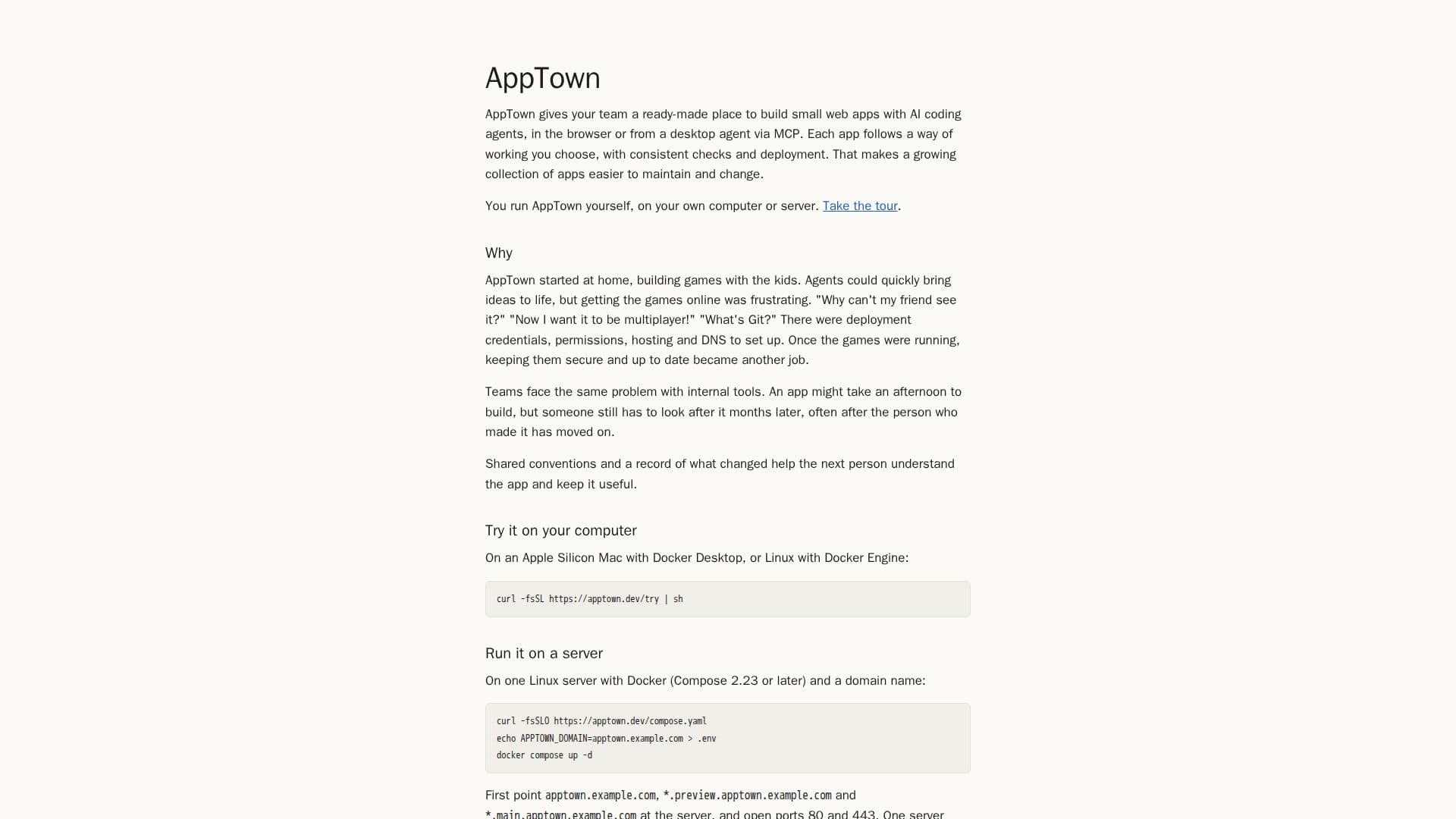
AppTown offers a dedicated platform for teams to develop small web applications efficiently, leveraging AI coding agents. It can be operated directly in the browser or via a desktop agent through MCP, providing flexibility for developers. A core principle of AppTown is the adoption of shared conventions for app development, ensuring that each application adheres to a chosen way of working with consistent checks and deployment processes. This structured approach significantly simplifies the maintenance and modification of a growing portfolio of applications over time.
Read More
The platform is designed for self-hosting, allowing users to run AppTown on their own computer or server. This provides complete control over the development environment and data. The origin of AppTown stems from a personal need to simplify the process of getting AI-generated games online and making them accessible, addressing common frustrations like deployment credentials, permissions, hosting, and DNS setup. It also tackles the ongoing challenge of securing and updating applications after their initial deployment.
For teams, AppTown addresses the problem of maintaining internal tools long after their initial creation, especially when the original developer has moved on. By establishing shared conventions and maintaining a clear record of changes, AppTown ensures that subsequent team members can easily understand, manage, and keep applications useful. This fosters continuity and reduces the burden of legacy system maintenance.
AppTown supports deployment on various systems, including Apple Silicon Macs with Docker Desktop, or Linux environments with Docker Engine. For server deployment, it requires a Linux server with Docker (Compose 2.23 or later) and a configured domain name, with specific ports opened for access. The platform is open source under the Apache-2.0 license, promoting transparency and community contribution. The 1.0 release candidate is available, with detailed instructions provided in its README.
- CategoryAI App Builders
- Pricing ModelOpen source
- DeploymentSelf-Hosted
- PlatformsApple Silicon Mac, Linux
AppTown's Core Features
Build small web apps with AI coding agents
Run AppTown on your own computer or server
In-browser development environment
Desktop agent support via MCP
Shared conventions for consistent app development
Consistent checks and deployment processes
Easier maintenance and change management for apps
Self-hosted deployment for full control
Supports Apple Silicon Mac with Docker Desktop
Supports Linux with Docker Engine
Server deployment with Docker Compose (2.23+)
Requires domain name and open ports (80, 443) for server
Open source under Apache-2.0 license
Provides a ready-made place for team app building
Simplifies getting apps online and secure
How to use AppTown?
Choose Deployment: Decide whether to run AppTown on an Apple Silicon Mac, Linux machine, or a dedicated Linux server.
Install Docker: Ensure Docker Desktop (for Mac) or Docker Engine (for Linux) is installed and configured.
Configure Server (Optional): For server deployment, point necessary domain names to the server and open ports 80 and 443.
Run AppTown: Execute the provided commands to start AppTown on your chosen environment.
Access Interface: Open AppTown in your browser or connect via a desktop agent.
Develop Apps: Utilize AI coding agents to build and deploy small web applications following shared conventions.
AppTown's Use Cases
- Internal Tool Development
- AI-Assisted Web App Creation
- Consistent App Deployment
- Self-Hosted Development Environment
- Collaborative App Building