Description
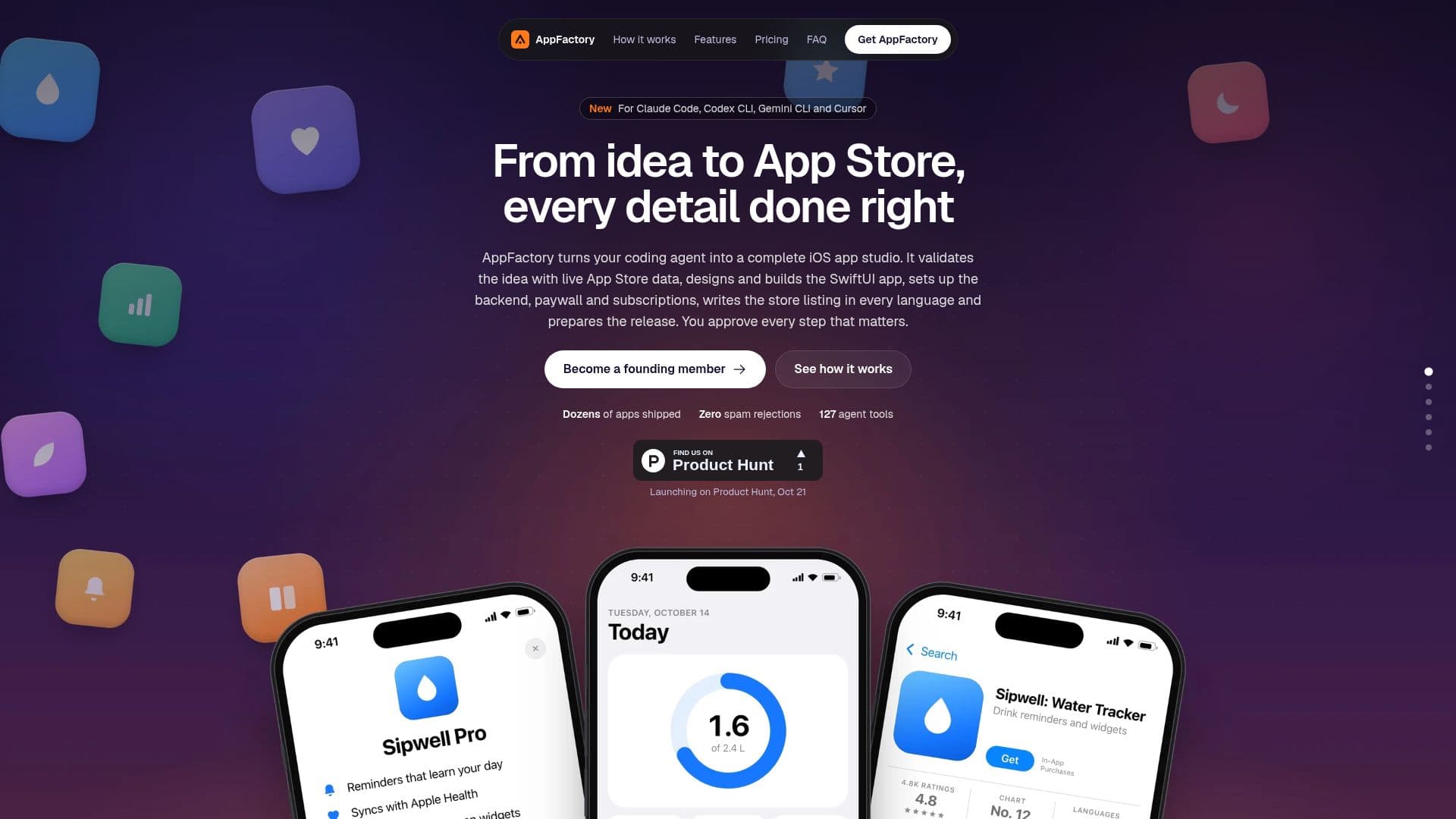
AppFactory is an MCP server designed to empower coding agents like Claude Code, Codex CLI, Gemini CLI, and Cursor to build and ship native SwiftUI iOS subscription applications. It provides a complete pipeline that covers every stage of app development, from initial idea validation to final App Store submission.
Read More
The process begins with idea research, leveraging live App Store data to assess market demand, competitor strength, and niche viability. This stage helps users identify winning app concepts before writing any code. Following validation, AppFactory assists in designing the app, studying top competitors' visuals to create a unique and distinct user interface and icon. It then proceeds to build a robust SwiftUI app from a tested base, incorporating essential components like onboarding, paywalls, settings, and analytics hooks, ensuring the build passes all tests.
AppFactory also streamlines the backend setup, integrating services like Supabase while keeping secret keys secure. It automates the configuration of subscriptions and paywalls using RevenueCat and StoreKit, handling local prices, trials, and subscription groups. For App Store listings, it generates localized metadata, ASO keywords, legal pages, and branded screenshots in multiple languages, checking against Apple's guidelines before upload. The platform prepares the app for TestFlight, managing signing, archiving, and uploading, always requiring user approval for critical steps, especially App Store submission.
Users need a Mac, `uv`, and a compatible coding agent. Xcode and an Apple Developer Program membership are required for building and shipping. AppFactory operates locally, with user data sent only to services explicitly enabled with personal keys, ensuring privacy with no telemetry. It functions offline for up to 30 days after a weekly license check. The pricing model is a one-time payment, allowing unlimited app builds without subscriptions or per-app fees, though external services like Apple's Developer Program and AI providers incur their own costs.
- CategoryAI App Builders
- Pricing ModelOne-time purchase
- DeploymentRuns locally
- PlatformsMac
AppFactory's Core Features
Idea research and validation using live App Store data
ASO and keyword research for App Store optimization
App design based on competitor analysis and unique briefs
SwiftUI app development from a tested base with integrated tests
Backend setup with secure key management (e.g., Supabase)
Subscription and paywall configuration (RevenueCat, StoreKit)
Localized App Store listing generation (metadata, keywords, screenshots)
TestFlight upload and preparation for App Store submission
Integrated AppFactory Dashboard for live pipeline monitoring
Automated checks and approval gates at critical stages
Support for multiple coding agents (Claude Code, Codex CLI, Gemini CLI, Cursor)
Offline functionality for up to 30 days
One-time payment for unlimited app builds and updates
Privacy-focused with no telemetry and user-controlled service keys
Growth tools for post-launch (TikTok/Reels slideshows, rating requests)
How to use AppFactory?
Install and Activate: Install the AppFactory package, paste your license key, and connect it to your coding agent.
Choose Services: Select and enable only the services you need, such as Apple, Supabase, RevenueCat, Firebase, GitHub, or AI providers, using your own keys.
Ask for an App: Instruct your coding agent to run the pipeline, stage by stage, approving steps that involve spending money or going live.
Monitor Progress: Use the AppFactory Dashboard plugin for Claude Code to track progress, gates, setup blockers, and approvals in real-time.
Approve Submission: Review and approve the final app for TestFlight upload and App Store submission, ensuring all checks pass.
AppFactory's Use Cases
- iOS App Idea Validation
- SwiftUI App Development
- App Store Optimization (ASO)
- Subscription Management
- Backend Infrastructure Setup
- App Design and Branding
- TestFlight Distribution
- Post-Launch Growth Tools