Description
Aithenticate is a tool designed to bring transparency to the use of Artificial Intelligence in content creation. In an era where AI-generated content is becoming prevalent, Aithenticate empowers website owners to clearly communicate the origin of their content to their audience. This fosters trust and ensures compliance with evolving AI regulations.
Read More
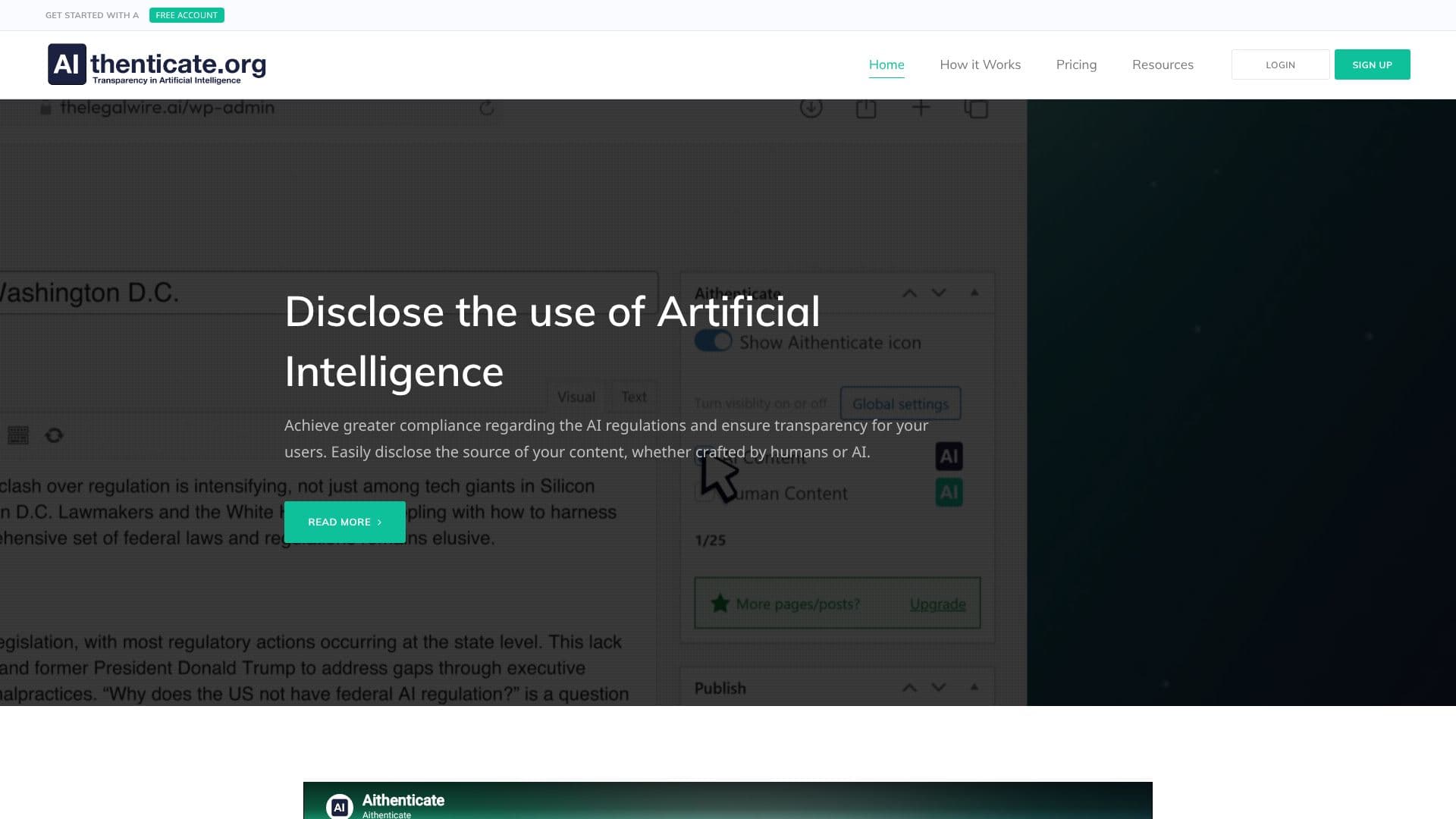
The core functionality of Aithenticate revolves around simple yet effective disclosure mechanisms. Users can easily indicate whether a piece of content was created by a human or with the assistance of AI. This is achieved through visual cues, such as distinct icons, that are embedded within the website's content. The blue icon signifies AI utilization, while a green icon denotes human authorship.
Key capabilities include a WordPress plugin that simplifies the integration of AI transparency across a website. For enhanced credibility, Aithenticate offers a custom company profile page. This profile serves as a central hub for business details, disclosures about AI usage, and a list of AI tools employed in content creation. Furthermore, an AI Disclosure Generator assists in crafting concise statements to inform users about AI involvement in website development.
Aithenticate caters to a broad audience, including website owners, content creators, publishers, and businesses aiming to build trust with their users. It is particularly beneficial for those operating in regulated industries or those who prioritize ethical content practices. The value proposition lies in enhanced credibility, improved user trust, and streamlined compliance with AI transparency mandates.
The platform offers a free tier for limited implementations, allowing users to test the service. For more extensive needs, a premium subscription provides unlimited implementations and advanced features like automatic site-wide badge implementation. This tiered approach makes AI transparency accessible to businesses of all sizes.
- CategoryAI Content Detectors
- Pricing ModelFreemium
- DeploymentCloud
- PlatformsWeb
Aithenticate's Core Features
Disclose AI vs. human-generated content
Visual indicators (blue icon for AI, green icon for human)
WordPress plugin for easy integration
Customizable company profile page
AI Disclosure Generator for compliance statements
Enhances user trust and credibility
Aids in compliance with AI regulations
Free tier available for limited use
Premium subscription for unlimited implementations
Automatic site-wide implementation with premium plan
How to use Aithenticate?
Sign Up: Create a free Aithenticate account.
Install Plugin: Download and install the WordPress plugin.
Configure Disclosures: Use the plugin to set up AI/human content indicators.
Create Company Profile: Set up your custom company page for detailed disclosures.
Generate Disclosures: Utilize the AI Disclosure Generator for compliance statements.
Implement Badges: Embed Aithenticate badges on your content pages.
Upgrade (Optional): Subscribe to Premium for advanced features and unlimited use.
Aithenticate's Use Cases
- AI Content Disclosure
- Regulatory Compliance
- Building User Trust
- Website Transparency
- Content Authenticity
- WordPress Integration