
Description
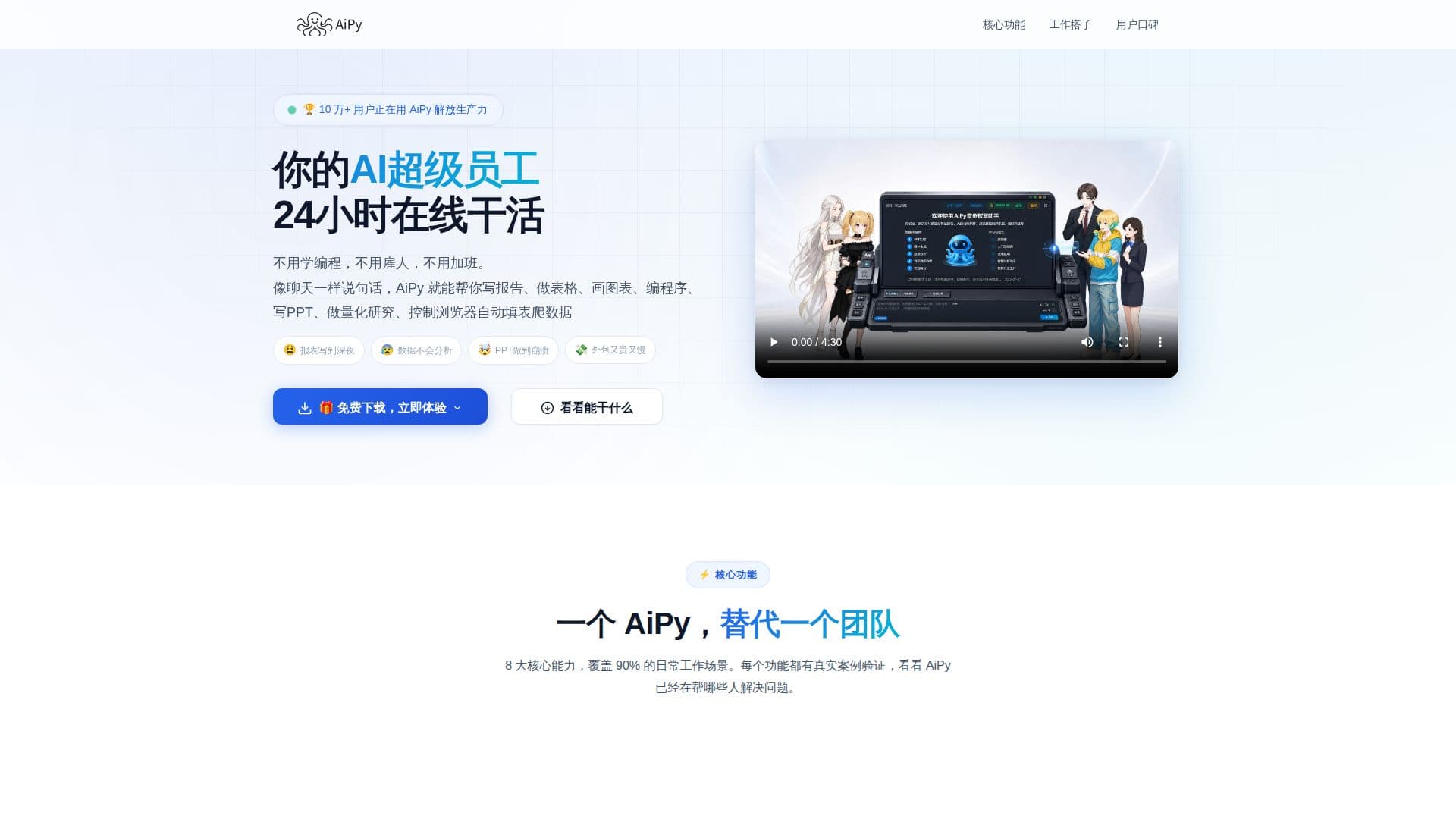
AiPy positions itself as a "super AI employee" that works 24/7, eliminating the need for programming skills, hiring, or overtime. Users can interact with AiPy through simple chat commands to accomplish a wide range of tasks, from generating complex reports and data visualizations to writing extensive documents, creating presentations, and even developing websites or small applications.
Read More
The platform boasts eight core capabilities designed to cover approximately 90% of common daily work scenarios. For data analysis, users can upload Excel files or provide sales data, and AiPy will automatically clean, analyze, and generate visual reports, trend charts, and comparative analyses. This feature is showcased with examples like analyzing product sales, mobile phone sales data, and school exam results to identify top-performing products, profitable quarters, or classes with the most improvement.
For content creation, AiPy can generate various documents such as bidding proposals, business plans, work summaries, and even long-form novels. Users simply describe their requirements, and AiPy produces well-formatted, complete content that can be exported as Word or PDF files. It also excels at presentation creation, allowing users to specify a topic and have AiPy generate a complete, aesthetically pleasing PPT with covers, directories, data charts, and summaries, with customizable styles.
Beyond traditional office tasks, AiPy extends its capabilities to web development and custom tool creation. Users can describe their desired website or application, and AiPy generates full front-end and back-end code for brand websites, backend systems, or mini-programs. It can also write and run small utility tools, automation scripts, management systems, or even simple games based on plain language descriptions, requiring no programming knowledge from the user.
Image processing is another key feature, enabling batch operations like cropping, compression, watermarking removal, resizing, old photo restoration, and even generating movie-quality promotional posters with a single command. For self-media creators, AiPy can generate articles for platforms like WeChat Official Accounts, Xiaohongshu, Zhihu, and short video scripts based on a given theme, with customizable styles and one-click publishing options.
Finally, AiPy offers automated data scraping, allowing users to collect and organize information from web pages, such as hot searches, product details, or news summaries, into structured tables. It supports scheduled updates, eliminating manual copy-pasting. The tool also includes features like mobile remote control, timed tasks, voice interaction for natural communication, long-term memory to learn user preferences, and customizable interface skins and dialogue styles, making it a truly personalized work companion. AiPy is available for Windows and macOS, promising quick installation and immediate usability.
- CategoryAutomation & Agents
- Pricing ModelNot specified
- DeploymentDesktop Application
- PlatformsWindows, macOS
AiPy's Core Features
AI-powered data analysis and reporting
Automated document generation (Word/PDF)
Presentation (PPT) creation with customizable styles
Full-stack website and application code generation
Custom utility tool and game development
Batch image processing and poster generation
Self-media content creation and publishing
Automated web data scraping and organization
Mobile remote control for task management
Scheduled task execution for automated workflows
Voice interaction for natural communication
Long-term memory for personalized user experience
Customizable interface skins and dialogue styles
Supports Windows and macOS platforms
How to use AiPy?
Install AiPy: Download and install the AiPy application on your Windows or macOS device.
Input Task: Use natural language chat commands to describe the task you want AiPy to perform.
Provide Data (if applicable): Upload relevant files like Excel spreadsheets or image folders when prompted.
Generate Output: AiPy processes your request and generates the desired output, such as reports, documents, or code.
Review and Export: Review the generated content and export it in the required format (e.g., Word, PDF, PPT, Excel).
Automate Workflows: Set up timed tasks or use mobile remote control to manage and automate recurring activities.
AiPy's Use Cases
- Data Analysis & Reporting
- Document & Proposal Writing
- Presentation Design
- Website & App Development
- Custom Tool Creation
- Batch Image Processing
- Self-Media Content Generation
- Automated Web Data Scraping
- Remote Task Management
- Academic Performance Analysis