
Description
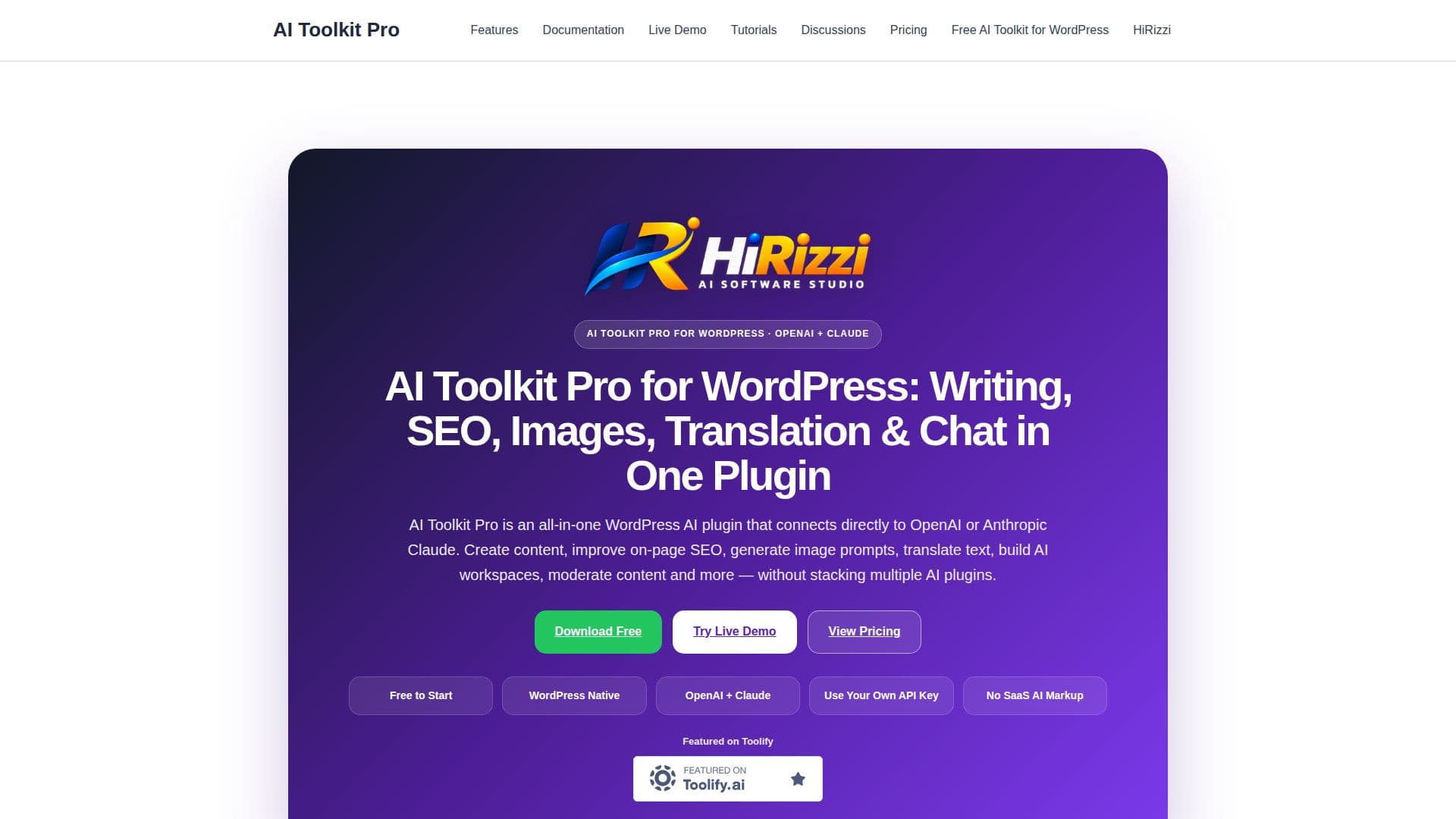
AI Toolkit Pro for WordPress is a comprehensive plugin that integrates OpenAI and Anthropic Claude to enhance content creation, SEO optimization, translation, and chat functionalities. This plugin allows users to connect directly to their chosen AI provider using their own API key, eliminating additional SaaS markup costs. Designed for a variety of WordPress sites, including blogs, WooCommerce stores, and business sites, AI Toolkit Pro offers a modular approach. Users can enable only the features they need, such as AI writing, SEO assistance, image generation, and content moderation, through a Module Manager.
Read More
The plugin supports a wide range of AI-powered workflows, making it suitable for site owners, bloggers, agencies, and niche platforms. It includes tools like an AI Writer for generating website copy, a Blog Writer for structured article drafts, and an Internal Linking Assistant to improve site structure. Additionally, the SEO Studio provides on-page optimization, while the Image Studio helps develop image concepts.
AI Toolkit Pro offers a freemium pricing model, with a free edition that includes core tools and a Pro version at $99/year or a Lifetime license for $299. The free version allows unlimited generation with some save limits, while the Pro version removes these restrictions and offers expanded features. Users can manage the plugin from a central dashboard, ensuring a seamless integration into their WordPress workflow.
Overall, AI Toolkit Pro is a versatile solution for enhancing WordPress sites with AI capabilities, offering flexibility and control over AI provider usage and feature activation.
- CategoryAI Writing Assistants
- Pricing ModelFreemium
- DeploymentWordPress
- PlatformsWordPress
AI Toolkit Pro for WordPress's Core Features
Connects to OpenAI and Anthropic Claude
Uses own API key, no SaaS markup
Modular feature activation
AI Writer for content generation
SEO Studio for on-page optimization
Image Studio for visual content
Internal Linking Assistant
Content moderation tools
Translation capabilities
Chat Assistant with shortcode integration
Prompt Library for reusable workflows
Batch Content Pipeline for large workflows
Analytics for usage tracking
Role Permissions for user access control
Front-end AI workspaces
How to use AI Toolkit Pro for WordPress?
Install: Upload and activate the plugin
Configure: Connect to OpenAI or Claude with API key
Enable: Select desired modules via Module Manager
Use: Integrate AI tools into WordPress workflow
Optimize: Track usage and adjust settings as needed
AI Toolkit Pro for WordPress's Use Cases
- Content Creation
- SEO Optimization
- Translation
- Image Generation
- Content Moderation