
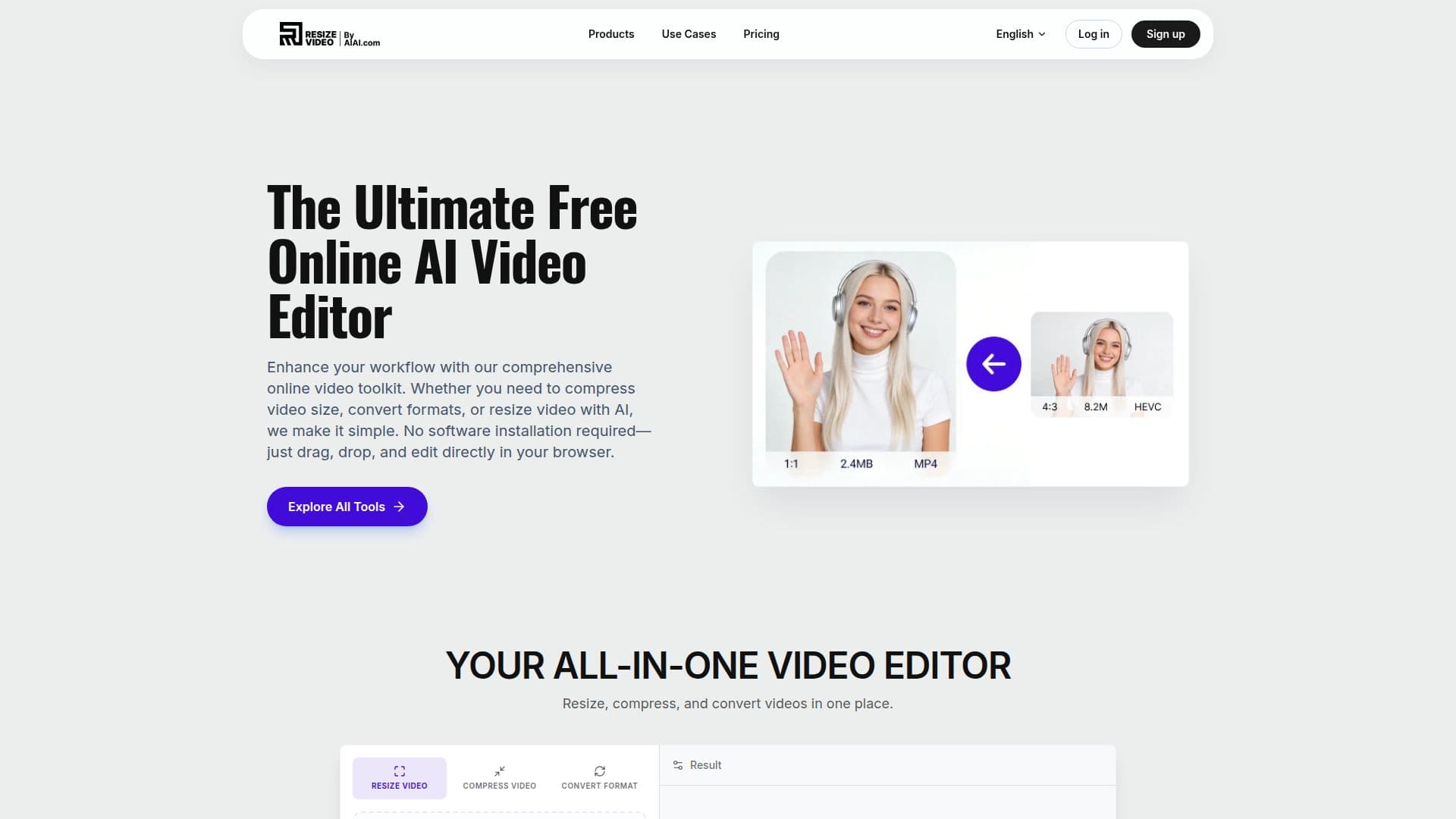
Description
AI Resize Video offers a comprehensive online video toolkit designed to streamline video editing workflows for creators and marketers. This free, browser-based editor allows users to compress video size, resize dimensions, and convert formats without requiring any software installation. Users simply drag and drop their video files to begin editing.
Read More
A key feature is its AI video expander, which utilizes generative AI to naturally fill backgrounds when changing aspect ratios. This capability is particularly useful for adapting videos for different social media platforms such as Instagram, TikTok, and YouTube, preventing black bars or the loss of important footage. The tool ensures that videos maintain their quality while being optimized for various display requirements.
For those needing to manage file sizes, AI Resize Video includes a smart video compressor that efficiently reduces video size without compromising HD quality. This is ideal for saving storage space, sharing files faster via email or WhatsApp, and optimizing content for web use. The platform also functions as a universal video converter, supporting popular formats like MP4, MOV, AVI, and WEBM, and can even convert clips into GIFs for social media. This ensures content compatibility across different devices, players, and platforms.
AI Resize Video emphasizes user privacy, automatically deleting files after processing. It is cross-platform compatible, working seamlessly on browsers like Chrome and Safari, and operating systems including Windows and Mac. The editing process is simplified into three steps: upload the video, select desired output parameters, and then preview and download the processed file. The tool is perfect for optimizing ads for Facebook, fixing vertical videos for YouTube Shorts, or sending large proofs to clients, making video production more efficient.
- CategoryAI Video Editors
- Pricing ModelFreemium
- DeploymentCloud
- PlatformsWeb (Chrome, Safari, Windows, Mac)
AI Resize Video's Core Features
Free online video editor
AI video expansion for aspect ratio changes
Generative AI to fill backgrounds naturally
Video compression without quality loss
Universal video converter for multiple formats (MP4, MOV, AVI, WEBM)
Convert videos to GIFs
No software installation required
Browser-based editing (drag, drop, edit)
Privacy-first: files deleted automatically after processing
Cross-platform compatibility (Chrome, Safari, Windows, Mac)
Optimized for social media (Instagram, TikTok, YouTube, Facebook)
Optimized for email and web sharing
Simple 3-step editing process
No watermark
How to use AI Resize Video?
Upload Video: Simply upload your MP4, MOV, WEBM, or AVI file to the platform.
Select Parameters: Choose the desired output parameters for your video.
Process Video: Wait for the AI to process your video based on the selected parameters.
Preview and Download: Preview the processed video and download the final file immediately.
AI Resize Video's Use Cases
- Social Media Optimization
- Video File Compression
- Format Conversion
- Content Creation for Marketers
- Fixing Vertical Videos
- Sending Large Video Proofs
- Web Content Preparation