Description
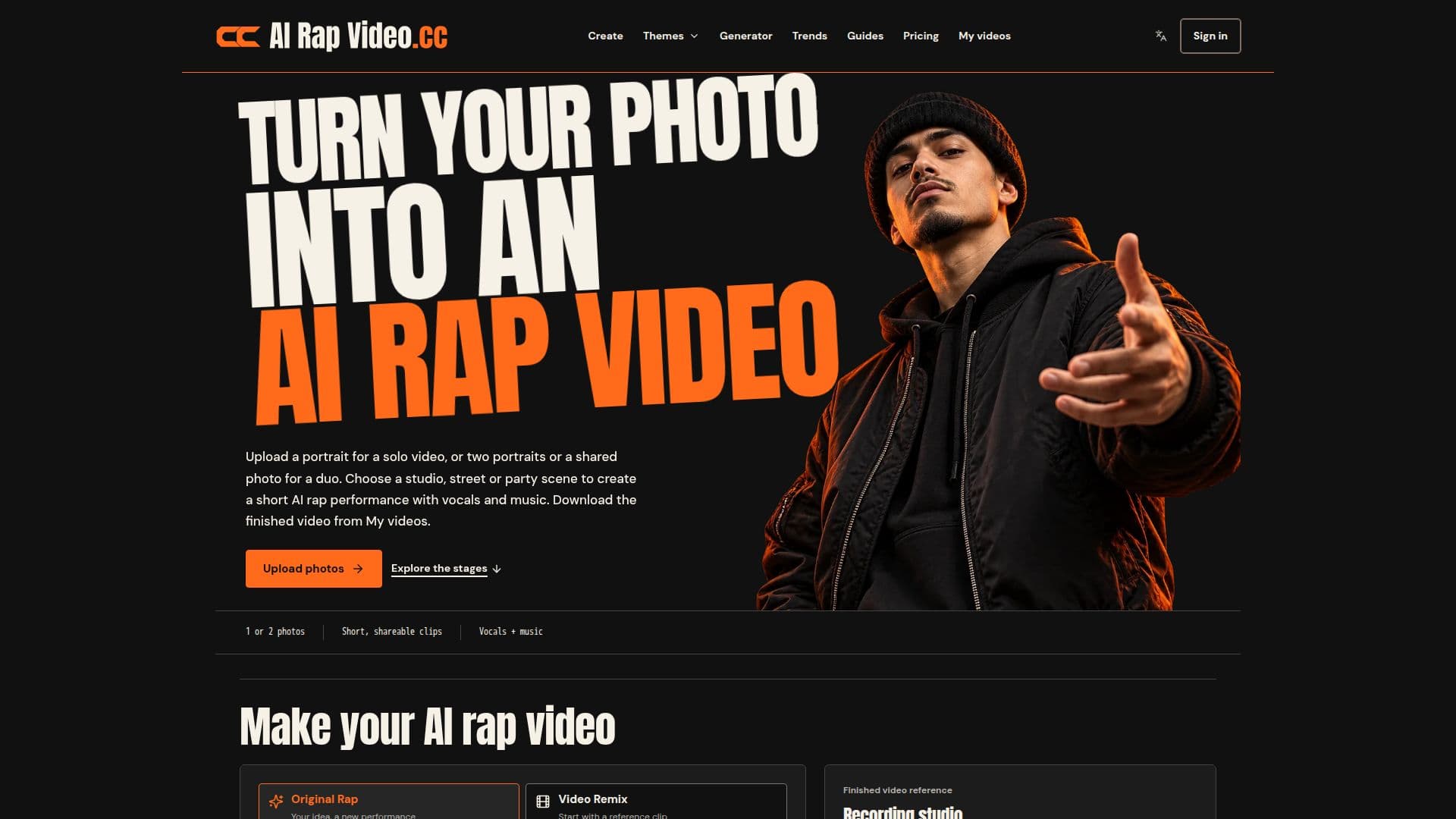
AI Rap Video is an innovative online tool that allows users to create personalized rap videos from their photos. Designed for ease of use, this browser-based platform eliminates the need for complex editing software, making it accessible to content creators, musicians, and social media managers alike. The core functionality revolves around two main modes: Original Rap and Video Remix.
Read More
In Original Rap mode, users upload one or two photos of consenting adults, choose a scene (such as a recording studio, street cypher, or party entrance), and provide a topic for the rap. The AI model then generates a new performance, complete with unique vocals, music, and camera work. This mode is ideal for creating fresh, custom content like birthday shout-outs, best-friend duets, or team hype clips. Users can select video lengths from 5 to 15 seconds and resolutions of 480p or 720p, with options for vertical, square, or landscape formats.
Video Remix mode offers a different approach, allowing users to select or upload a reference video clip and then replace the performers with characters generated from their own photos. This is perfect for adapting popular trends or giving a new cast to an existing performance. The platform ensures that all generated content is clearly labeled as AI-generated entertainment, emphasizing that it is not real footage or the actual voice of the individuals in the photos.
AI Rap Video operates on a credit-based system, with various one-time credit packs and recurring subscription plans available. Credits are used for video generation, and any confirmed failed jobs automatically result in a credit refund. The tool supports JPG, PNG, and WebP photo formats up to 8 MB and allows for optional background images. It also provides guidance on selecting suitable photos, recommending clear, front-facing portraits with good lighting for optimal results. The platform is accessible on mobile devices, enabling users to create and download videos directly from their camera roll without an app install.
- CategoryAI Video Generators
- Pricing ModelCredit-based
- DeploymentCloud
- PlatformsWeb
AI Rap Video's Core Features
Photo-to-rap video generation
Solo and duo performance options
Original Rap creation mode
Video Remix for character replacement
Customizable scenes (studio, street, party)
Generated vocals and music
Topic-guided lyrics and audio reference options
Adjustable video length (5, 8, 10, 12, 15 seconds)
Multiple video formats (vertical, square, landscape)
Resolution options (480p, 720p)
Credit-based pricing with packs and subscriptions
Automatic credit refunds for failed generations
Browser-based access (no app install needed)
Supports JPG, PNG, WebP photo uploads (up to 8 MB)
Optional custom background images
How to use AI Rap Video?
Sign In: Access the platform and sign in to your account.
Choose Mode: Select 'Original Rap' for a new creation or 'Video Remix' to change performers in a reference clip.
Add Photos: Upload one portrait for a solo video, or two portraits/one shared photo for a duo performance.
Set Scene & Idea: Pick a scene (e.g., Hotel Lobby, Street Cypher) and provide a topic or audio reference for the rap.
Review Settings: Adjust video length, format, resolution, and review the credit cost.
Generate Video: Submit your request and track its progress in 'My videos'.
Download & Share: Download the finished video from 'My videos' within 7 days.
AI Rap Video's Use Cases
- Birthday Shout-outs
- Best-Friend Duets
- Couple Verses
- Team Hype Clips
- Social Media Content
- Character Remixes
- Original Music Videos