
Description
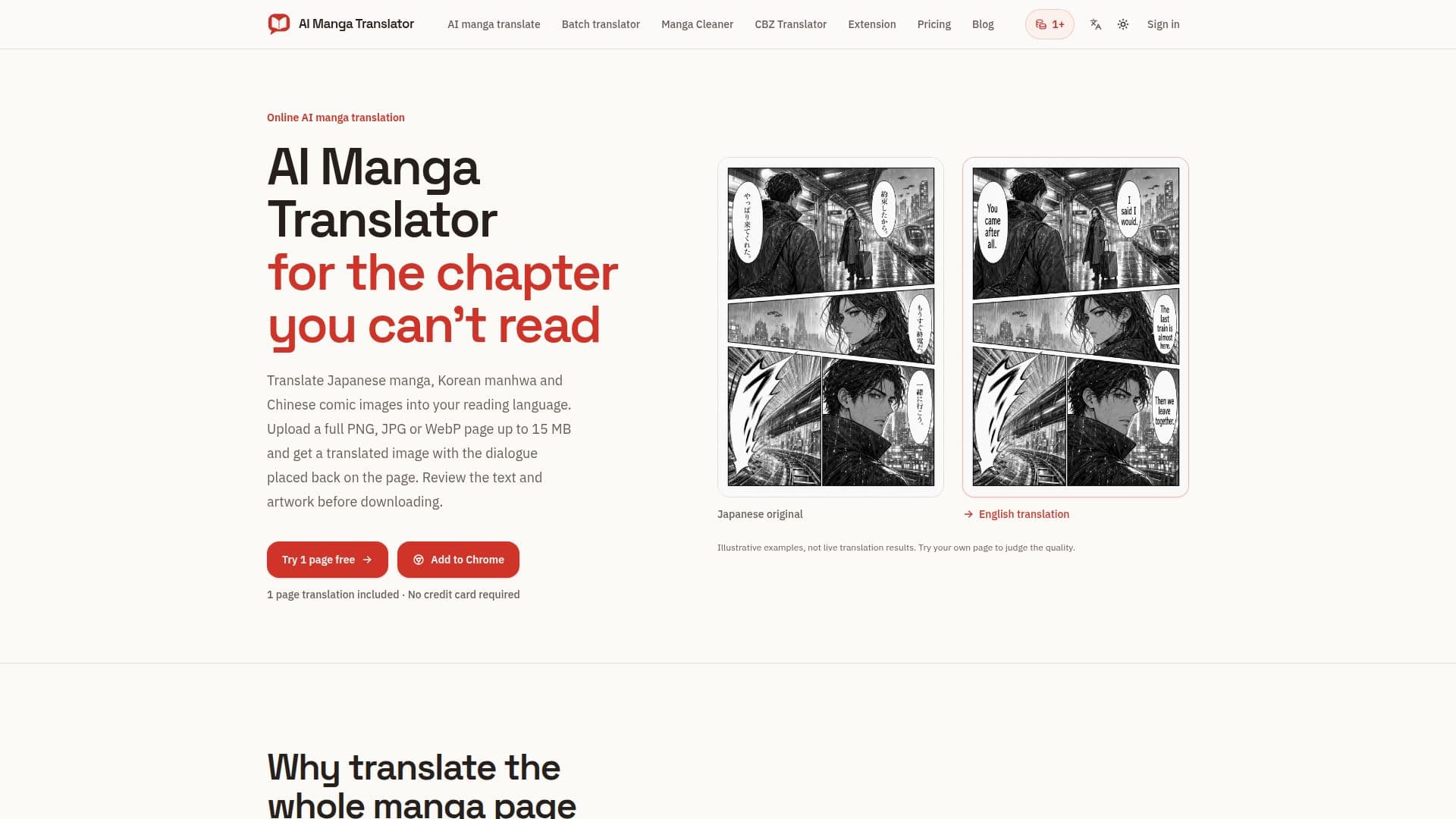
AI Manga Translator (aimangatranslate.org) is a specialized online tool designed to translate text directly within manga, manhwa, and manhua page images. Unlike traditional text translators, this service focuses on preserving the visual integrity of the artwork by detecting speech bubbles and captions, erasing the original lettering, and then re-lettering the translated text back onto the page. This allows users to read translated dialogue directly alongside the panels, enhancing the reading experience.
Read More
The platform supports a variety of input formats, including PNG, JPG, JPEG, and WebP images, with a limit of 15 MB per image. Users can translate single pages, process batches of up to 20 images, or upload entire CBZ or ZIP chapters containing up to 50 pages (with a 100 MB archive limit and 200 MB extracted total). For seamless browsing, a Chrome extension is available, enabling translation of images already loaded on a webpage. The website tools offer an extensive selection of 133 reading languages, while the Chrome extension supports 25.
To use the service, users need to sign in. Translation costs 1 credit per page, with credits for failed tasks automatically refunded. While a trial page translation is included without a credit card, downloading translated or cleaned images requires a purchased one-time credit pack, starting from USD 4.99. These purchased credits do not expire, and there is no subscription model. The tool also includes a "Manga Cleaner" feature that removes detected text from speech bubbles, captions, and SFX, preparing pages for re-lettering without performing any translation.
AI Manga Translator is ideal for readers who want to enjoy foreign comics without the hassle of manual text extraction and translation, as well as for localizers who need to prepare pages for editing or typesetting. It provides a streamlined workflow for handling entire chapters, ensuring that the translated text is integrated visually into the artwork. Users are advised to review translated content for accuracy, especially names and tone, before sharing, and to only upload content they own or have permission to process.
- CategoryAI Translators
- Pricing ModelCredit-based
- DeploymentCloud
- PlatformsWeb, Chrome Extension
AI Manga Translator's Core Features
Translate text within manga, manhwa, and manhua page images
Detects speech bubbles and captions
Erases original lettering and re-letters translations onto artwork
Supports PNG, JPG, JPEG, WebP image formats
Translates single pages or batches of up to 20 images
Processes CBZ/ZIP chapters up to 50 pages
Offers a Chrome extension for in-browser translation
Supports 133 reading languages on the website, 25 via extension
Credit-based pricing (1 credit per page)
Refunds credits for failed translation tasks
One-time credit packs for downloads (no subscription)
Manga Cleaner tool to remove text from pages
Stores original and translated images in account history
Allows local preview of images before translation
How to use AI Manga Translator?
Upload Image: Select a single manga page (PNG, JPG, JPEG, WebP) or multiple images for batch processing.
Choose Language: Select your desired reading language from the available options.
Start Translation: Initiate the translation process after signing in and ensuring you have sufficient credits.
Review Result: Compare the translated image with the original to check for accuracy and visual quality.
Download Translated Page: Save the translated image to your device using a purchased credit pack.
AI Manga Translator's Use Cases
- Reading Foreign Manga
- Manga Localization
- Batch Chapter Translation
- Quick Page Translation
- Text Removal for Artists
- Browser-Based Translation