Description
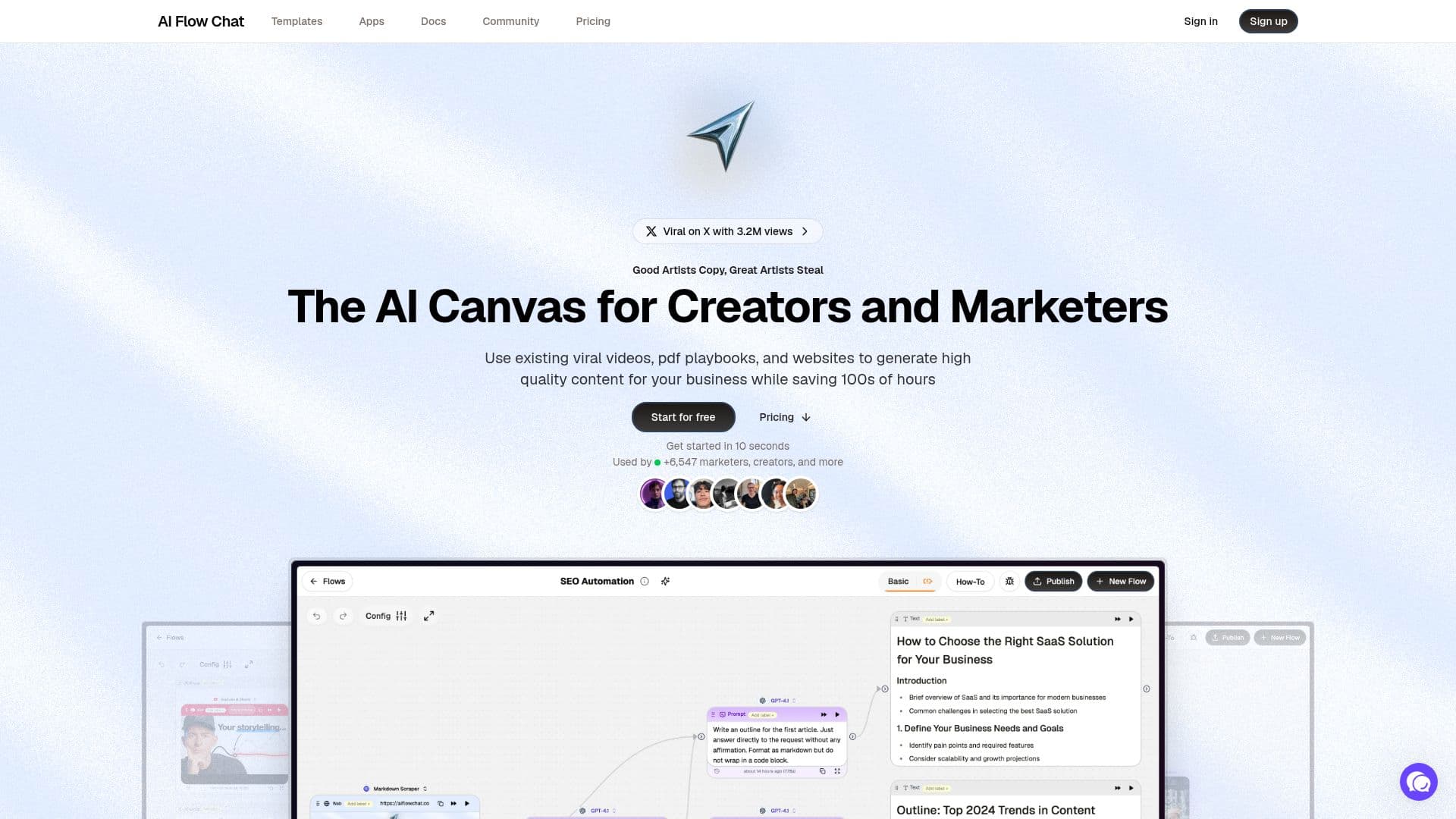
AI Flow Chat is a comprehensive no-code platform that facilitates the creation and automation of AI-generated content. It is designed to streamline the ideation process through a user-friendly drag-and-drop builder, allowing users to create complex workflows without any coding knowledge. The platform supports multiple AI models, providing flexibility and adaptability to various content creation needs.
Read More
One of the standout features of AI Flow Chat is its ability to transform Notion pages into social media posts, scripts, and marketing content in seconds. This integration allows users to leverage their existing knowledge base as context for AI prompts, enhancing the relevance and quality of the generated content. Additionally, AI Flow Chat supports a wide range of input formats, including YouTube videos, PDFs, DOCX files, and more, enabling users to reference diverse materials to generate unique content.
AI Flow Chat offers several pricing plans tailored to different user needs. The Basic plan provides 8,000 credits per month, access to all AI models, and five app schedules for $29 per month. The Scale plan offers 18,000 credits and ten app schedules, while the Pro plan provides 40,000 credits, 15 app schedules, and the option to remove AI Flow Chat branding from embedded apps.
The platform is particularly beneficial for marketers, creators, and analysts who aim to reduce the time spent on AI tasks. It allows users to build interactive lead funnels, automate SEO articles, and create engaging video scripts with ease. AI Flow Chat's community templates and prompt library further enhance its utility, enabling users to discover and share high-quality prompts.
Overall, AI Flow Chat empowers users to efficiently manage their AI content creation processes, making it an invaluable tool for those looking to scale their content strategies.
- CategoryWorkflow Automation
- Pricing ModelFreemium
- DeploymentCloud
- PlatformsWeb
AI Flow Chat's Core Features
No-code workflow builder
Drag-and-drop interface
Multiple AI model support
Integration with Notion
Reusable automation templates
Community prompt library
Interactive lead funnel creation
SEO article automation
Video script generation
AI whiteboarding
How to use AI Flow Chat?
Configure: Set up your AI workflows using the drag-and-drop builder
Use: Create content by referencing various input formats
Optimize: Utilize community templates and prompt libraries
Deploy: Share workflows as public or private AI apps
AI Flow Chat's Use Cases
- SEO Article Automation
- Lead Funnel Creation
- Video Script Generation
- Content Ideation
- Social Media Content