
Description
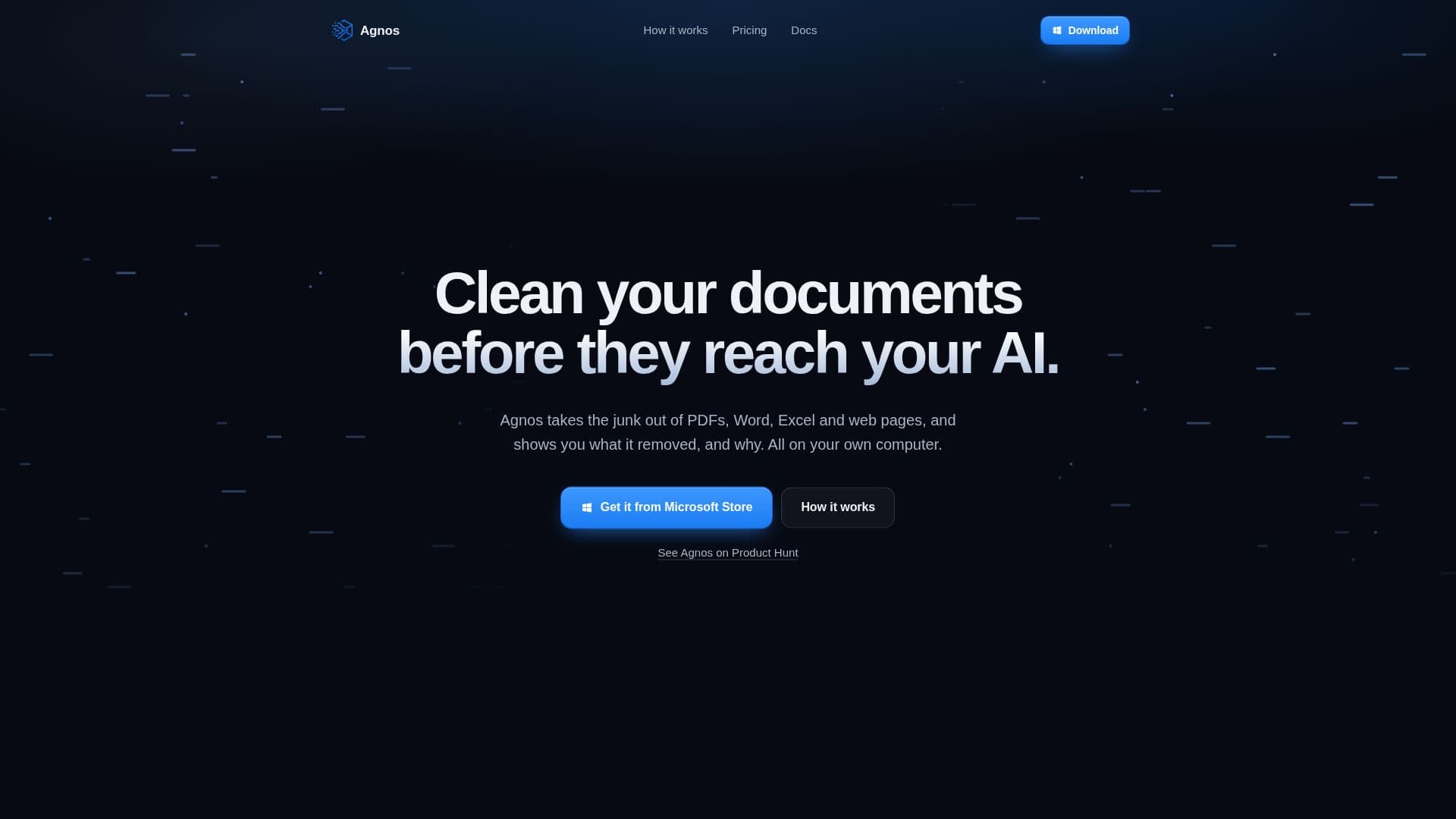
Agnos is a dedicated document cleaning tool engineered to prepare various file types for AI and RAG (Retrieval Augmented Generation) systems. It operates entirely on your local computer, ensuring that sensitive documents are never uploaded to external servers, thus maintaining privacy and security. The software supports a wide array of formats, including PDFs, Word documents, Excel spreadsheets, PowerPoint presentations, web pages, CSV, JSON, and plain text files.
Read More
The primary function of Agnos is to identify and eliminate "junk" content that can degrade the performance of AI models. This includes common elements like navigation menus, cookie banners, page numbers, repeated text, and placeholder content. By removing these extraneous details, Agnos helps ensure that your AI models are trained and operate on clean, relevant data, leading to more accurate and reliable outputs.
A key feature of Agnos is its transparency. It not only removes unwanted content but also provides a clear explanation of what was removed and the specific rule that triggered its removal. Users can review these changes, choose to keep certain pieces of content, or even disable specific cleaning rules to customize the output according to their needs. This level of control allows for fine-tuning the cleaning process for diverse AI applications.
Once documents are cleaned, Agnos offers multiple export options. Users can export a RAG corpus, cleaned versions of their original documents, or structured training data suitable for various AI models. The tool is available for Windows 10 and 11 (64-bit) and offers a 14-day free trial with full access to its features, requiring no credit card or account creation. After the trial, it operates on a one-time payment model, with options for individual users or company packs for teams, avoiding recurring subscriptions.
- CategoryAI Document & PDF Tools
- Pricing ModelOne-time purchase
- DeploymentOn-Premise
- PlatformsWindows 10, Windows 11
Agnos's Core Features
Cleans PDF, Word, Excel, PowerPoint, web pages, CSV, JSON, and text files
Removes menus, cookie banners, page numbers, and repeated text
Shows removed content and the rule that removed it
Exports RAG corpus, cleaned documents, or training data
Runs on your own computer; documents are never uploaded
Works offline; no internet connection required for cleaning
Provides a 14-day free trial with no credit card required
Offers one-time payment licenses; no subscription model
Includes commercial use for client documents in paid versions
Supports Windows 10 and 11 (64-bit)
Allows deactivating licenses to move to a new computer
Provides saved recipes and one-step tuning for cleaning rules
Includes all version 2.x updates with purchase
Offers a 14-day money-back guarantee
How to use Agnos?
Add Files: Drag documents into Agnos or select a folder. It reads various formats including PDFs, Word, Excel, and web pages.
Clean Documents: Agnos automatically removes non-content elements like menus, cookie banners, page numbers, and repeated text.
Review Removals: Check the list of removed items and the rules applied. You can keep specific content or adjust rules as needed.
Export Clean Files: Download the processed output as a RAG corpus, clean document copies, or training data for AI models.
Agnos's Use Cases
- Preparing Documents for RAG
- Training AI Models
- Chatbot Data Preparation
- Custom GPTs Data Input
- Commercial Document Cleaning
- Data Privacy Compliance