
Description
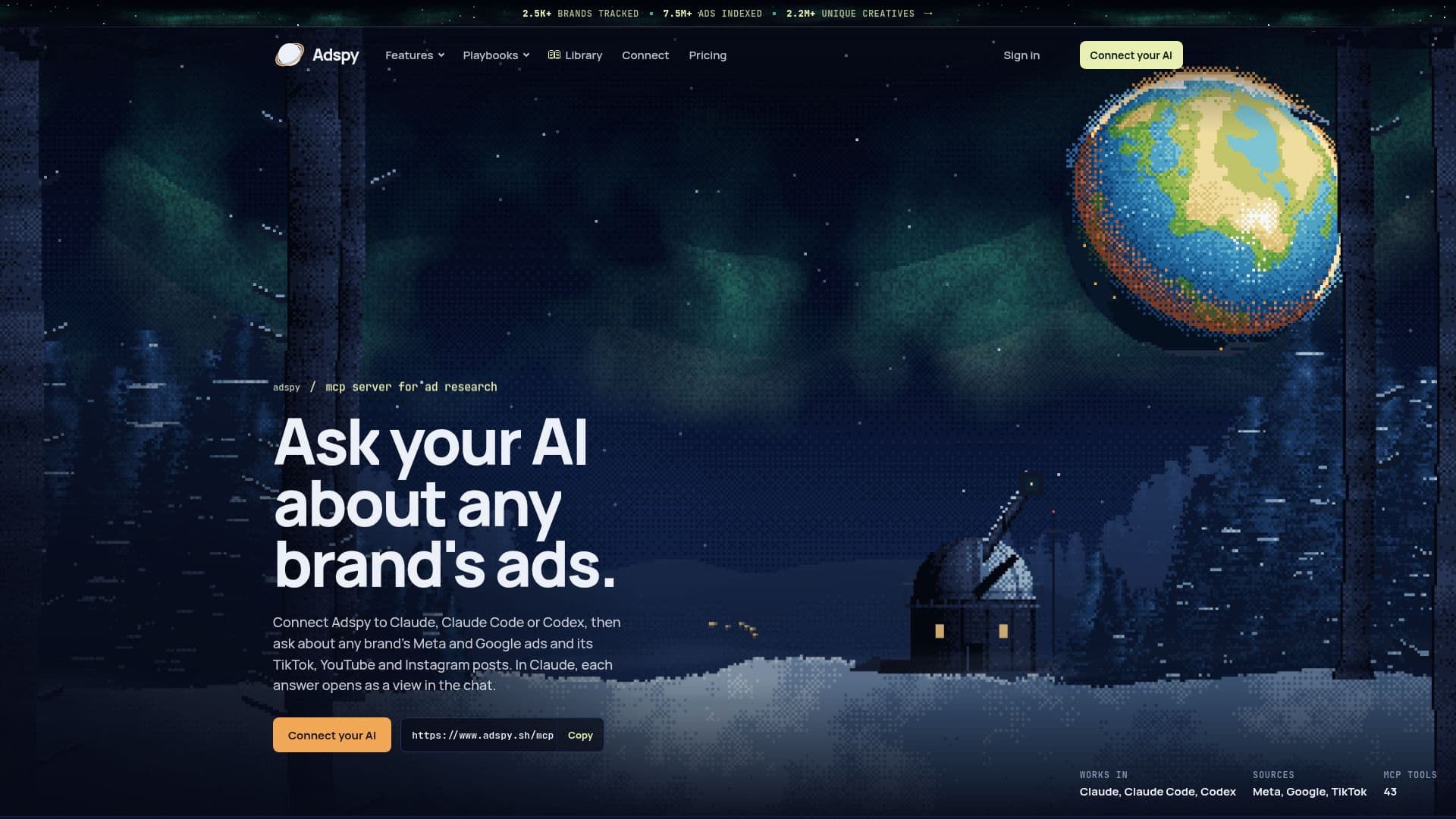
Adspy integrates directly with AI assistants such as Claude, Claude Code, and Codex, transforming them into powerful ad research tools. It allows users to query and analyze advertising campaigns and organic social media posts from major platforms including Meta (Facebook and Instagram), Google (Google Ads and YouTube), and TikTok. The platform provides 43 distinct research tools, with 34 being free or included in all plans, enabling users to browse ads, analyze creative performance, and track brand activity without incurring credit costs for basic browsing.
Read More
Users can perform a variety of tasks, from reading detailed AI analyses of individual ads to running full brand analyses that reveal patterns across a brand's advertising efforts over specific periods. Adspy facilitates competitor comparisons, allowing users to benchmark their strategies against others by analyzing ad formats, hooks, offers, and ad longevity. It also tracks organic social posts and identifies which ones were later repurposed as ads, offering insights into content strategy.
The service supports saving ads to custom collections, adding notes, following brands for continuous monitoring, and exporting research data in multiple formats like CSV, Excel, JSON, ZIP with media, Markdown, HTML, and PDF for reports. Adspy operates on a credit-based system for paid results, with different plans offering varying monthly credit allowances and access to data sources. While browsing and basic analysis are free, in-depth reports, brand fetches, and social account collections consume credits.
Adspy is designed for teams, with credits shared across an organization's users. It offers four plans: Starter, Pro, Unlimited, and Enterprise, each tailored to different research needs and team sizes. Starter provides access to one chosen source (Meta, Google, or TikTok) and 2,000 monthly credits, while Pro, Unlimited, and Enterprise cover all three sources. Unlimited offers no credit count under fair use, and Enterprise includes a REST API for custom integrations. The platform emphasizes transparency, showing credit costs before any paid operation is executed, ensuring no surprise charges.
- CategoryMarket Research Tools
- Pricing ModelSubscription
- DeploymentCloud
- PlatformsAI Assistants (Claude, Codex)
Adspy's Core Features
AI Assistant Integration (MCP)
Meta Ad Library Research
Google Ads Transparency Center Research
TikTok, YouTube, and Instagram Post Collection
Individual Ad AI Analysis
Brand Full Analysis
Competitor Comparison
Organic Post to Ad Conversion Tracking
Creative Search and Filtering
AI Tag Vocabulary for Filtering
Brand Fetch for Missing Advertisers
Social Account Fetch for Organic Posts
Research Export (CSV, Excel, JSON, ZIP, PDF, Markdown, HTML)
Ad and Post Collections with Notes
Brand Following and Reporting
How to use Adspy?
Connect Adspy: Add Adspy's MCP server URL to your AI assistant (Claude, Claude Code, Codex) as a custom connector.
Check Connection: Ask your assistant to run `get_context` to confirm workspace, permissions, and credit balance.
Ask Questions: Query your AI assistant about specific brands, ad campaigns, or social media strategies.
Analyze Ads: Request detailed AI analysis for individual ads or run a Brand Full Analysis for comprehensive insights.
Compare Competitors: Use the `compare_brands` tool to analyze and contrast ad strategies between multiple brands.
Manage Research: Save ads to collections, add notes, follow brands, and export your findings in various formats.
Adspy's Use Cases
- Competitor Ad Strategy Analysis
- Brand Advertising Insights
- Social Media Content Research
- Ad Creative Inspiration
- Post-to-Ad Conversion Tracking
- Market Trend Identification
- Ad Performance Benchmarking
- Research Data Export