Description
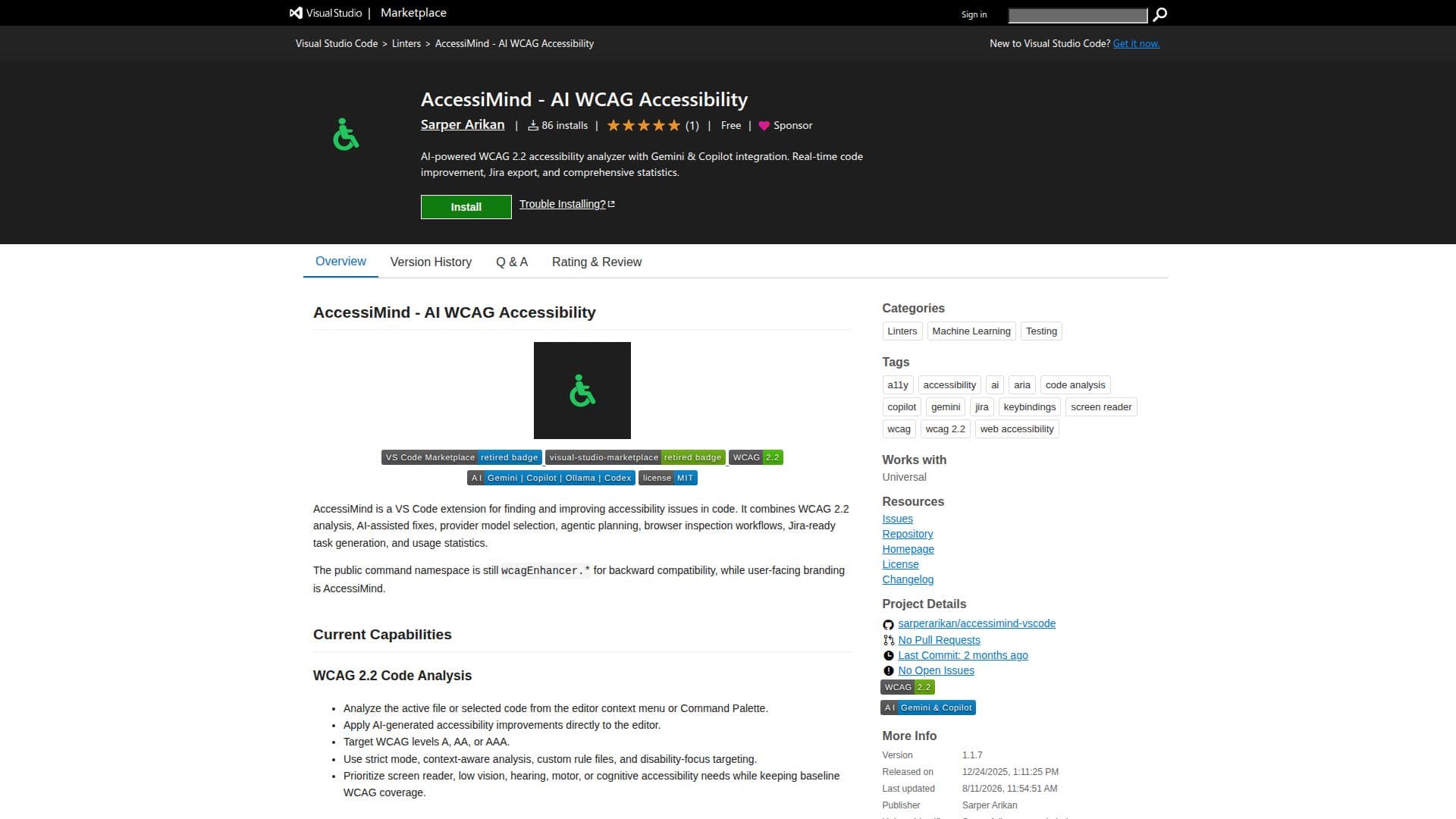
AccessiMind is a powerful extension for Visual Studio Code designed to enhance code accessibility. It utilizes AI to analyze and improve code according to WCAG 2.2 standards. Users can target specific WCAG levels such as A, AA, or AAA, and apply AI-generated improvements directly within the editor. The tool supports strict mode, context-aware analysis, and custom rule files, allowing developers to focus on various accessibility needs including screen reader, low vision, hearing, motor, or cognitive requirements.
Read More
AccessiMind integrates with multiple AI providers, including Google Gemini, VS Code Copilot, Ollama, and Codex Subscription, offering dynamic model selection. The extension features an agent session workflow that guides users through planning, generating, and applying code changes with explicit approval. Additionally, AccessiMind includes browser-oriented workflows, enabling live inspection and HTML previews.
The extension facilitates Jira-ready task generation from accessibility findings and provides detailed usage statistics. Users can export, import, and manage persistent settings, ensuring seamless integration with their development environment. AccessiMind requires VS Code 1.93.0 or newer and supports various AI providers with specific requirements such as API keys or local servers.
Overall, AccessiMind is an invaluable tool for developers seeking to enhance code accessibility, streamline workflows, and ensure compliance with WCAG standards. Its comprehensive features and integrations make it suitable for a wide range of accessibility-focused projects.
- CategoryAI Accessibility Tools
- Pricing ModelFreemium
- DeploymentCloud
- PlatformsVisual Studio Code
AccessiMind's Core Features
WCAG 2.2 code analysis
AI-generated accessibility improvements
Dynamic model selection
Agent session workflow
Browser inspection workflows
Jira task generation
Usage statistics tracking
Persistent settings management
Integration with Gemini, Copilot, Ollama, Codex
Strict mode and context-aware analysis
Custom rule file support
Disability-focus targeting
HTML preview generation
Live browser inspection
ChatGPT integration
How to use AccessiMind?
Configure: Set up AI provider and model
Analyze: Use context menu or Command Palette
Improve: Apply AI-generated fixes
Inspect: Use browser workflows for live preview
Generate: Create Jira tasks from findings
Track: Monitor usage statistics
Manage: Export and import settings
AccessiMind's Use Cases
- Code Accessibility Improvement
- Jira Task Generation
- Browser Inspection
- AI Model Selection
- Statistics Tracking