
Description
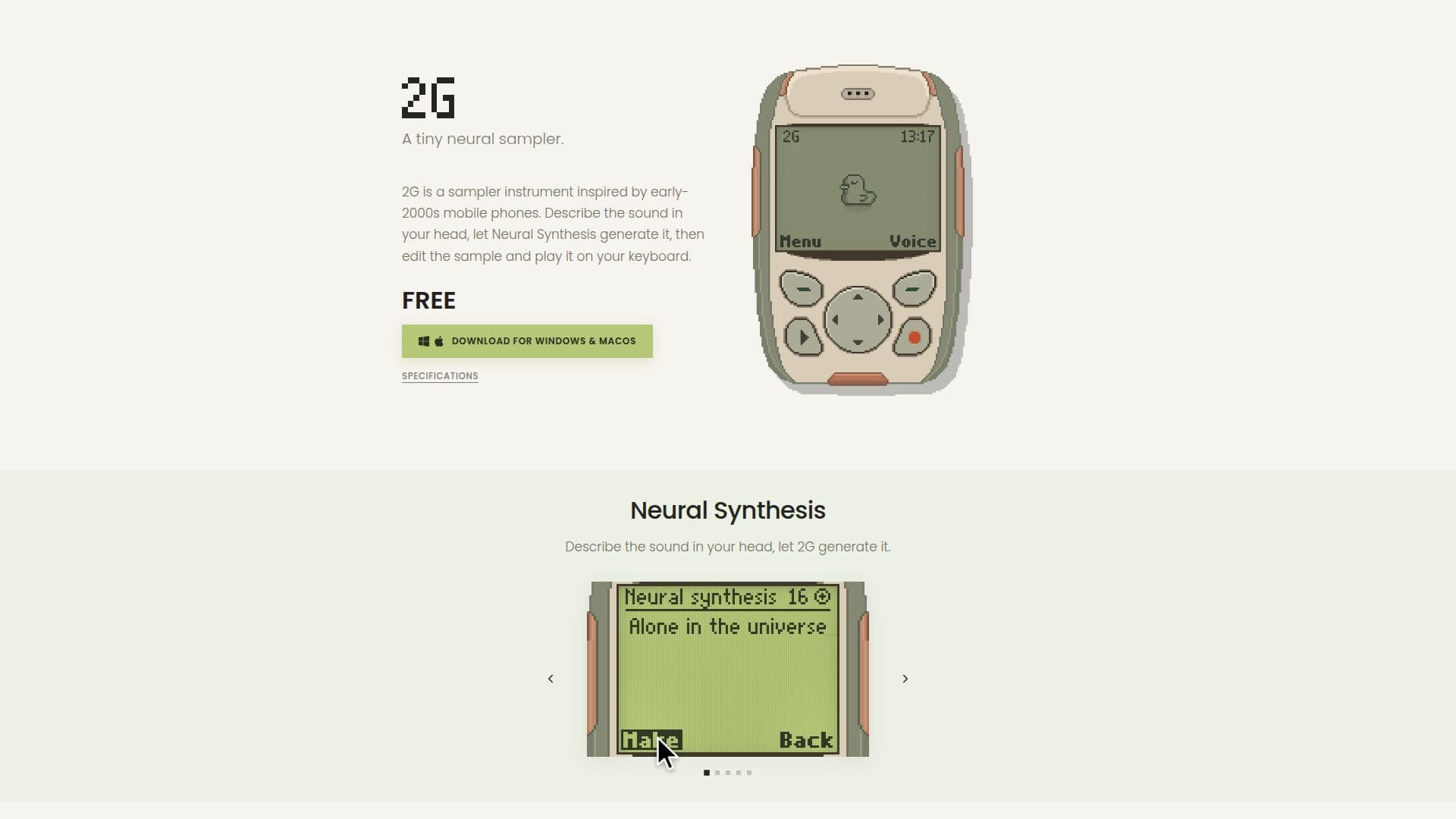
2G by Scrap Brain Audio is a unique sampler instrument that draws inspiration from the sounds of early-2000s mobile phones. It leverages Neural Synthesis technology to generate audio based on user-provided descriptions. This allows musicians and sound designers to create and manipulate sounds that match their creative visions.
Read More
The tool offers advanced features such as loop analysis, which compares timbre, volume, and vibrato to determine optimal loop points, ensuring smooth transitions with crossfade. Root note analysis is also available, which corrects pitch discrepancies for consistent playback. Users can shape their sound by trimming samples and adjusting dynamics with controls for attack, release, brightness, detune, noise, quality, and formant.
2G includes a small speaker simulation that models the frequency range and resonances of mobile device speakers, adding a distinct character to the sound. It supports up to four voices, allowing for chord play, and operates at a 16 kHz mono rate.
The pricing model includes a free tier with limited generation credits and a paid Studio plan offering more credits for sound generation. Users can import their own audio files in formats like WAV, AIFF, FLAC, and MP3, up to 20 MB and 10 seconds in duration. An internet connection is required for Neural Synthesis and credit verification, but local samples can be edited offline.
2G is compatible with Windows 10 or later and macOS 11 Big Sur or later, supporting both Apple Silicon and Intel processors. It installs as a VST3 plug-in, making it versatile for various digital audio workstations.
- CategoryAI Music Generators
- Pricing ModelFreemium
- DeploymentCloud
- PlatformsWindows, macOS
2G's Core Features
Neural Synthesis for sound generation
Loop analysis for smooth transitions
Root note analysis for pitch correction
Sound shaping with attack, release, and tone controls
Small speaker simulation for unique sound character
Free and paid pricing tiers
Supports WAV, AIFF, FLAC, and MP3 formats
Compatible with Windows and macOS
How to use 2G?
Install: Download and run the installer for your system
Configure: Set up your free sounds automatically
Use: Generate or import sounds and edit them
Optimize: Adjust sound dynamics and tone controls
2G's Use Cases
- Music Production
- Sound Design
- Game Audio
- Film Scoring
- Audio Experimentation