Description
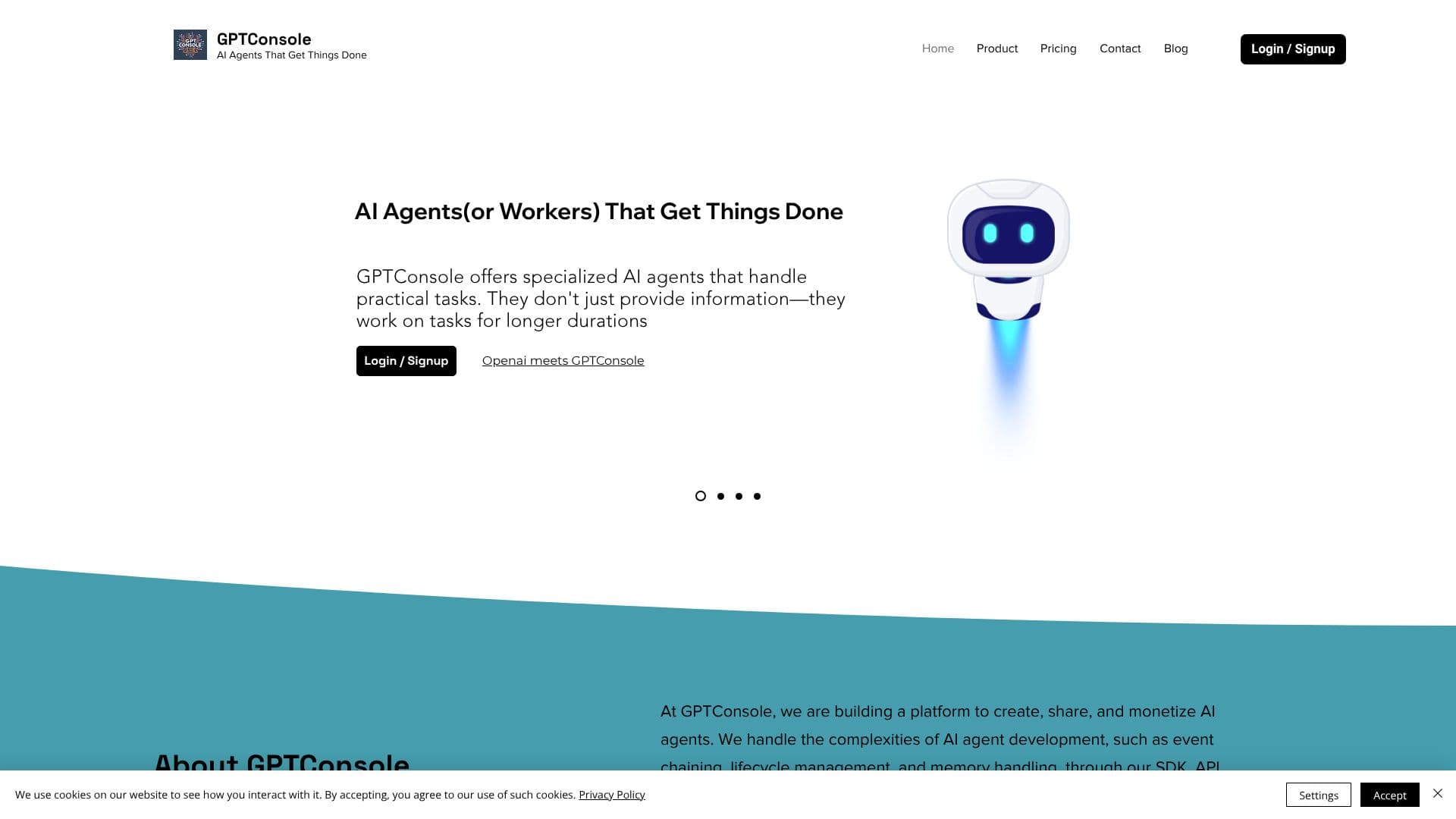
GPTConsole is a platform built for developers, by developers, focused on creating, sharing, and monetizing specialized AI agents. Unlike traditional AI tools that primarily offer information, GPTConsole's agents are designed to actively work on practical tasks for longer periods, handling complexities such as event chaining, lifecycle management, and memory handling.
Read More
Through its Software Development Kit (SDK), Application Programming Interface (API), and robust data infrastructure, GPTConsole empowers developers to concentrate on defining agent objectives. The platform abstracts away the intricate development processes, allowing for the creation of sophisticated AI workers. This approach ensures that developers can efficiently build and deploy AI solutions.
GPTConsole offers several in-house agents. Pixie is an autonomous agent capable of building full-scale web applications, including dashboards, AI applications, and landing pages for various business needs. Chip is an agent that analyzes entire GitHub repositories, answers questions about the codebase, and reviews pull requests. Doodle generates animated doodles, moving beyond static image creation.
For developers, GPTConsole provides a Command Line Interface (CLI) tool, accessible via npm or yarn, allowing direct interaction with agents from the terminal. This integration streamlines the development workflow. The platform is trusted by over 5,000 developers globally for its ability to accelerate the generation of production-ready applications.
GPTConsole offers flexible pricing options, including a free tier with 100 credits upon sign-up and a Flexi-Plan at $1 for 10 credits, with no lock-in. This makes the platform accessible to a wide range of users, from individual developers to businesses seeking efficient AI solutions for app development and feature integration.
- CategoryAI Agent Builders
- Pricing ModelFreemium
- DeploymentCloud
- PlatformsWeb
GPTConsole's Core Features
Autonomous AI agents for task completion
SDK, API, and data infrastructure for agent development
Event chaining and lifecycle management for agents
Memory handling capabilities for AI agents
In-house agents: Pixie (web app builder), Chip (codebase analyzer), Doodle (animation generator)
CLI tool for direct agent access
Web application generation (dashboards, AI apps, landing pages)
Codebase analysis and pull request review
Animated doodle generation
Platform for creating, sharing, and monetizing AI agents
Web access for agent interaction
Production-ready app generation
How to use GPTConsole?
Install CLI: Use `yarn global add gpt-console` or `npm i gpt-console`.
Access Agents: Run `gpt-console` in your terminal.
Configure Agent: Define agent objectives and parameters.
Deploy Agent: Utilize the SDK or API for integration.
Monitor Performance: Track agent tasks and outputs.
Share Agents: Monetize your creations on the platform.
GPTConsole's Use Cases
- Web App Development
- Codebase Analysis
- Feature Integration
- Creative Content Generation
- Developer Workflow Automation
- AI Application Building