


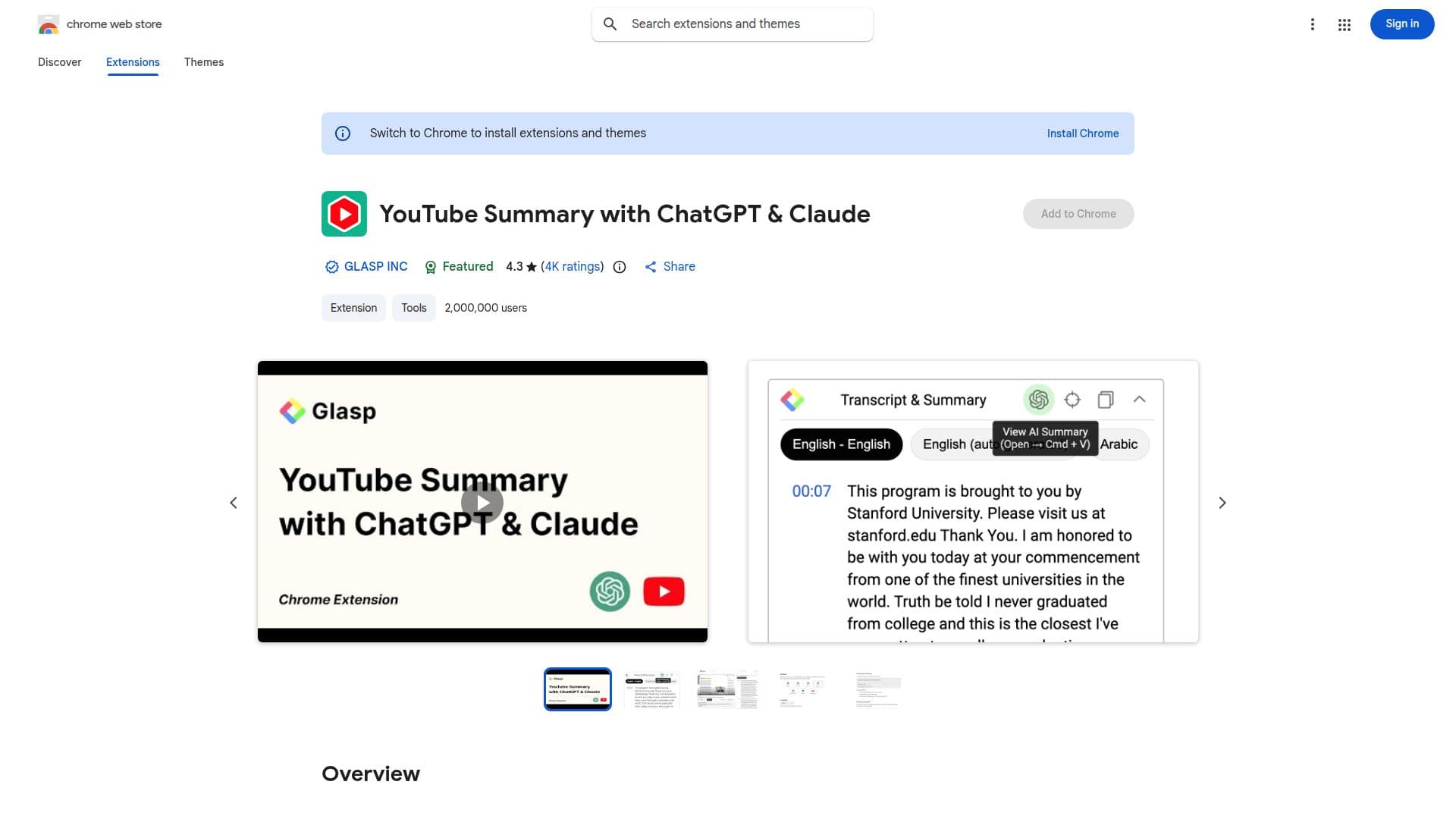
Description
YouTube Summary with ChatGPT & Claude is a Chrome extension designed to streamline the process of consuming content from YouTube videos, web articles, and PDFs. By leveraging advanced AI technologies such as ChatGPT from OpenAI, Claude from Anthropic, Mistral AI, and Google Gemini, this tool provides users with quick and efficient summaries, allowing them to grasp essential information without the need to engage with lengthy content.
The extension is particularly beneficial for those who wish to save time and increase productivity. It reduces the necessity of watching long videos by extracting the main points, enabling users to focus on other tasks. The tool is also valuable for educational purposes, offering concise summaries and transcripts that aid in research, studying, and learning.
Using the extension is straightforward. After installation, users can open a YouTube video they wish to summarize and click the YouTube Summary icon in their browser toolbar. The extension generates a summary and provides an option to access the video transcript if available. Users can view summaries with or without timestamps and click on timestamps to jump to specific parts of the video. Additionally, there is a 'Copy Transcript' feature that allows users to copy the video transcript to their clipboard.
Customization options are available, allowing users to adjust the length of video summaries and tailor the summarization prompts to their preferences. The tool also supports multiple languages, making it accessible to international users. Users can choose the language for the transcript, enhancing its utility across different linguistic contexts.
Overall, YouTube Summary with ChatGPT & Claude is a versatile tool that enhances the way users interact with digital content, making it an essential extension for those looking to optimize their learning and productivity.
YouTube Summary with ChatGPT & Claude's Core Features
Summarizes YouTube videos, web articles, and PDFs
Powered by ChatGPT, Claude, Mistral AI, and Gemini
Customizable summary length
Supports multiple languages
Provides video transcripts
Includes timestamps for video navigation
Copy Transcript feature
Free Chrome extension
How to use YouTube Summary with ChatGPT & Claude?
Install: Add the extension to Chrome
Open: Navigate to a YouTube video
Summarize: Click the YouTube Summary icon
Customize: Adjust summary settings
YouTube Summary with ChatGPT & Claude's Use Cases
- Time-saving summaries
- Educational aid
- Multilingual support
- Video navigation
- Transcript access