
Description
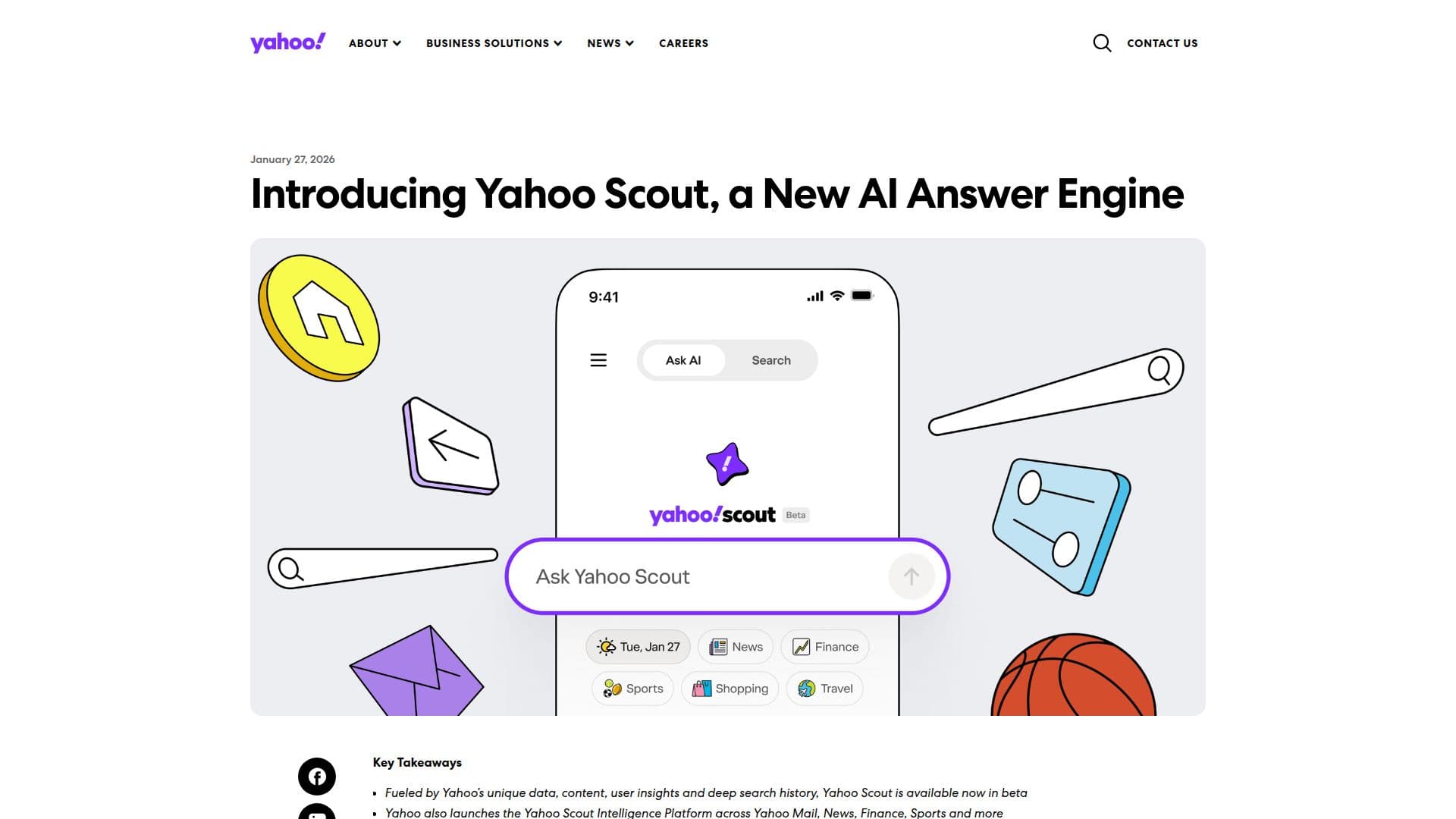
Yahoo Scout is Yahoo's AI-generated answer feature. It launched at its own address, scout.yahoo.com, in January 2026 as a beta product with a chat-style interface. That address now redirects into Yahoo's main search engine at search.yahoo.com, and Scout's AI summaries appear inline within regular search results rather than on a separate page.
Read More
When Yahoo Search shows a Scout summary, the results page labels it clearly, with text reading 'Summary generated by Yahoo Scout. AI can make mistakes.' Instead of only returning a list of links, a search can return a written answer synthesized from multiple sources, shown alongside the standard organic results and other search modules like trending topics.
Scout sits inside the broader Yahoo Search experience, which also surfaces Yahoo's own content from properties like Mail, News, Finance, Sports and Weather next to open-web results. In its original standalone beta, Yahoo organized Scout's answers around categories such as Top Questions, News, Finance, Sports, Shopping and Travel, and let signed-in users save conversation threads; folding Scout into search keeps its AI-summary capability while dropping the separate destination.
Because Scout is a feature of Yahoo Search rather than an independent app, using it doesn't require a separate download, account or sign-up: it can appear automatically for eligible queries typed into search.yahoo.com. Signing in to a Yahoo account is optional and mainly useful for things like saved search history, a feature of Yahoo Search generally rather than of Scout specifically.
Yahoo Scout is aimed at anyone already using Yahoo Search to look things up who wants a quick, synthesized answer instead of scanning multiple links, rather than at people seeking out a standalone AI chat product. Yahoo does not publish separate pricing for Scout: Yahoo Search itself is free to use, and Yahoo's own disclaimer makes clear that the AI-generated summaries can be wrong.
- CategoryAI Search Engines
- Pricing ModelFree
- DeploymentCloud
- PlatformsWeb, iOS, Android
Yahoo Scout's Core Features
AI-generated summary answers shown inline within Yahoo Search results
Synthesizes information from multiple sources rather than returning only a list of links
Draws on Yahoo's own content from properties like News, Finance and Sports alongside the open web
Clear on-page labeling that a summary was AI-generated and may contain mistakes
No separate app, account or sign-up needed; it works within regular Yahoo Search
Covers everyday question categories such as news, finance, sports, shopping and travel
How to use Yahoo Scout?
Go to Yahoo Search: Open search.yahoo.com in your browser.
Type a question: Enter a search query as you normally would.
Read the AI summary: If Scout generates one, it appears inline with the regular results, labeled as AI-generated.
Check the sources: Review the underlying links and results alongside the summary before relying on it.
Sign in if you want extras: Log into a Yahoo account for features like saved search history.
Yahoo Scout's Use Cases
- Quick research answers
- News and finance lookups
- General web search