
Description
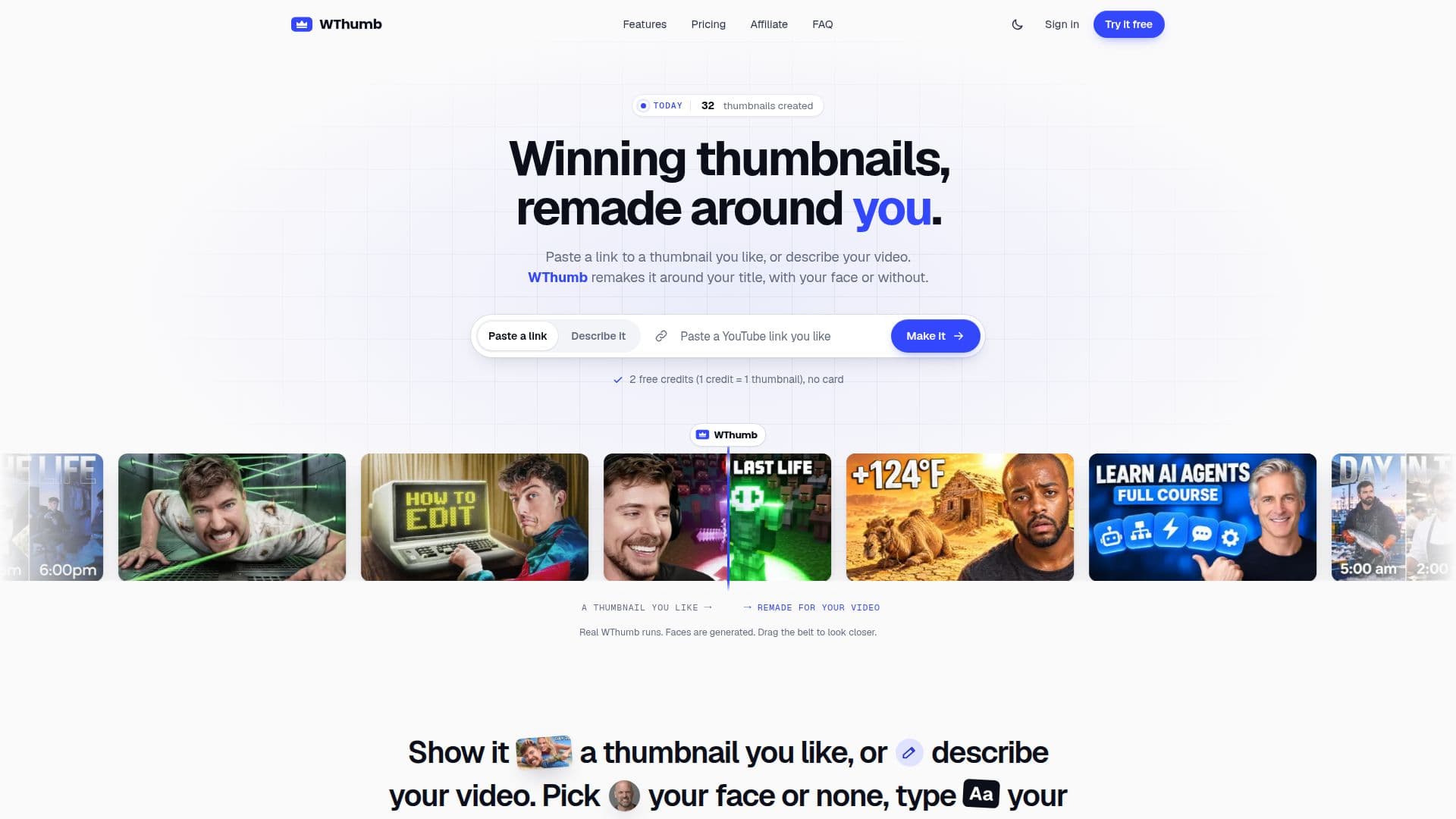
WThumb is an AI-powered tool designed to help YouTube creators generate compelling thumbnails that attract viewers. The platform allows users to recreate thumbnails from YouTube links or uploaded images, or to start from scratch by describing their video content. This flexibility ensures that creators can produce thumbnails that align with their video's theme and style.
Read More
The tool supports both 16:9 and 9:16 formats, catering to standard YouTube videos and Shorts. Users can choose to include their photo or opt for a faceless design, providing versatility in presentation. WThumb outputs thumbnails in Full HD+ resolution (2048 x 1152 for 16:9 and 1152 x 2048 for 9:16), ensuring high-quality visuals without watermarks.
WThumb operates on a credit-based system, where one credit equals one thumbnail generation. New users receive two free credits upon signing up, with no credit card required. Paid plans start at $12 per month for 40 credits, with options for 160 and 400 credits at higher tiers. All plans offer the same quality and generator capabilities.
The platform is designed to be user-friendly, with a single-page studio interface where users can input their references or descriptions, select their persona, and generate thumbnails with ease. Revisions can be made in plain words, allowing for iterative improvements without needing advanced design skills.
WThumb is ideal for solo YouTubers, faceless channels, podcasters, and marketing teams looking to create consistent, on-brand thumbnails without the need for a dedicated designer. The tool ensures privacy, with all thumbnails and photos kept secure within the user's account.
- CategoryAI Graphic Design Tools
- Pricing ModelFreemium
- DeploymentCloud
- PlatformsWeb
WThumb's Core Features
AI-driven thumbnail generation
Supports 16:9 and 9:16 formats
Full HD+ output without watermark
Credit-based system with free trial
Faceless and persona-based designs
Revisions in plain words
Private and secure thumbnail storage
User-friendly single-page interface
How to use WThumb?
Open the Studio: everything is on one page
Recreate a thumbnail from a YouTube link or image
Switch to Prompt and describe your video
Pick a persona or Faceless, type the words for the thumbnail
Choose 16:9, 9:16 or both formats
Press Make to generate the thumbnail
Sign in with Google or email
Revise the thumbnail in plain words if needed
WThumb's Use Cases
- YouTube Creators
- Faceless Channels
- Marketing Teams
- Podcasters
- Educational Content